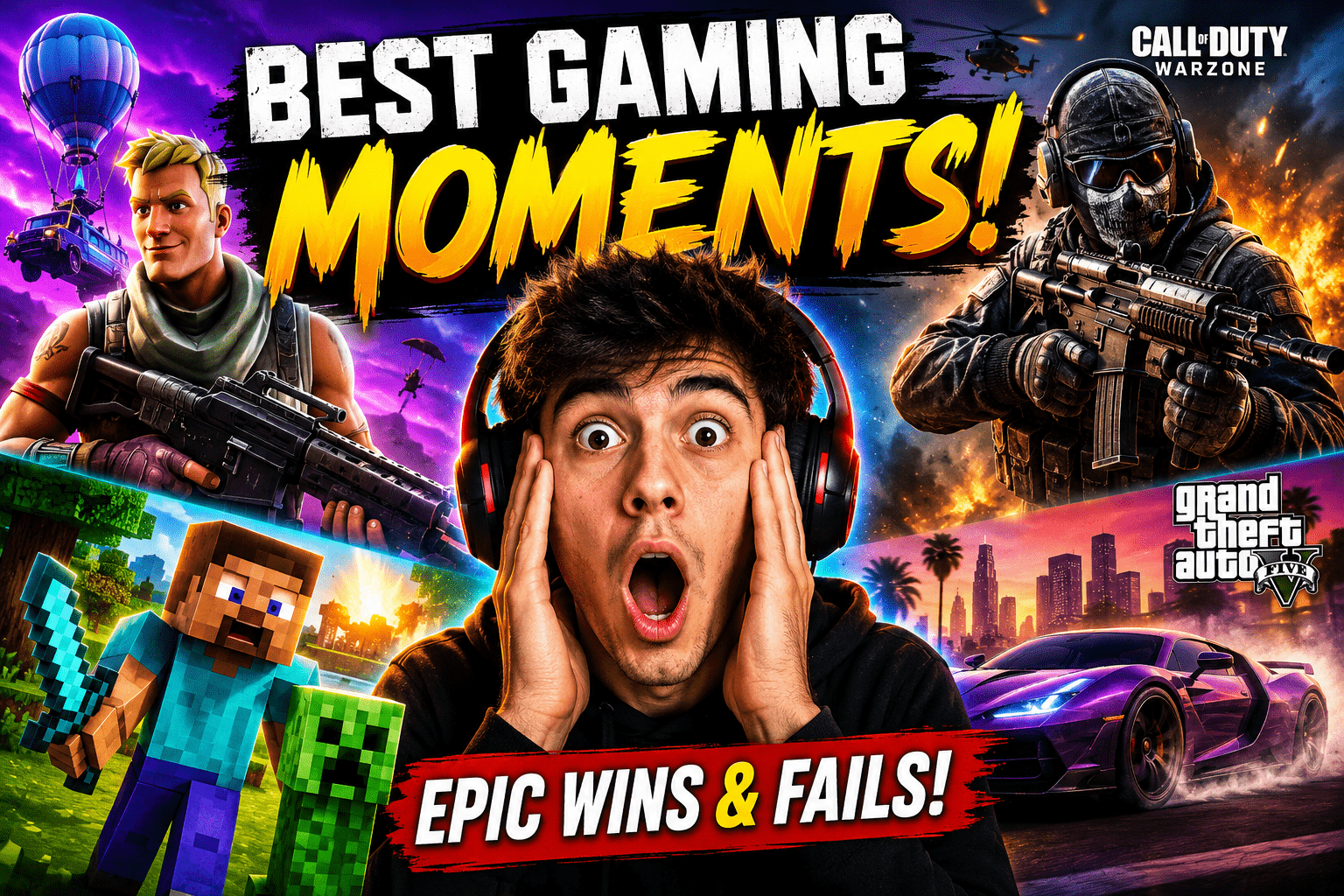
YouTube Thumbnail Prompts for Gaming
YouTube Thumbnail Prompts for Gaming: Create Eye-Catching Thumbnails That Drive More Clicks
If you’ve ever uploaded a gaming video that deserved more views than it received, you’re not alone. Many creators spend hours recording gameplay, editing footage, and optimizing titles, yet their videos struggle to attract clicks. In many cases, the problem isn’t the content—it’s the thumbnail.
Before viewers watch a single second of your video, they see your thumbnail. That small image acts as your first impression, and on a platform crowded with gaming content, it can make the difference between getting ignored and getting thousands of clicks.
This is where YouTube Thumbnail Prompts for Gaming become valuable. With the rise of AI image generators, you can now create professional, high-converting gaming thumbnails simply by using detailed prompts. Whether you create content around Fortnite, Minecraft, GTA V, Valorant, Roblox, or Call of Duty, the right prompt can help you design thumbnails that grab attention instantly.
What Are YouTube Thumbnail Prompts for Gaming?
YouTube Thumbnail Prompts for Gaming are text-based instructions used with AI image generation tools to create gaming-focused thumbnail artwork.
Instead of designing everything manually, you describe exactly what you want the AI to generate. The more specific your prompt is, the better your thumbnail will look.
A typical gaming thumbnail prompt includes:
- The game title
- Character or player focus
- Emotional expressions
- Lighting effects
- Action scenes
- Color style
- Visual quality
- Thumbnail composition
For example:
Create a cinematic Fortnite thumbnail featuring a shocked gamer opening a legendary chest, vibrant colors, dramatic lighting, glowing effects, ultra-detailed environment, professional YouTube gaming thumbnail style.
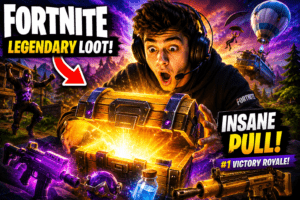
This prompt tells the AI exactly what kind of image to create, resulting in a thumbnail that feels exciting and clickable.
Why Gaming Thumbnails Matter So Much
YouTube’s algorithm pays close attention to how viewers interact with your content. One of the most important metrics is the click-through rate (CTR).
If people see your video but don’t click it, YouTube assumes the content is less appealing. On the other hand, if viewers consistently click your videos, the platform becomes more likely to recommend them.
Benefits of Strong Gaming Thumbnails
| Benefit | Impact |
|---|---|
| Higher CTR | More video views |
| Better engagement | Increased watch time |
| Improved discoverability | More recommendations |
| Stronger branding | More subscribers |
| Better first impressions | Increased trust |
A well-designed thumbnail can dramatically improve performance even when nothing else changes.
Essential Elements of a High-Converting Gaming Thumbnail
Not all gaming thumbnails perform equally. The most successful ones often share several common characteristics.
1. Strong Emotional Reactions
Human faces naturally attract attention. When viewers see expressions such as shock, excitement, fear, or victory, they become curious about what happened in the video.
Examples include:
- Surprised reactions
- Intense focus
- Fear during horror gameplay
- Celebration after a win
2. Bold Colors
Gaming thumbnails compete against hundreds of other videos on screen.
Using vibrant colors helps your thumbnail stand out.
Popular choices include:
- Red for excitement
- Yellow for attention
- Green for rewards
- Blue for trust
- Orange for energy
3. Clear Focal Point
Many creators make the mistake of placing too many elements into a thumbnail.
Instead, focus on one primary subject:
- A character
- A weapon
- A vehicle
- A boss fight
- A rare item
When viewers immediately understand the image, they are more likely to click.
4. Dramatic Lighting
Lighting creates emotion and depth.
Consider including:
- Neon lighting
- Glow effects
- Explosions
- Cinematic shadows
- High contrast visuals
These details make thumbnails appear more professional and visually appealing.
Best AI Tools for Creating Gaming Thumbnails
Several AI image generators are particularly useful for gaming creators.
| Tool | Best For |
|---|---|
| Midjourney | Cinematic gaming artwork |
| Leonardo AI | Gaming characters and action scenes |
| Adobe Firefly | Commercial projects |
| Canva AI | Beginner-friendly designs |
| ChatGPT | Creating detailed prompts |
Many successful YouTubers combine ChatGPT-generated prompts with AI image generators to create unique thumbnails quickly.
Powerful YouTube Thumbnail Prompts for Gaming
Below are ready-to-use prompts that can help generate attention-grabbing gaming thumbnails.
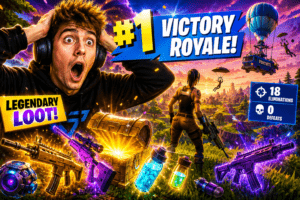
Fortnite Thumbnail Prompt
Create an epic Fortnite Victory Royale scene with a shocked gamer, legendary weapons, glowing loot, vibrant colors, cinematic lighting, highly detailed environment, professional YouTube gaming thumbnail.
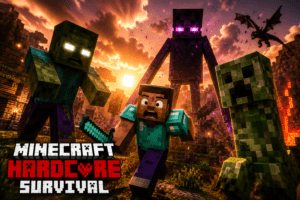
Minecraft Thumbnail Prompt
Minecraft hardcore survival thumbnail featuring giant mobs, dramatic sunset lighting, frightened player expression, cinematic atmosphere, ultra-detailed block world, click-worthy composition.
GTA V Thumbnail Prompt
GTA V action thumbnail showing a luxury sports car during a police chase, explosions in the background, dramatic lighting, realistic graphics, highly engaging YouTube thumbnail style.

Call of Duty Thumbnail Prompt
Realistic Call of Duty battle scene featuring an elite soldier, explosive combat zone, dramatic smoke effects, intense facial expression, cinematic action composition.

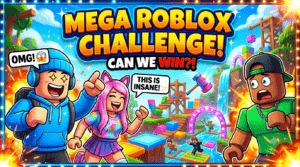
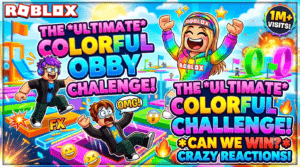
Roblox Thumbnail Prompt
Colorful Roblox challenge thumbnail featuring excited character reactions, bright colors, engaging environment, high-energy design, professional YouTube gaming style.
The Perfect Gaming Thumbnail Formula
If you want consistent results, use this simple formula when writing prompts:
Formula
Game + Character + Emotion + Action + Lighting + Color Style + Quality + Thumbnail Style
Example
Valorant agent, shocked expression, intense firefight, neon lighting, vibrant colors, cinematic atmosphere, ultra-detailed artwork, professional YouTube gaming thumbnail.
Following this structure helps AI tools generate more accurate and visually appealing images.
Common Thumbnail Mistakes to Avoid
Even with AI-generated images, certain mistakes can reduce performance.
Overcrowded Designs
Adding too many elements creates confusion.
Avoid:
- Multiple focal points
- Excessive text
- Cluttered layouts
Tiny Text
Most viewers browse YouTube on mobile devices.
Keep text:
- Short
- Bold
- Easy to read
Misleading Clickbait
While clickbait may generate initial clicks, it often damages viewer trust.
Always ensure your thumbnail accurately reflects the content.
Weak Contrast
If important elements blend into the background, viewers may ignore the thumbnail entirely.
Use contrast to make subjects stand out.
Tips to Improve Thumbnail Performance
Creating great thumbnails is only part of the process.
To maximize results:
- Create multiple versions.
- Test different colors.
- Experiment with facial expressions.
- Analyze CTR data.
- Update underperforming thumbnails.
- Maintain consistent branding.
Small improvements can lead to significant increases in views over time.
Frequently Asked Questions
What are YouTube Thumbnail Prompts for Gaming?
They are detailed instructions used with AI image generators to create gaming thumbnails designed to increase clicks and engagement.
Which AI tool is best for gaming thumbnails?
Midjourney and Leonardo AI are currently among the most popular choices for gaming creators due to their ability to generate highly detailed artwork.
Do thumbnails affect YouTube rankings?
Indirectly, yes. Better thumbnails improve click-through rates, which can help videos receive more visibility and recommendations.
How much text should a gaming thumbnail contain?
Most successful gaming thumbnails use between one and five words to ensure readability on mobile devices.
Can AI-generated thumbnails be used commercially?
This depends on the licensing terms of the AI platform you use. Always review the commercial usage policy before publishing.
Final Thoughts
Creating effective YouTube Thumbnail Prompts for Gaming is one of the simplest ways to increase clicks, improve video performance, and grow your channel. A great thumbnail attracts attention, sparks curiosity, and encourages viewers to choose your content over competing videos.
The best approach is to combine strong prompt writing, emotional visual elements, vibrant colors, and clear focal points. As you continue testing different thumbnail styles, you’ll discover what resonates most with your audience.
Start experimenting with the prompts in this guide today, track your results, and refine your designs over time. Your next viral gaming video could begin with a single thumbnail.