Prompt for App Onboarding Illustration Set
Prompt for App Onboarding Illustration Set: Design Visual Experiences That Keep Users Hooked
Introduction: Why Your First Screens Matter More Than You Think
When you open a new app, you don’t read—you feel. Within seconds, you decide if it’s worth your time or just another uninstall. That decision is often driven by visuals, not features.
If your onboarding screens are confusing, dull, or inconsistent, users leave before they even understand what your app offers. But when you use a well-crafted prompt for app onboarding illustration set, you guide users visually, build trust instantly, and create a memorable first impression.
In this guide, you’ll learn how to create illustration prompts that don’t just look attractive but actually improve engagement and retention.
What Is a Prompt for App Onboarding Illustration Set?
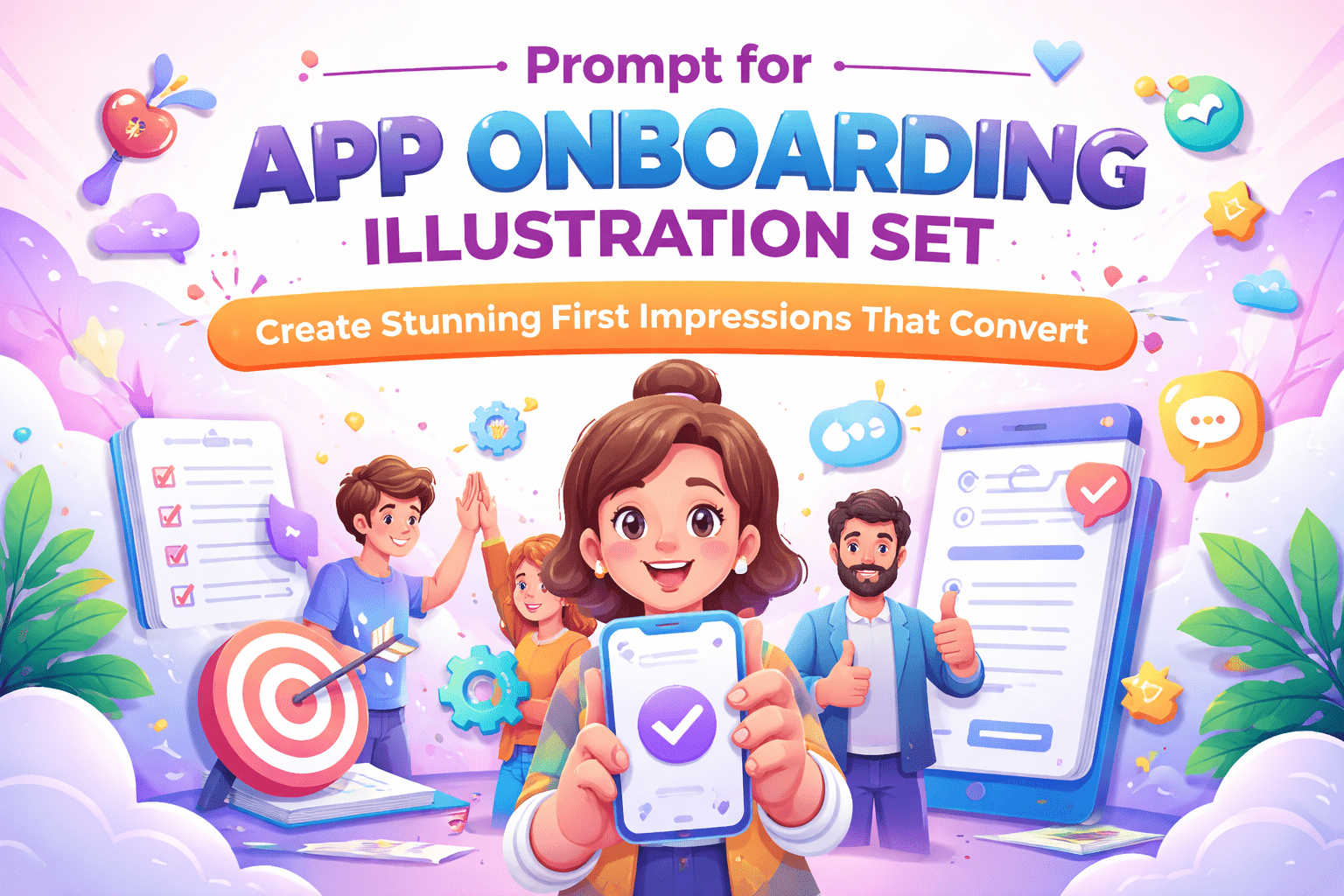
A prompt for app onboarding illustration set is a structured instruction you write to generate or design a cohesive group of illustrations for your app’s onboarding screens. These prompts are often used with AI tools or shared with designers to ensure consistency and clarity.
Instead of randomly creating images, you define exactly what each screen should communicate.
Why this matters for you
- You reduce confusion for new users
- You create a strong visual identity
- You improve onboarding completion rates
- You make your app feel professional from day one
Why You Should Care About Onboarding Illustrations
You might think features matter most, but users don’t reach your features if onboarding fails.
Visual onboarding helps you:
- Capture attention instantly
- Explain complex ideas in seconds
- Reduce text overload
- Increase user retention
Studies in UX design consistently show that users are more likely to continue using an app when onboarding is clear and visually engaging.
How to Create a Powerful Prompt for App Onboarding Illustration Set
If you want results, you need structure. A vague prompt gives vague results. A precise prompt gives you visuals that actually work.
Step 1: Define Your App’s Purpose
Before writing any prompt, ask yourself:
- What problem does your app solve?
- Who is your target user?
- What is the main action you want users to take?
If you don’t know this, your illustrations will feel random.
Step 2: Choose a Consistent Visual Style
Your onboarding illustrations should feel like they belong together.
Popular styles include:
- Flat design (clean and modern)
- 3D cartoon (engaging and playful)
- Anime style (great for games and younger audiences)
- Minimalist (perfect for productivity apps)
Pick one style and stick to it.
Step 3: Use a Clear Prompt Formula
Here’s a simple structure you can follow:
“Create a [style] illustration showing [scene], with [character/action], using [color palette], expressing [emotion], designed for a mobile app onboarding screen.”
Step 4: Keep Consistency Across Screens
Consistency is what separates amateur apps from professional ones.
Make sure you keep:
- Same character or mascot
- Same color palette
- Same lighting and mood
- Similar composition
This builds trust and recognition.
Example: Complete Prompt for App Onboarding Illustration Set
Here’s a practical example you can use or adapt.
Screen 1: Welcome
Create a friendly 3D cartoon character smiling and waving, bright colors, soft lighting, welcoming mood, mobile app onboarding screen.
Screen 2: Feature Explanation
Create a flat design illustration showing a user interacting with a mobile app, clean UI elements, blue gradient background, modern and simple style.
Screen 3: Achievement or Success
Create a vibrant illustration of a character celebrating success, energetic colors, dynamic pose, positive and motivational emotion.
When you combine these prompts, you get a complete onboarding illustration set that feels connected and purposeful.
Key Ingredients of a High-Quality Prompt
To make your prompt for app onboarding illustration set effective, include these elements:
| Element | What You Should Define | Example |
|---|---|---|
| Style | Visual direction | 3D, flat, anime |
| Character | Main subject | Mascot, user avatar |
| Scene | What’s happening | Using phone, celebrating |
| Emotion | Feeling conveyed | Happy, calm, excited |
| Colors | Brand palette | Purple and pink gradient |
| Lighting | Mood of the image | Soft light, neon glow |
The more specific you are, the better the result.
Common Mistakes You Should Avoid
Even good apps fail because of small mistakes in onboarding visuals.
Being Too Vague
If your prompt says “create a nice image,” you’ll get something generic. That won’t help your app stand out.
Mixing Styles
Switching between 3D, flat, and anime styles confuses users and weakens your branding.
Ignoring Emotion
People connect with emotion, not just visuals. If your illustrations feel cold or empty, users won’t engage.
Overloading the Scene
Too many elements make your screen hard to understand. Keep it simple and focused.
Advanced Tips to Improve Your Results
If you want your onboarding to feel premium, go beyond the basics.
Use Visual Storytelling
Think of onboarding as a story:
- First screen: Introduce the app
- Second screen: Show value
- Third screen: Inspire action
Each illustration should connect to the next.
Focus on User Journey
Ask yourself:
“What does the user feel at each step?”
- Curious
- Interested
- Confident
Your illustrations should guide that emotional flow.
Test Different Versions
Don’t settle for one version.
Try different prompts and test:
- Which style gets more engagement
- Which colors perform better
- Which emotion connects more
Small changes can make a big difference.
Optimize for Mobile
Your illustrations must fit perfectly on mobile screens.
- Keep elements centered
- Avoid tiny details
- Use clear focal points
Remember, users are looking quickly—not analyzing.
Best Tools to Create Your Illustration Set
You don’t need a big design team to get started.
AI Tools
- Midjourney
- DALL·E
- Leonardo AI
These tools allow you to turn your prompt into visuals in seconds.
Design Tools
- Figma
- Adobe Illustrator
Perfect if you want to refine or customize your illustrations.
Why This Strategy Works
A strong prompt for app onboarding illustration set does more than create images—it creates clarity.
When your visuals are clear:
- Users understand faster
- They trust your app more
- They are more likely to continue
This directly impacts your downloads, retention, and revenue.
Call to Action: Start Designing Your Onboarding Today
You don’t need to wait for a designer or spend weeks planning. Start simple.
Take your app idea and write your first prompt for app onboarding illustration set today.
Test it. Improve it. Refine it.
Because the difference between an app that gets deleted and one that grows fast often comes down to one thing—your first impression.
If you want, I can create a custom onboarding illustration prompt set tailored exactly to your app idea. Just tell me your app concept, and I’ll build it for you step by step.