How to Use ChatGPT to Generate Powerful Midjourney Images
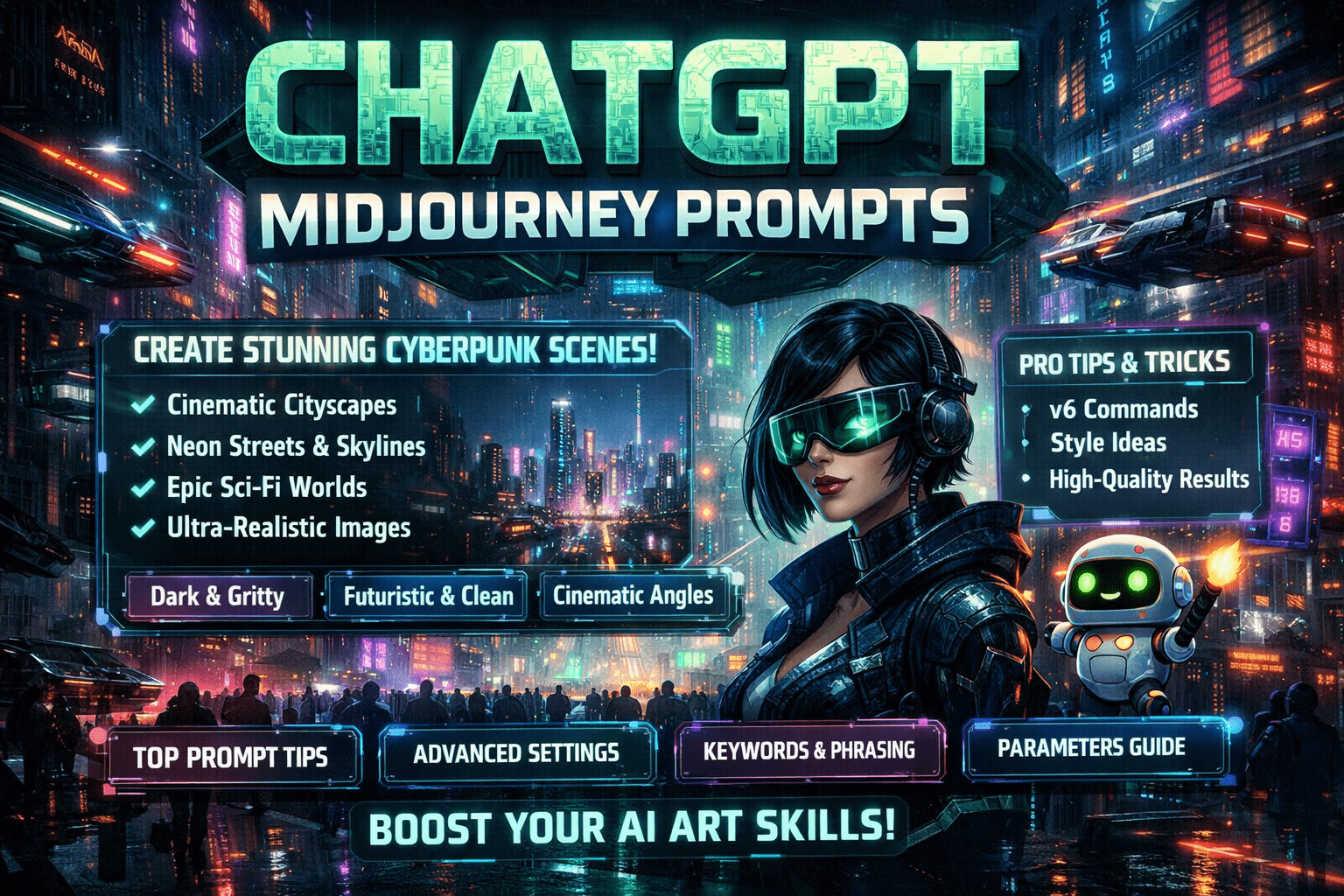
ChatGPT Midjourney Prompts: How to Use ChatGPT to Generate Powerful Midjourney Images
If you’ve ever opened Midjourney with a clear image in your head—only to end up with something that feels almost right but not quite—you’re not alone. You know what you want. You can see it. But turning that idea into the perfect prompt is where things fall apart. This is exactly where ChatGPT midjourney prompts change the game.
When you learn how to use ChatGPT to generate Midjourney prompts, you stop guessing and start directing. Instead of random outputs, you get images that actually reflect your vision. In this guide, you’ll learn how to use ChatGPT step by step to create clear, detailed, and highly effective Midjourney prompts—without feeling technical or overwhelmed.
What Are ChatGPT Midjourney Prompts?
ChatGPT midjourney prompts are structured text descriptions created with the help of ChatGPT and optimized specifically for Midjourney’s image generation system. Instead of writing prompts manually and hoping for the best, you use ChatGPT as your creative assistant.
ChatGPT helps you:
- Expand vague ideas into detailed descriptions
- Add artistic styles, lighting, camera angles, and moods
- Refine prompts until they produce consistent results
The result? Better images in fewer attempts.
Why Using ChatGPT for Midjourney Prompts Works So Well
Midjourney responds best to clear, descriptive language. The challenge is that most people think visually, not verbally. ChatGPT bridges that gap by translating your ideas into language Midjourney understands.
When you use ChatGPT midjourney prompts correctly, you benefit from:
- Faster prompt creation
- More consistent image quality
- Less trial and error
- Stronger artistic control
You’re no longer reacting to what Midjourney gives you—you’re guiding it.
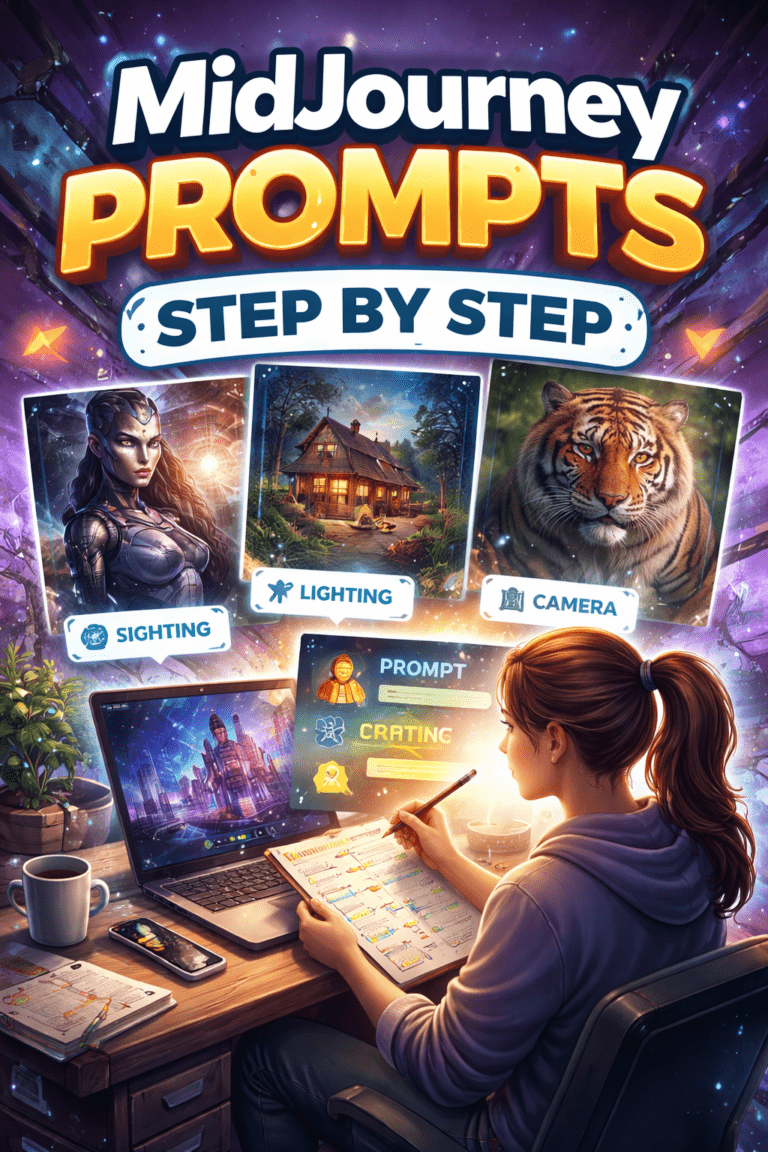
How to Use ChatGPT to Generate Midjourney Prompts (Step by Step)
Step 1: Start With a Clear Idea (Even If It’s Simple)
You don’t need a perfect description. A rough idea is enough.
Ask yourself:
- What is the subject?
- What emotion or mood do you want?
- Is the image realistic, cinematic, or stylized?
Example idea:
“A futuristic city at night with neon lights.”
That’s all you need to begin.
Step 2: Ask ChatGPT the Right Way
The quality of ChatGPT midjourney prompts depends on how you ask. Be direct and specific.
Example ChatGPT prompt:
“Create a detailed Midjourney prompt for a futuristic cyberpunk city at night, cinematic lighting, ultra-realistic style.”

ChatGPT will return a structured prompt you can copy directly into Midjourney.
Step 3: Refine the Prompt Using Follow-Up Requests
Your first prompt is rarely the final one. This is where ChatGPT becomes powerful.
Ask ChatGPT to:
- Make it more cinematic
- Add camera details
- Increase realism
- Adjust colors or lighting
Example refinement:
“Improve this Midjourney prompt by adding camera lens details and dramatic lighting.”
Each refinement sharpens the result.
The Ideal Structure of ChatGPT Midjourney Prompts
A strong prompt usually includes several core elements. Think of it like a recipe—each ingredient matters.
Essential Prompt Elements
- Subject: What the image is about
- Environment: Where it takes place
- Style: Artistic direction
- Lighting: Mood and depth
- Camera: Perspective and realism
- Quality tags: Resolution and detail
Prompt “Ingredients” Table (Easy Reference)
| Element | Purpose | Example |
|---|---|---|
| Subject | Main focus | Cyberpunk city skyline |
| Environment | Scene context | Night, rain, neon streets |
| Style | Artistic feel | Cinematic, ultra-realistic |
| Lighting | Mood | Neon glow, soft shadows |
| Camera | Perspective | Wide-angle lens, depth |
| Quality Tags | Enhancement | 8K, high detail |
Using these ingredients consistently improves your ChatGPT midjourney prompts.
Examples of ChatGPT Prompts for Midjourney

Here are practical prompts you can use with ChatGPT:
- “Write a Midjourney prompt for a cinematic portrait with dramatic lighting.”
- “Turn this idea into a Midjourney v6 prompt with ultra-realistic details.”
- “Create five variations of this Midjourney prompt with different art styles.”
- “Rewrite this prompt to look more like a professional photography shot.”
These instructions guide ChatGPT to produce prompts Midjourney responds to well.
Advanced Tips for Better ChatGPT Midjourney Prompts
Once you’re comfortable, take things further.
Use Style References Carefully
- Mention art movements or visual styles
- Avoid overloading with too many references
Layer Mood and Emotion
- Calm, dramatic, mysterious, futuristic
- Emotion changes the entire image output
Control Output With Precision
- Ask ChatGPT to shorten or expand prompts
- Request “clean” prompts without extra text
Common Mistakes to Avoid
Even powerful ChatGPT midjourney prompts can fail if you make these mistakes:
- Being too vague (“cool image,” “nice style”)
- Adding too many conflicting styles
- Ignoring Midjourney version differences
- Copying prompts without testing variations
Good prompts evolve. Treat them as living tools, not one-time inputs.
ChatGPT vs Writing Prompts Manually
Manual prompt writing can work—but it’s slower and less consistent.
ChatGPT helps you:
- Learn prompt structure naturally
- Discover descriptive terms you wouldn’t think of
- Scale prompt creation for multiple projects
For beginners and professionals alike, ChatGPT midjourney prompts save time while improving results.
FAQ: ChatGPT Midjourney Prompts
What are ChatGPT midjourney prompts?
They are Midjourney-ready image prompts generated or refined using ChatGPT to improve clarity, detail, and output quality.
Can ChatGPT generate prompts for Midjourney v6?
Yes. You just need to mention the version and desired output style when asking ChatGPT.
Are ChatGPT midjourney prompts good for beginners?
Absolutely. They reduce the learning curve and help you understand how prompts work through practice.
How do you improve results with ChatGPT midjourney prompts?
Refine prompts iteratively, adjust details, and test multiple variations instead of relying on one version.
Conclusion: Turn Ideas Into Images That Actually Match Your Vision
When you use ChatGPT to generate Midjourney prompts, you stop fighting the tool and start collaborating with it. You don’t need technical expertise—just curiosity and clarity. ChatGPT helps you translate imagination into words, and Midjourney turns those words into visuals.
The more you practice refining ChatGPT midjourney prompts, the better your results become. Each prompt teaches you something new about composition, style, and creative direction.
Your Next Step
Start with one simple idea today. Ask ChatGPT to turn it into a Midjourney prompt, refine it twice, and test the results. Save what works. Improve what doesn’t. That’s how real creative control begins.
If this guide helped you, share it, bookmark it, or experiment with your own prompt variations—you’ll be surprised how quickly your images level up. 🚀