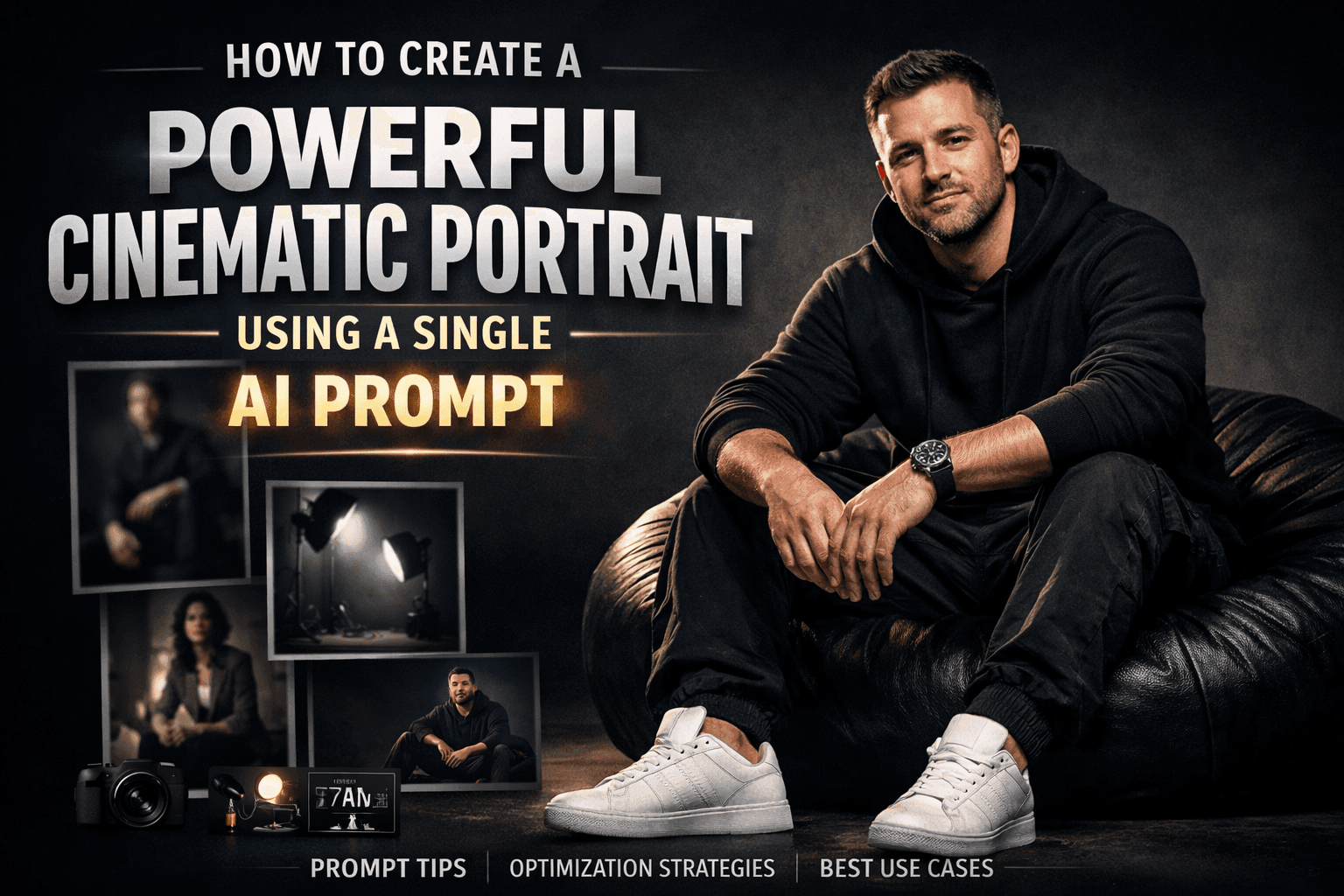
How to Create a Powerful Cinematic Portrait Using a Single AI Prompt
How to Create a Powerful Cinematic Portrait Using a Single AI Prompt
In the age of AI image generation, a well-written prompt can be the difference between an average portrait and a cinematic, high-impact visual that looks like it came straight out of a professional studio. If you want to create a portrait that feels modern, confident, and visually striking, the prompt you’re using is an excellent foundation.
This article breaks down how and why this prompt works, how you can adapt it for your own needs, and how to get consistently high-quality results from AI image generators. You’ll also learn practical optimization tips so your images stand out on portfolios, personal brands, social media, or commercial projects.
Why This Cinematic Portrait Prompt Works So Well
The strength of this prompt lies in its clarity and structure. Instead of vague descriptions, it gives the AI a complete visual blueprint: subject, pose, clothing, lighting, mood, and environment.
Here’s what makes it powerful:
- It defines a strong focal subject
- It uses cinematic lighting language
- It establishes a clean, minimalist environment
- It communicates emotion and attitude, not just appearance
When you combine these elements, the AI understands exactly what kind of image you want to generate.
Visual Inspiration for This Prompt Style

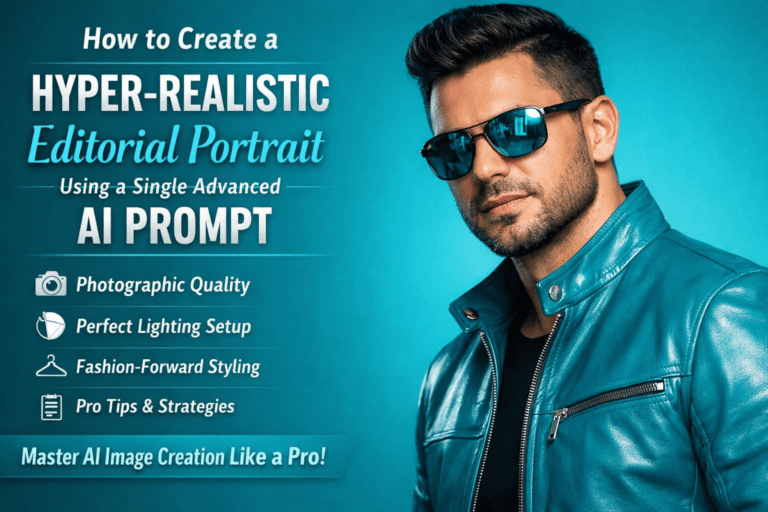
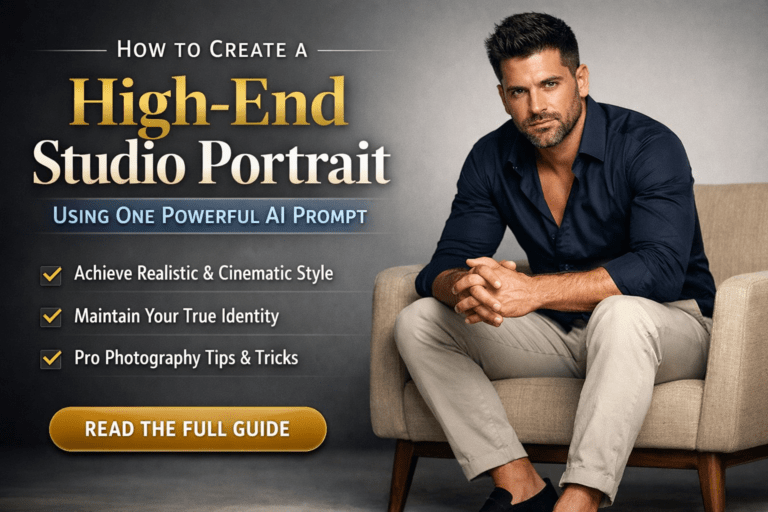
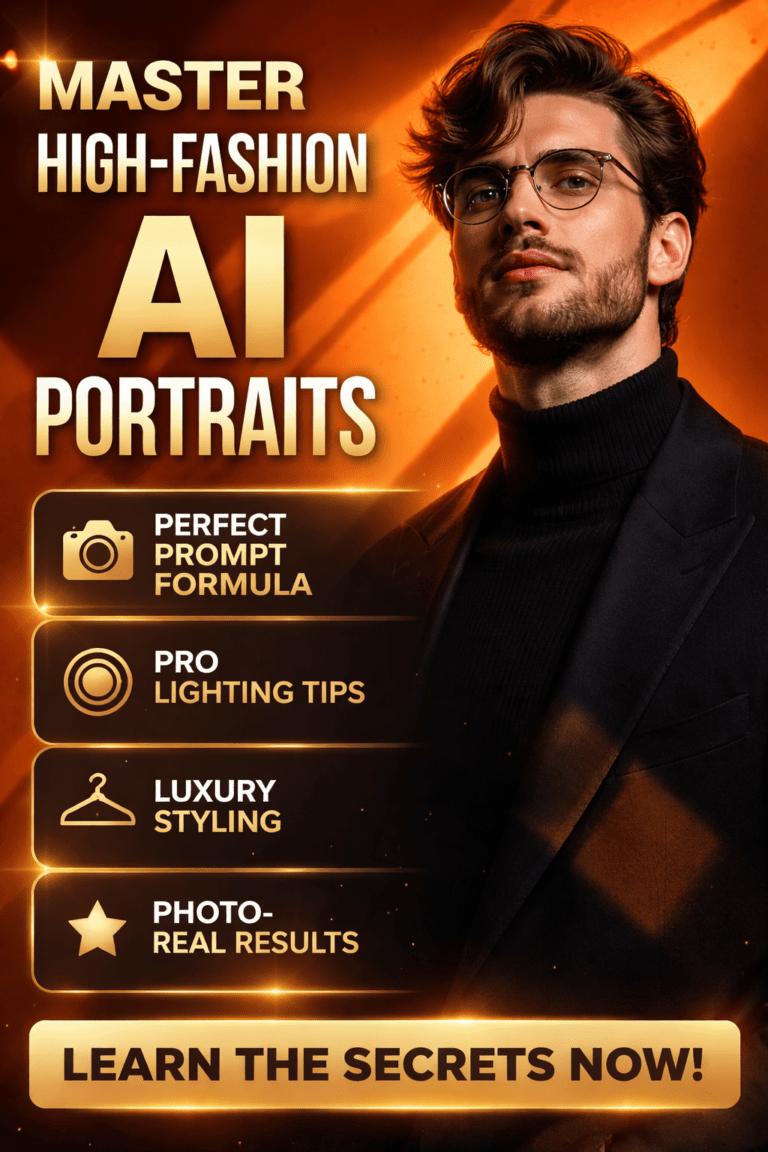
These visuals reflect the same studio-driven, high-contrast aesthetic your prompt is aiming for: dark backgrounds, controlled light, and confident poses.
Breaking Down the Prompt: Section by Section
Let’s analyze the prompt so you understand how to reuse and refine it.
1. Subject and Face Reference
“A cinematic portrait of a man (use the uploaded picture as reference for the face)”

This instruction anchors the image to a specific identity, ensuring facial consistency. If you’re building a personal brand or portfolio, this is crucial.
Tip:
Always place face reference instructions at the beginning of the prompt to prioritize identity accuracy.
2. Pose and Body Language
“sitting confidently on a round black beanbag chair… elbows resting on his knees, hands hanging loosely”

This pose communicates:
- Confidence without arrogance
- Relaxed strength
- Natural posture
AI models respond extremely well to clear body mechanics. The more precise you are, the more realistic the result.
3. Clothing and Styling Details
“black hoodie… black cargo pants… clean white sneakers… silver wristwatch”

This wardrobe choice creates visual contrast and reinforces a modern, urban identity.
Why it matters:
- Black clothing blends with dark backgrounds for a cinematic feel
- White sneakers act as a visual anchor
- Accessories like a wristwatch add realism and detail
4. Lighting and Atmosphere
“dramatic and directional lighting… high contrast… studio photography style”
Lighting is the heart of cinematic imagery. This part of the prompt tells the AI:
- Where to focus attention
- What to hide in shadow
- How intense the mood should feel
Directional lighting instantly elevates an image from casual to professional.
5. Mood and Emotional Tone
“calm, slight smiling facial expression… modern, minimalist, and powerful”
AI images feel flat when emotion is missing. This line gives the portrait personality, making it more relatable and engaging.
How to Optimize This Prompt for Even Better Results
To push this prompt further, you can add subtle refinements depending on your goal.
For a More Professional Look
- Add: “85mm lens, shallow depth of field”
- Add: “ultra-detailed skin texture”
For Social Media Branding
- Add: “Instagram-style portrait framing”
- Add: “clean composition with negative space”
For Fashion or Editorial Use
- Add: “editorial fashion photography”
- Add: “luxury minimal aesthetic”
Small tweaks like these help guide the AI toward specific use cases.
Common Mistakes to Avoid with Cinematic Prompts
Even strong prompts can fail if you fall into these traps:
- ❌ Overloading the prompt with unrelated styles
- ❌ Mixing multiple moods (cinematic + cartoon + surreal)
- ❌ Forgetting lighting instructions
- ❌ Using generic phrases like “cool background”
Clarity always beats complexity.
Best Use Cases for This Prompt Style
This cinematic portrait prompt works especially well for:
- Personal branding images
- Portfolio hero shots
- Website landing pages
- Professional profile photos
- Fashion or lifestyle content
- AI influencer creation
If you want your image to feel intentional and premium, this structure delivers.
SEO Value: Why This Prompt Is Search-Friendly
From an SEO perspective, this type of content aligns perfectly with high-intent searches such as:
- cinematic portrait AI prompt
- professional AI portrait prompt
- studio photography AI image
- dramatic lighting portrait prompt
By naturally integrating these phrases into your content and image descriptions, you increase visibility without keyword stuffing.
How You Can Adapt This Prompt for Yourself
You don’t need to reinvent the wheel. Simply swap:
- Gender or subject type
- Outfit style
- Seating or pose
- Background tone
The core structure remains the same, which is why this prompt is so reusable.
Final Thoughts: Turn One Prompt into a Signature Style
This prompt isn’t just about generating one good image. It’s about building a repeatable system for cinematic portraits that look professional, confident, and intentional every time.
When you understand why each line works, you gain creative control instead of guessing.
🚀 Call to Action
Now it’s your turn.
Use this prompt as a base, tweak one element at a time, and experiment with lighting, pose, or styling. If you want, tell me what platform or goal you’re designing for, and I’ll customize this prompt into a ready-to-use, high-conversion version just for you.