Camera Angles in AI Prompts: The Secret Formula for Cinematic Results (With Examples)
Camera Angles in AI Prompts: How to Describe Camera Angles for Powerful Visual Results
Introduction: Why Your AI Images Feel “Off” (And How to Fix That)
You write a detailed AI prompt.
You describe the subject, the style, the lighting — everything seems right.
Yet the final image still feels… flat.
What’s missing is often camera angles in AI prompts.
Just like in photography and cinema, the camera angle decides how the viewer feels. It controls power, emotion, intimacy, and realism. When you learn how to describe camera angles in prompts, you stop leaving the result to chance and start guiding the AI with intent.
This article shows you exactly how to do that — clearly, practically, and without technical jargon.
Why Camera Angles in AI Prompts Matter
Camera angles are not decorative words. They are instructions.
When you specify a camera angle in an AI prompt, you are telling the model:
- Where the viewer is positioned
- How large or small the subject appears
- What emotional response the image should trigger
Without an angle, the AI defaults to a generic viewpoint. With one, the output becomes deliberate.
Eye-Level Angle (Natural & Relatable)
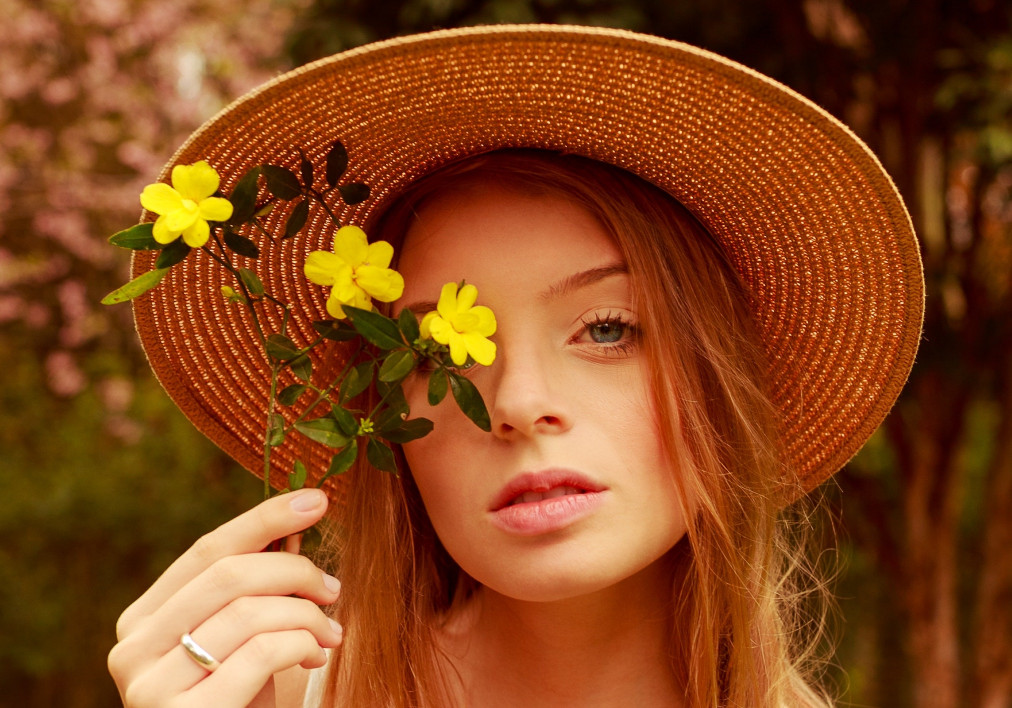
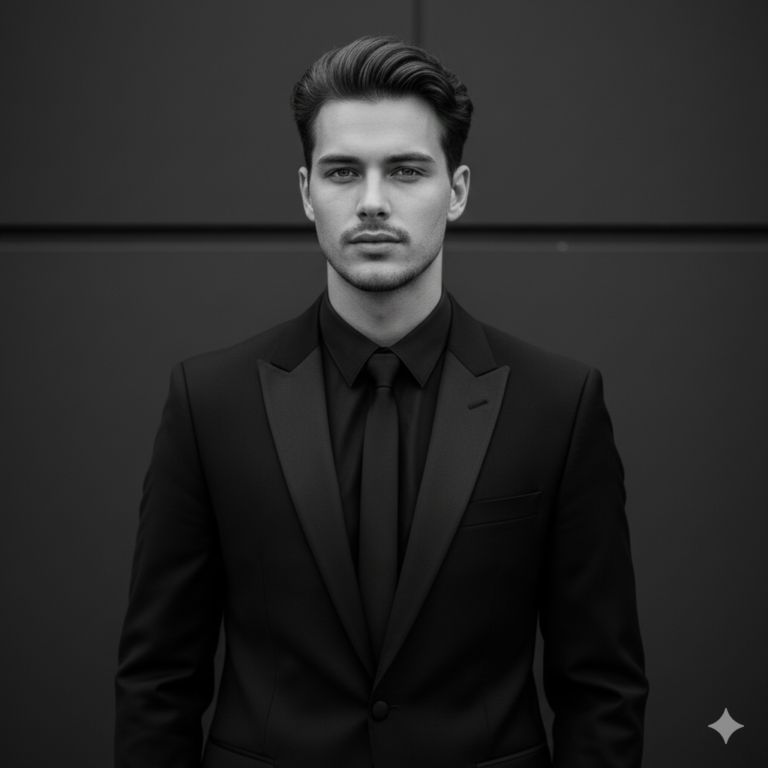
Best for: realism, portraits, lifestyle scenes, blogs
Emotion: neutral, honest, balanced
How to describe it in prompts
Use phrases like:
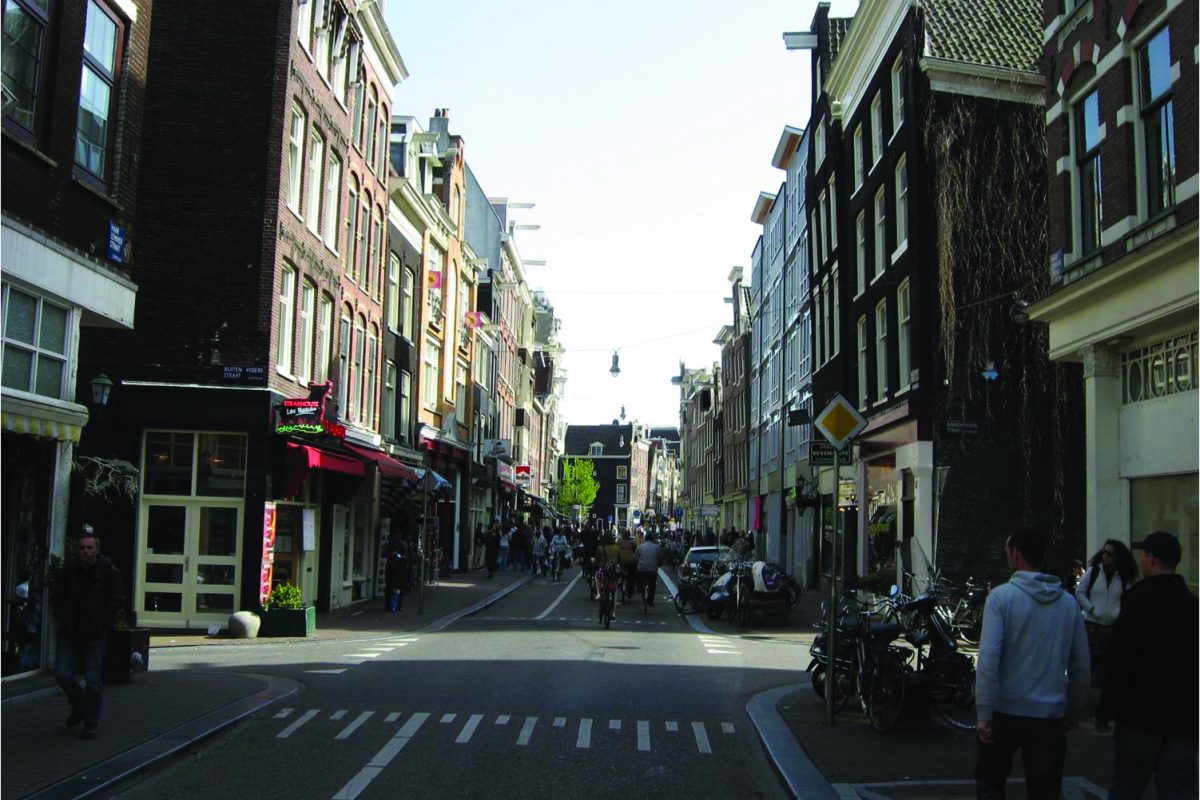
eye-level shot
camera at subject’s eye height
natural human perspective
Professional AI Prompt Example
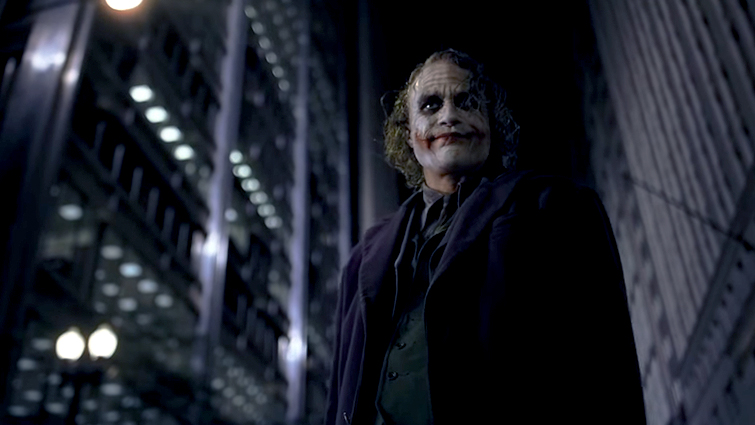
2. Low Angle (Power & Dominance)

Best for: heroes, leaders, athletes, authority figures
Emotion: strength, confidence, importance
How to describe it in prompts
low-angle shot
camera positioned below the subject
shot from ground level
Professional AI Prompt Example
Low-angle shot of a confident business leader standing in front of a glass skyscraper,

dramatic perspective, strong posture, cinematic lighting,

sharp focus, ultra-detailed, professional editorial photography

3. High Angle (Vulnerability & Scale)
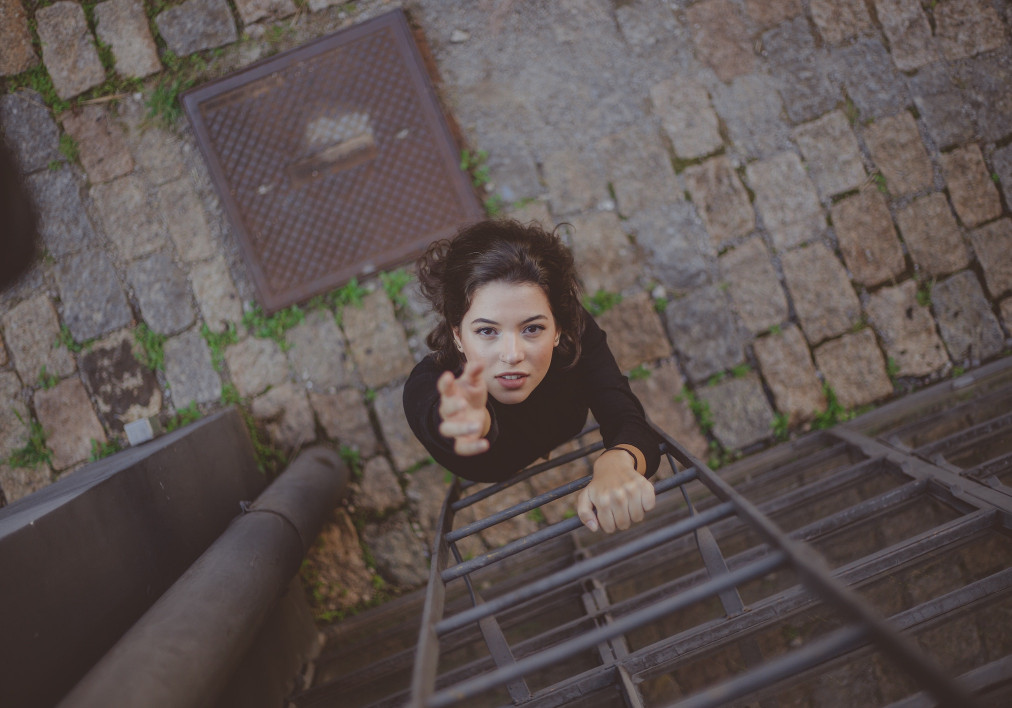
Best for: emotional scenes, storytelling, minimalism
Emotion: fragility, isolation, calm
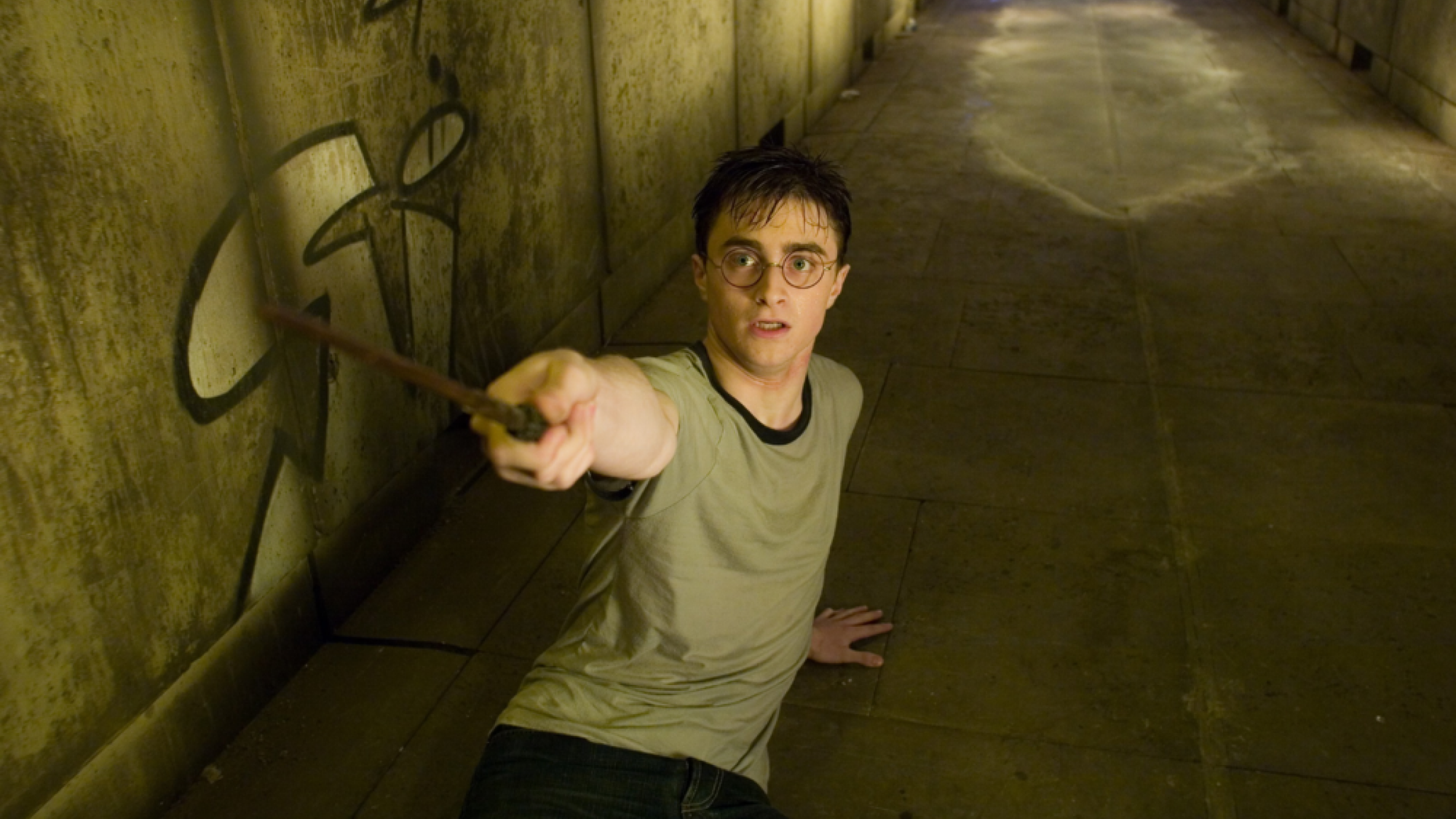
How to describe it in prompts
high-angle shot
camera looking down
top-down perspective

Professional AI Prompt Example
4. Over-the-Shoulder Angle (Storytelling & POV)
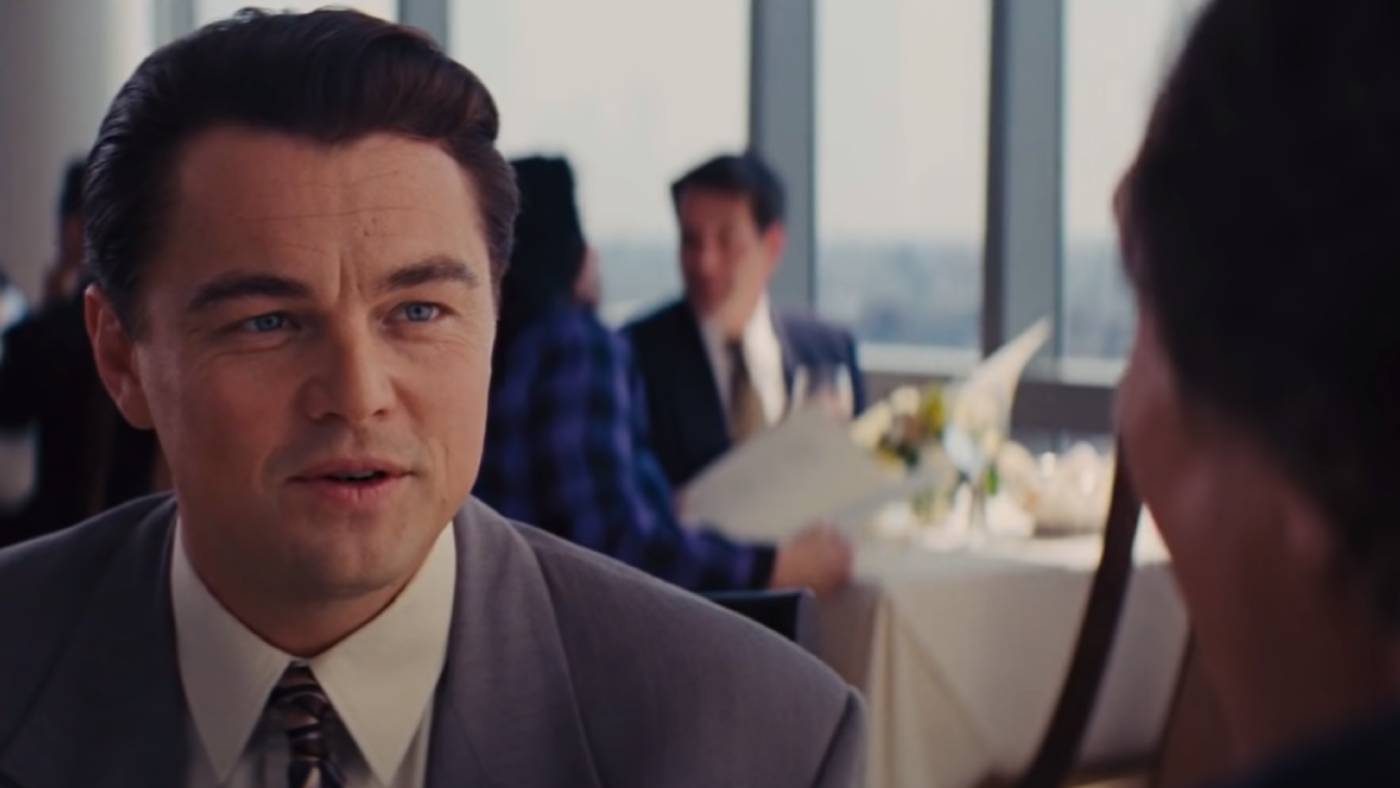
Best for: conversations, tutorials, narrative scenes
Emotion: immersion, curiosity

How to describe it in prompts
over-the-shoulder shot
partial view of foreground subject
cinematic POV
Professional AI Prompt Example
5. Close-Up Angle (Emotion & Detail)
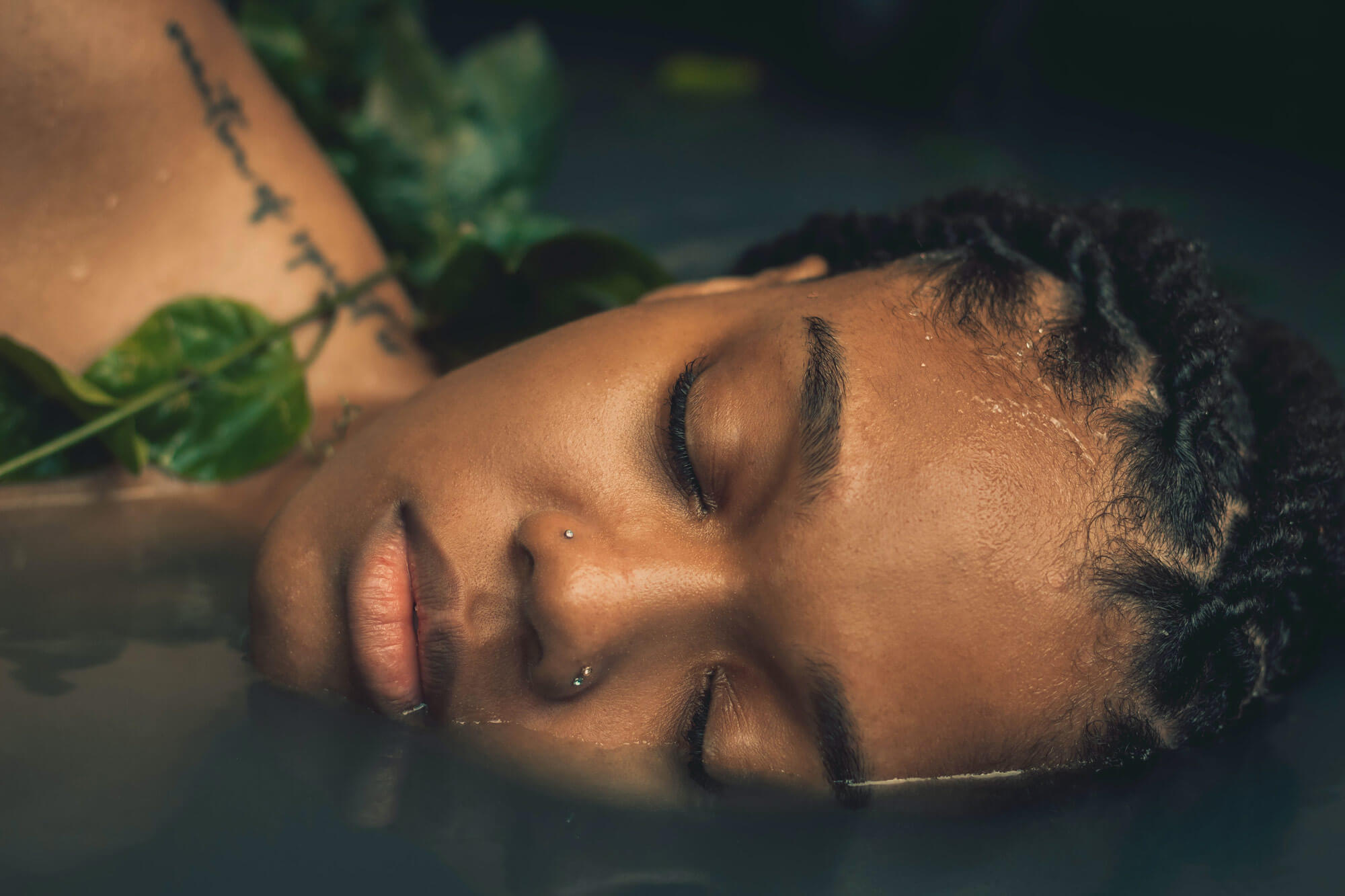
Best for: emotions, beauty, portraits, storytelling
Emotion: intimacy, intensity
How to describe it in prompts
close-up shot
tight framing on face
macro facial detail
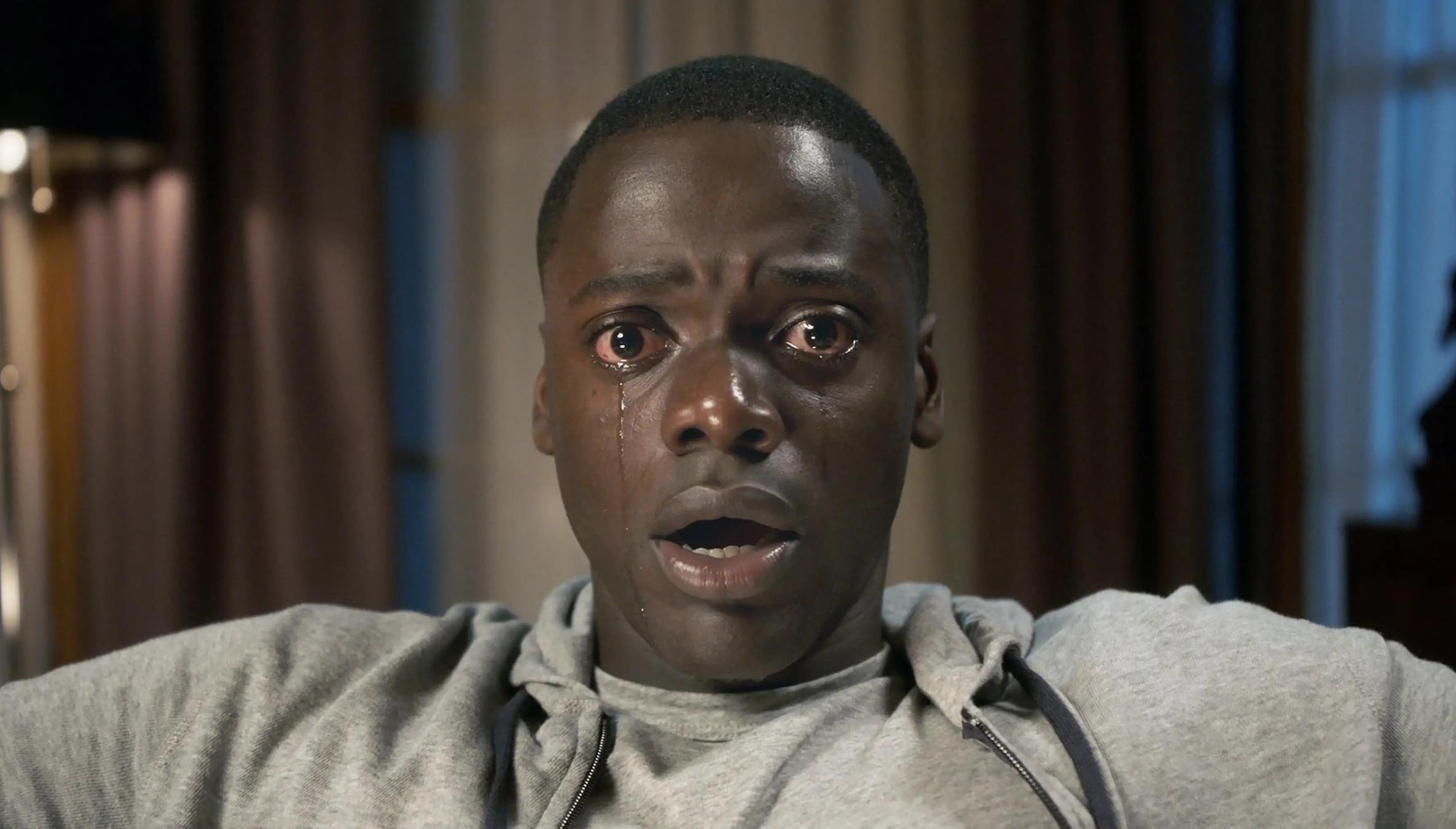
Professional AI Prompt Example
6. Wide Shot (Environment & Scale)

Best for: landscapes, cinematic scenes, travel
Emotion: freedom, scale, atmosphere

How to describe it in prompts
wide shot
wide-angle lens
full environment visible

Professional AI Prompt Example
Wide shot of a solitary figure standing in a vast desert landscape,

dramatic sky, strong sense of scale, cinematic composition,

natural lighting, high realism, professional photography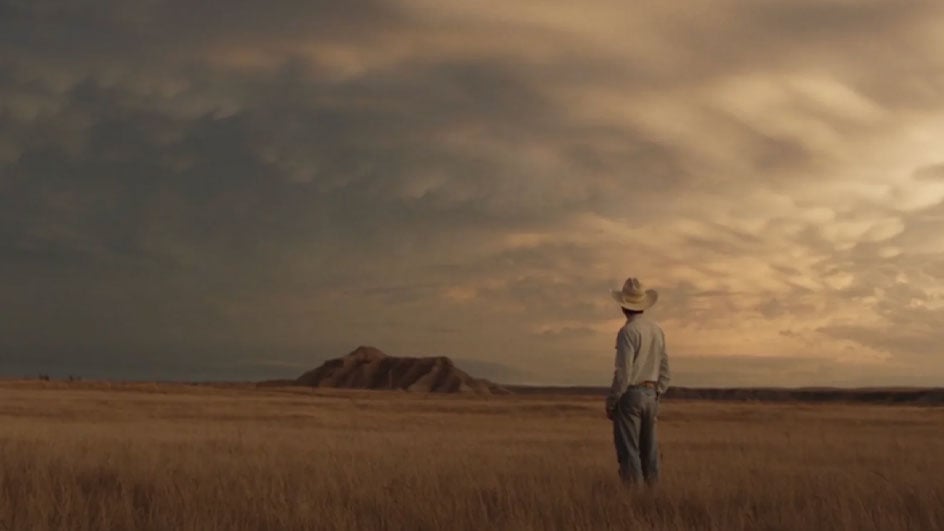
How Camera Angles Influence Emotion
- Low angles create authority and strength
- High angles suggest vulnerability or calm
- Eye-level shots feel natural and relatable
- Overhead views focus on structure and layout
This is why professional-looking AI images almost always include camera direction.
How AI Understands Camera Angles in Prompts
AI models don’t “see” like humans. They predict images based on patterns learned from millions of labeled visuals. Camera angle keywords act as pattern triggers.
For example:
- “low angle shot” signals dramatic framing
- “bird’s-eye view” signals top-down composition
- “close-up shot” signals shallow framing and detail
When your prompt includes these cues, the AI aligns composition, scale, and perspective automatically.
Essential Camera Angles You Should Use in AI Prompts
Eye-Level Angle (Natural and Realistic)
This is the most neutral and versatile camera angle.
Best for:
- Portraits
- Lifestyle images
- Realistic scenes
Why it works: It mirrors how people naturally see the world, making images feel authentic.
Prompt example:
eye-level shot of a man sitting in a café, natural lighting, realistic photography
Low Angle Shot (Power and Impact)
A low angle places the camera below the subject, looking upward.
Best for:
- Heroes
- Architecture
- Branding visuals
- Cinematic scenes
Effect:
The subject appears dominant, confident, or monumental.
Prompt tip:
Combine with dramatic lighting for stronger results.
High Angle Shot (Softness and Vulnerability)
Here, the camera looks down on the subject.
Best for:
- Emotional scenes
- Minimalist visuals
- Storytelling moments
Effect:
Creates distance, softness, or introspection.
Bird’s-Eye View (Top-Down Perspective)
This angle looks directly from above.
Best for:
- Food photography
- Product layouts
- Flat designs
- Scene overviews
Effect:
Removes emotion and focuses on structure and arrangement.
Worm’s-Eye View (Epic and Cinematic)
An extreme low-angle shot from ground level.
Best for:
- Fantasy scenes
- Sci-fi environments
- Dramatic architecture
Effect:
Makes subjects feel massive and immersive.
Combine Camera Angles with Shot Types for Precision
Camera angle alone is powerful — but combining it with shot size gives you control.
Common Shot Types in AI Prompts
- Close-up shot
- Medium shot
- Wide shot
- Long shot
- Extreme close-up
Why This Combination Works
Angle defines perspective.
Shot size defines distance.
Together, they tell the AI exactly how to frame the image.
Camera Angle Prompt “Recipes” (Practical Table)
Think of this like cooking: the right ingredients produce consistent results.
| Use Case | Camera Angle | Shot Type | Supporting Keywords |
|---|---|---|---|
| Cinematic portrait | Low angle shot | Medium shot | dramatic lighting, shallow depth of field |
| Realistic portrait | Eye-level angle | Close-up shot | natural light, soft shadows |
| Food photography | Bird’s-eye view | Top-down shot | clean background, diffused light |
| Emotional scene | High angle shot | Wide shot | muted colors, cinematic mood |
| Architecture | Worm’s-eye view | Wide shot | ultra-detailed, HDR |
Advanced Camera Angle Techniques for AI Prompts
Dynamic and Tilted Angles
Using phrases like:
- tilted angle
- Dutch angle
- dynamic perspective
adds motion and tension. These are especially effective for action, cyberpunk, and editorial-style images.
Lens Keywords That Enhance Camera Angles
Adding lens terms improves realism:
- wide-angle lens
- 35mm lens
- 50mm lens
- cinematic lens
These help the AI simulate depth and perspective more accurately.
Common Mistakes to Avoid
Even experienced users make these errors:
- Using multiple conflicting camera angles
- Combining incompatible shot sizes
- Being vague (“cool angle”, “nice view”)
- Forgetting lighting and scale
One clear angle is always better than three confusing ones.
FAQ: Camera Angles in AI Prompts
What are camera angles in AI prompts?
Camera angles in AI prompts describe the viewer’s perspective and guide how the AI frames the subject within the image.
How do camera angles in AI prompts improve results?
They control emotion, depth, and composition, making outputs more intentional and cinematic.
Can beginners use camera angles in AI prompts?
Yes. Starting with eye-level, high angle, or low angle shots already improves results dramatically.
Which camera angles in AI prompts work best for realism?
Eye-level angles combined with natural lighting and realistic lens keywords work best.
Do camera angles in AI prompts work across AI image tools?
Yes. Most major AI image generators respond well to standard camera angle terminology.
Conclusion: Start Directing Your AI Instead of Guessing
When you understand how to describe camera angles in prompts, you stop hoping for good results and start creating them.
Camera angles are not advanced tricks — they are foundational tools. Once you use them consistently, your AI images gain clarity, emotion, and professional polish.
Your Next Step
Try this today:
Take one of your old prompts and add one clear camera angle and one shot type.
Generate again — and notice the difference.
If you want deeper guides, prompt examples, or ready-made prompt templates, explore more and keep experimenting. That’s how real mastery happens.