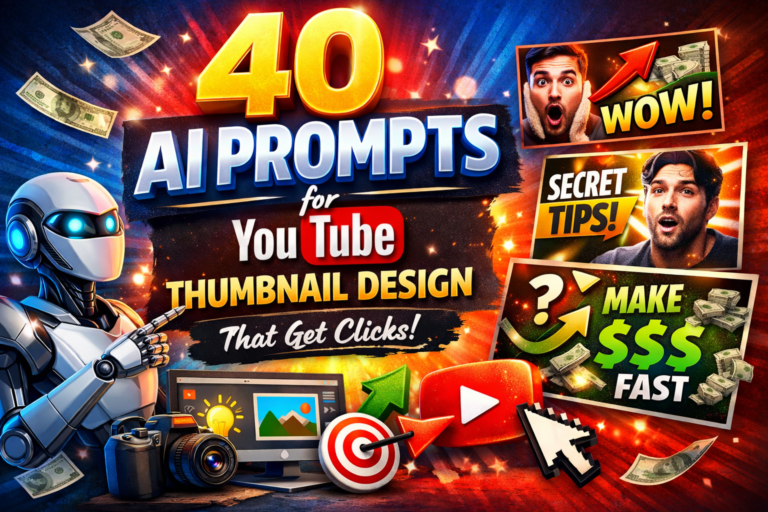
40 AI Prompts for YouTube Thumbnail Design in 2026
40 AI Prompts for YouTube Thumbnail Design in 2026That Help You Get More Clicks Creating great YouTube content takes time, focus, and creativity. But here’s a hard truth you’ve probably already felt: even the best video struggles if the thumbnail doesn’t earn the click. Before anyone hears your voice or sees your edits, they judge one single image.
That’s where AI can quietly change everything for you.
This guide on 40 AI Prompts for YouTube Thumbnail Design in 2026 is built to help you turn thumbnails into a strategic advantage. Whether you’re a beginner, a solo creator, or managing multiple channels, you’ll learn how to use AI prompts to design thumbnails that attract attention, spark curiosity, and improve your click-through rate—without needing advanced design skills.
Why YouTube Thumbnails Matter More Than You Think

When someone scrolls through YouTube, they don’t read descriptions first. They react. Thumbnails trigger that reaction in less than a second.
A strong thumbnail helps you:
- Stand out in crowded feeds
- Communicate value instantly
- Increase click-through rate (CTR)
- Signal relevance to the YouTube algorithm
You can have perfect SEO, great titles, and strong content, but if your thumbnail feels unclear or boring, your growth slows down. That’s why smart creators now treat thumbnails as conversion tools, not decoration.
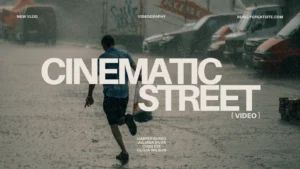
How AI Helps You Design Better Thumbnails Faster
AI doesn’t replace your creativity—it speeds it up.

With the right prompts, AI can:
- Generate thumbnail concepts in seconds
- Match emotions like surprise, curiosity, or confidence
- Suggest layouts, lighting, colors, and styles
- Help you test multiple visual angles for the same video
Instead of staring at a blank canvas, you start with a clear direction. That alone can save hours every week.

How to Structure AI Prompts for YouTube Thumbnail Design
Before using the 40 prompts, it helps to understand how they work.
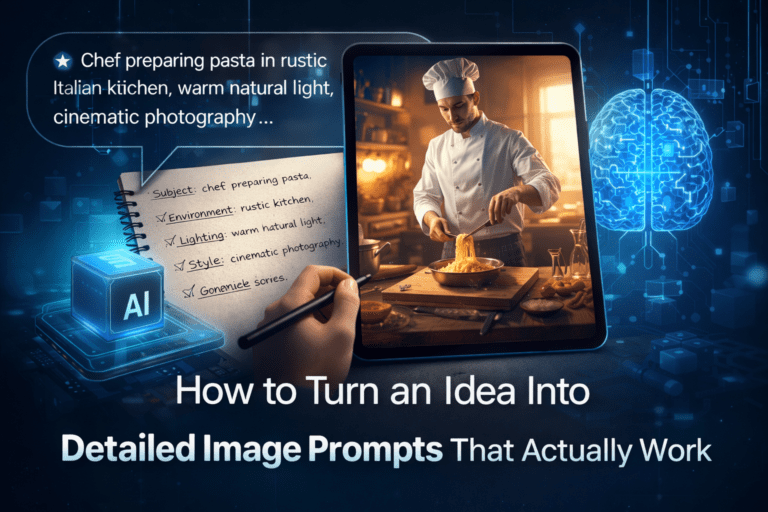
A strong AI thumbnail prompt usually includes:
- Subject: who or what is in the image
- Emotion: what the viewer should feel
- Style: cinematic, minimal, bold, clean, etc.
- Colors & contrast: to grab attention
- Text placement: short, readable, and clear
When these elements work together, AI outputs become far more usable.


40 AI Prompts for YouTube Thumbnail Design (By Category)
Below are 40 practical, ready-to-use AI prompts, grouped by content type so you can apply them immediately.
Viral & Curiosity-Driven Thumbnails (1–10)
- Create a YouTube thumbnail showing a shocked face with wide eyes, bold lighting, and a bright background that creates urgency
- Design a dramatic thumbnail with a close-up face, strong shadows, and a big arrow pointing at the main subject
- Generate a thumbnail that shows contrast between “before” and “after” using split composition
- Create a thumbnail with exaggerated emotion and bold yellow text on a dark background
- Design a high-energy thumbnail with motion blur and intense facial expression
- Generate a curiosity-based thumbnail where part of the image is hidden in shadow
- Create a thumbnail using red and black colors to suggest urgency and importance
- Design a thumbnail with a surprised reaction and minimal text in large font
- Generate a cinematic thumbnail with strong lighting and dramatic focus
- Create a thumbnail that visually asks a question without showing the full answer

Educational & Tutorial Thumbnails (11–20)
- Design a clean YouTube thumbnail with clear icons and a neutral background
- Generate a thumbnail that highlights step-by-step learning using visual symbols
- Create a thumbnail with calm facial expression and clear visual hierarchy
- Design a thumbnail using blue and white colors for trust and clarity
- Generate a thumbnail with simple text and strong contrast for mobile viewers
- Create a thumbnail that visually explains a concept using arrows or highlights
- Design a thumbnail that feels professional and organized, not crowded
- Generate a thumbnail focused on clarity, not emotion overload
- Create a thumbnail using minimal elements and strong spacing
- Design a thumbnail that communicates “easy to understand” at first glance
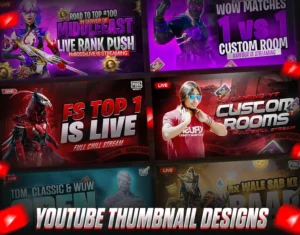
Business, Money & Growth Thumbnails (21–30)
- Create a YouTube thumbnail with confident facial expression and clean background
- Generate a thumbnail using gold and dark tones to suggest value
- Design a thumbnail with upward arrows and growth visuals
- Create a thumbnail that shows success without exaggeration
- Generate a professional thumbnail with modern fonts and layout
- Design a thumbnail that visually represents strategy or planning
- Create a thumbnail that feels premium and trustworthy
- Generate a thumbnail focused on results and outcomes
- Design a thumbnail using contrast between struggle and success
- Create a thumbnail that communicates authority and confidence
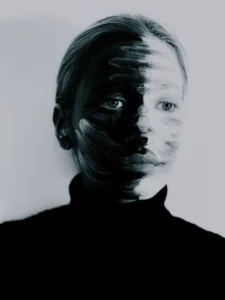
Lifestyle, Vlog & Personal Brand Thumbnails (31–40)
- Create a natural-looking thumbnail with soft lighting and authentic expression
- Generate a thumbnail that feels personal and relatable
- Design a thumbnail with warm colors and casual framing
- Create a thumbnail that looks like a real moment, not staged
- Generate a thumbnail with minimal text and emotional focus
- Design a thumbnail that reflects everyday life with clarity
- Create a thumbnail with background blur and subject focus
- Generate a calm, friendly thumbnail that builds trust
- Design a thumbnail that matches a consistent personal brand style
- Create a thumbnail that feels honest, simple, and human

Common Mistakes to Avoid When Using AI Thumbnails
Even with AI, mistakes can hurt performance if you’re not careful.
Avoid:
- Too much text (mobile viewers won’t read it)
- Weak contrast that blends into the feed
- Overcrowded designs with no focal point
- Inconsistent style that breaks your channel branding
Always review AI outputs and adjust them with your viewer in mind.
How to Get Better Results from These AI Prompts
To maximize impact:
- Test multiple thumbnails for the same video
- Track click-through rate, not just views
- Keep text under 4 words
- Match thumbnail emotion with title promise
AI gives you speed. Your judgment gives you results.
Final Thoughts: Turn Thumbnails Into Your Growth Engine
You don’t need to be a designer to win attention on YouTube. You need clarity, emotion, and consistency—and the right AI prompts help you get there faster.
These 40 AI Prompts for YouTube Thumbnail Design give you a repeatable system to:
- Save time
- Improve CTR
- Stand out in crowded niches
- Grow your channel more strategically
Frequently Asked Questions (FAQ)
What AI tools are best for YouTube thumbnails?
Midjourney, Stable Diffusion, and DALL·E are the most popular. Midjourney excels at cinematic and viral styles.
Can AI thumbnails really increase CTR?
Yes. Creators regularly report 20–200% CTR improvements when switching to emotion-driven AI thumbnails.
Should I add text inside AI prompts?
Yes. Mention bold text placement or leave space for text when generating images.
What resolution should I use?
Generate at high resolution (4K or 8K) and resize to 1280 × 720 for YouTube.
Are AI thumbnails allowed on YouTube?
Yes. AI-generated thumbnails are fully allowed as long as they don’t violate copyright or community guidelines.
Final Thoughts
If you’re serious about YouTube growth, mastering AI thumbnail prompts is no longer optional—it’s a competitive advantage. Start with these 40 prompts, tweak them to match your niche, and test relentlessly. The thumbnail that wins is the one that gets clicked.