Pro Packaging Mockup Prompt Guide: Master Realistic Shadows
Pro Packaging Mockup Prompt Guide: Master Realistic Shadows
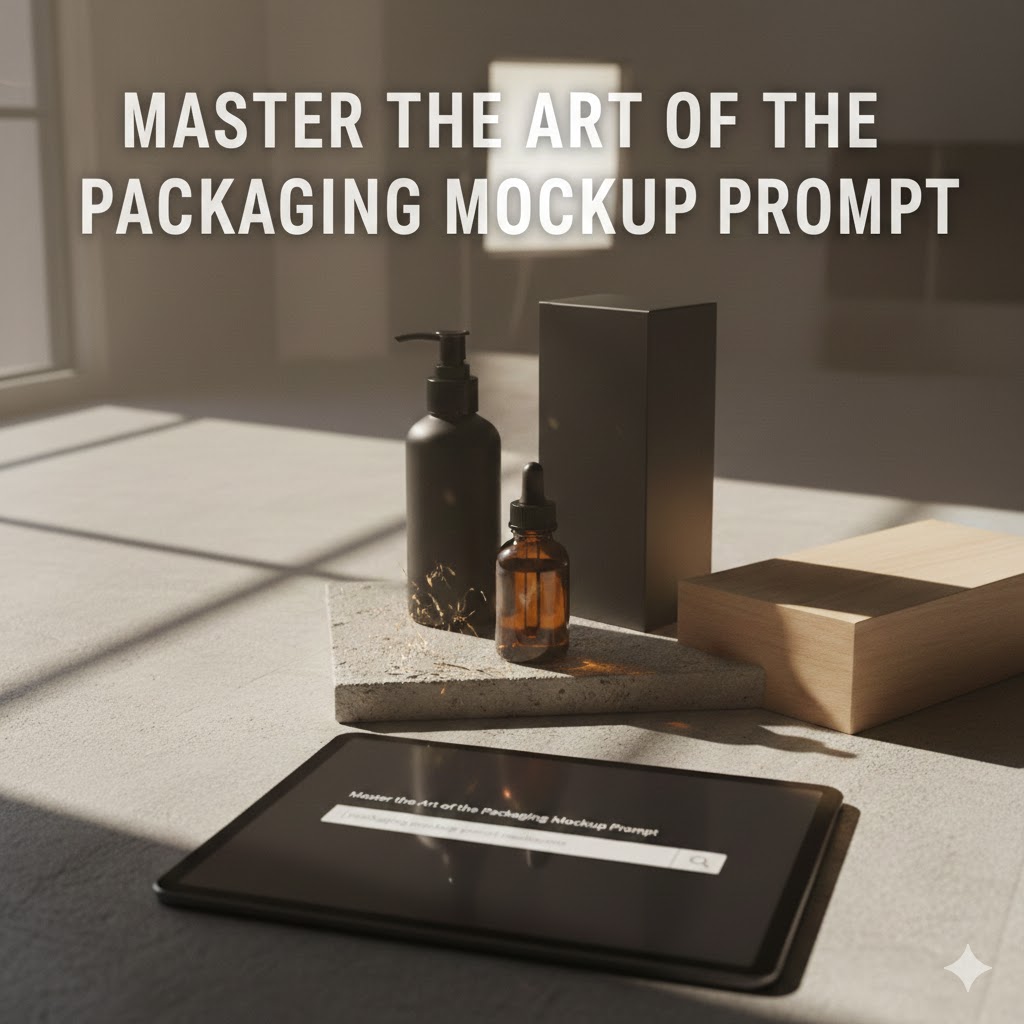
Master the Art of the Packaging Mockup Prompt: Realistic Shadows and Professional Depth
Finding the perfect “vibe” for a product launch is exhilarating, but there’s a specific kind of frustration that only a designer or entrepreneur knows: generating a stunning AI mockup that looks… flat.
You’ve spent hours perfecting the logo and the color palette, but when you prompt an image generator, the box looks like it’s floating in a void or pasted onto a background by a toddler. It lacks that “heft,” that tangible quality that makes a customer want to reach through the screen and touch it. I’ve been there—staring at a screen at 2 AM, realizing that the difference between a “fake-looking render” and a “premium brand shot” isn’t the product itself—it’s the shadows.
In the world of digital marketing, the human eye is trained to spot “uncanny valley” images instantly. If your lighting is off, your customer’s subconscious registers “untrustworthy.” This guide is designed to help you bridge that gap, turning simple text into high-end, realistic brand photography by mastering the packaging mockup prompt realistic shadows technique.
The Hidden Science of Shadows in Brand Perception
Why Your Brain Craves Depth
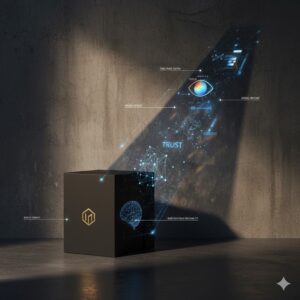
When you look at a physical object, your brain isn’t just seeing color; it’s calculating distance, weight, and texture based on how light wraps around the edges. In AI generation, “shadows” are often an afterthought for beginners, but they are the primary anchor for realism.
Without a properly defined shadow, your packaging lacks a relationship with its environment. It doesn’t matter if the resolution is 8K; if there is no ambient occlusion (the dark areas where the box touches the table), the image will fail to convert. Professional photographers spend 80% of their time manipulating light and 20% clicking the shutter. As an AI prompter, you must adopt that same ratio.
Anatomy of a High-Conversion Mockup Prompt
Breaking Down the Language of Light
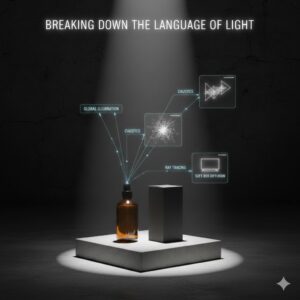
To get the best results, you need to speak the language of both photographers and AI algorithms. You can’t just ask for “shadows”; you have to describe the behavior of the light.
Essential Keywords for Realistic Depth:
Volumetric Lighting: This adds a sense of atmosphere, making the air feel “thick” and the shadows feel three-dimensional.
Global Illumination: This ensures that light bounces off surfaces naturally, meaning a red box might cast a very slight red tint into its own shadow.
Caustics: Essential for glass packaging. This refers to the beautiful, shimmering light patterns created when light passes through a liquid or transparent material.
Ray Tracing: A technical term that tells the AI to calculate the path of light beams with mathematical precision.
The Ultimate Prompt Ingredient Table
Use this table to build your prompts. Mix and match one element from each column to create a sophisticated packaging mockup prompt realistic shadows result.
| Package Type | Lighting Style | Surface/Background | Shadow Quality |
| Matte Cosmetic Tube | 45-degree “Rembrandt” | Raw Concrete Slab | Soft, blurred edges |
| Amber Glass Jar | Golden Hour Sun | Polished Oak Wood | Complex caustic patterns |
| Rigid Cardboard Box | Minimalist Studio Light | High-end Marble | Sharp, high-contrast |
| Metallic Foil Pouch | Cool Fluorescent | Frosted Glass Shelf | Subtle, multi-directional |
Crafting Your Prompt: From Basic to Masterclass
Let’s look at the evolution of a prompt to see how the inclusion of shadow-specific language changes the game.
The Beginner Prompt:
“A box for a luxury watch on a table, realistic shadows, high quality.”
The Result: Usually a generic box with a blurry gray smudge underneath it. It looks like a stock photo from 2005.
The Professional Prompt:
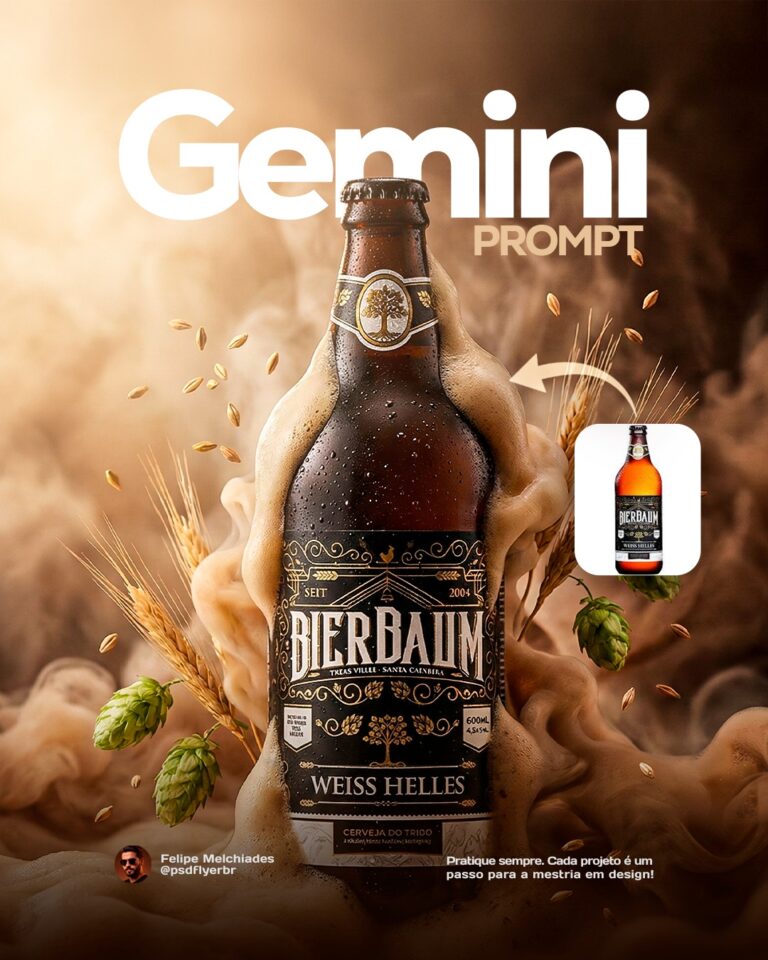
“Close-up of a square matte black watch box on a dark slate surface, dramatic side-lighting, long deep shadows, cinematic atmosphere, 8k, photorealistic, Ray Tracing, soft-box diffusion.”
The Result: The box now has a “weight.” You can see the texture of the slate, and the shadow tells a story about the room’s lighting.
H3: Top 3 Templates for Your Next Project
The “Organic Lifestyle” Look:
Prompt: “Eco-friendly kraft paper pouch on a kitchen counter, dappled sunlight filtering through a window, realistic shadows of tree leaves, soft focus background, ultra-realistic textures.”
The “Industrial Modern” Look:
Prompt: “Aluminum beverage can, top-down dramatic lighting, harsh shadows, concrete floor, water droplets, ray-traced reflections, 35mm lens.”
The “Ethereal Beauty” Look:
Prompt: “Frosted glass serum bottle, iridescent glow, soft pastel background, ambient occlusion, delicate contact shadows, soft-focus bokeh.”
Advanced Troubleshooting: Why Your Shadows Look “Off”
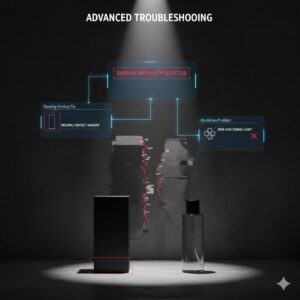
Even with a great prompt, AI sometimes hallucinates. Here is how to fix common issues:
The “Floating Product” Fix
If your product looks like it’s hovering, the AI has missed the Contact Shadow. This is the darkest part of the shadow directly beneath the object.
Solution: Add “heavy contact shadows” or “physically-based rendering (PBR)” to your prompt.
The “Muddiness” Problem
Sometimes shadows look like dirty gray paint rather than a lack of light.
Solution: Mention the light source specifically. Instead of “realistic shadows,” try “directional sunlight” or “single overhead spotlight.” This gives the AI a “why” for the shadow.
FAQ: Mastering the Packaging Mockup Prompt Realistic Shadows
How do I get shadows to look softer in AI mockups?
The secret is to use photography terms like “diffused light,” “soft-box,” or “overcast day.” The larger the light source you describe, the softer the edges of your shadows will be.
Can I specify the direction of the shadows?
Yes! In your packaging mockup prompt realistic shadows, specify the light’s origin. For example, “light coming from the top-left corner” will naturally force the AI to cast shadows toward the bottom-right.
Why are shadows important for SEO and conversion?
Search engines favor high-quality, original imagery. Furthermore, users have a higher “dwell time” on images that look professional. Realistic shadows reduce the “cheap” feel of AI, making your brand look more established and trustworthy.
Does the surface material affect the shadow?
Absolutely. A shadow on a mirror looks different than a shadow on a rug. Always define your surface (e.g., “rough stone,” “polished metal,” “soft velvet”) to help the AI calculate the shadow’s texture.
Final Thoughts: Grounding Your Vision
In a digital world, we are starved for tactile experiences. When you use a packaging mockup prompt realistic shadows, you aren’t just making a picture; you are simulating a physical reality. You are giving your potential customers a reason to believe that your product exists, that it has weight, and that it belongs in their hands.
Stop settling for flat, uninspired renders. Start playing with the light. Experiment with how a shadow stretches across a marble floor or how it softens under a studio lamp. Your brand deserves to be seen in three dimensions.
Would you like me to refine a custom prompt for your specific product? Tell me what you’re selling, and I’ll write a masterclass-level prompt for you!