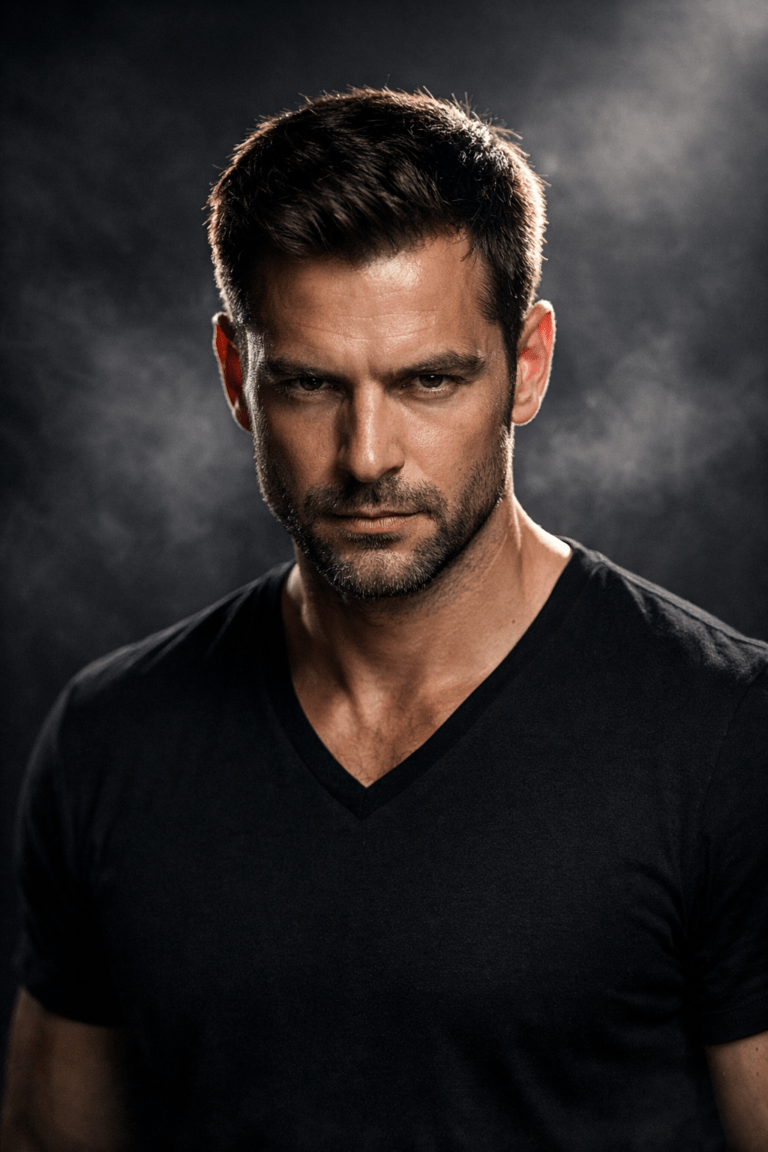
How to Craft a Cinematic Black and White Classroom Portrait Using a Single Powerful AI Prompt
How to Craft a Cinematic Black and White Classroom Portrait Using a Single Powerful AI Prompt.There is something deeply emotional about a quiet classroom. Empty chairs, worn desks, light cutting through a window, and silence that feels heavier than sound. When you translate that atmosphere into black and white, the result is no longer just a portrait. It becomes a story. A memory. A frame pulled from a forgotten film.
If you have ever looked at a cinematic black and white classroom portrait and wondered how it was created with such depth and realism, this guide is for you. You do not need complex workflows or endless experimentation. You only need one carefully structured AI prompt and a clear creative intention. In this article, you will learn exactly how to craft a cinematic black and white classroom portrait using a single powerful AI prompt, step by step, with practical guidance you can apply immediately.

Core Structure of a Powerful Prompt
Before examples, here’s the formula you can reuse every time:
[Subject + pose] + [Classroom setting] + [Lighting] + [Black & white cinematic style] + [Camera & texture] + [Mood]
Example Prompt 1 – Classic Cinematic Classroom Mood
Cinematic black and white portrait of a young man sitting alone in a quiet classroom, leaning casually on a wooden school chair, legs crossed. Natural sunlight enters from the side window, casting long dramatic shadows on the wall. The classroom walls are worn, with pinned papers and notes behind him. High contrast black and white film look, subtle grain, soft highlights, deep shadows, shallow depth of field, realistic facial details, timeless cinematic atmosphere.
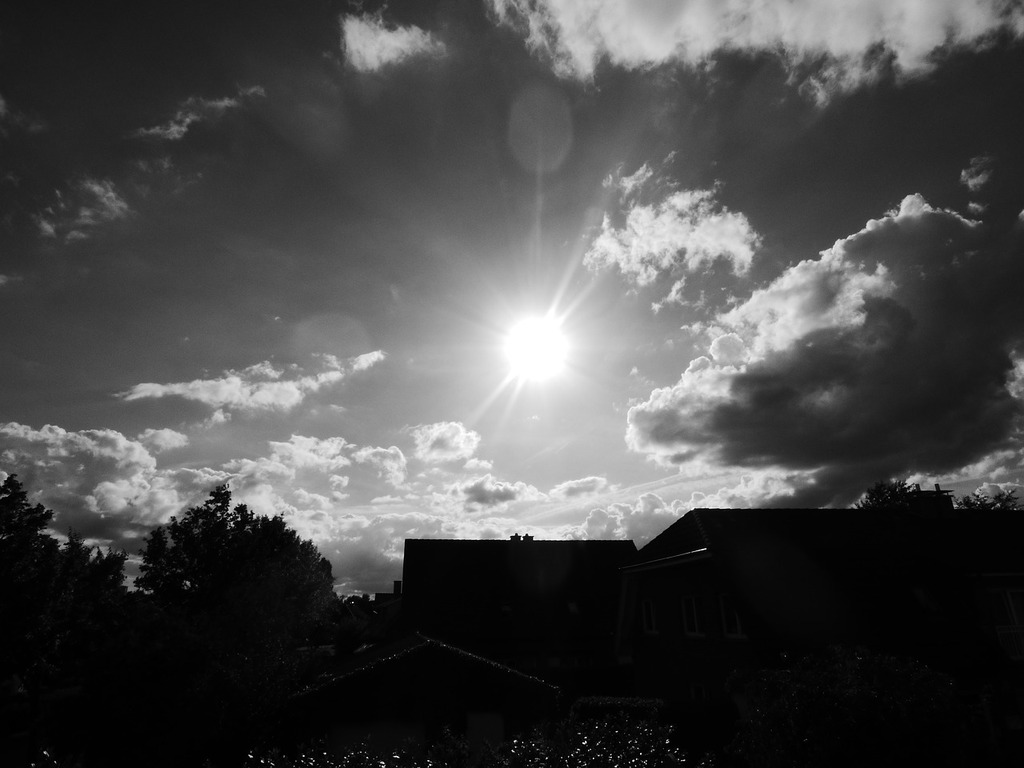
Example Prompt 2 – Editorial Film Photography Style
High-contrast black and white cinematic portrait of a student in an empty classroom, seated confidently on a wooden chair. Strong side lighting creates a triangular beam of light on the wall. Minimalist composition, realistic film grain, sharp focus on the eyes, soft background blur. Shot on 35mm film style, documentary photography feel, emotional and introspective mood.

Classic Cinematic Classroom Portrait
Prompt
How to use it
Best for emotional, timeless portraits
Works great as a featured blog image
Use portrait aspect ratio (4:5 or 3:4)
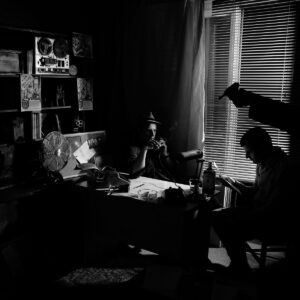
Film Noir–Inspired Classroom Scene
Prompt
How to use it
Use when you want a dark, dramatic vibe
Increase contrast or “dramatic lighting” in settings
Perfect for storytelling visuals
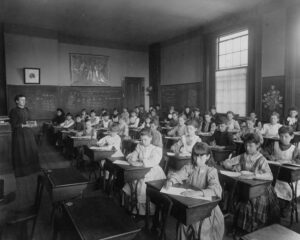
Minimalist Modern Classroom Portrait
Prompt
How to use it
Ideal for clean websites or landing pages
Avoid adding too many details
Works well with AI models that favor realism

Example Prompt 3 – Vintage Classroom Film Look
Vintage cinematic black and white portrait inside an old classroom. The subject sits calmly with a neutral expression, wearing casual clothes. Sunlight cuts through the room, illuminating dust particles in the air. Heavy contrast, soft vignette, analog film grain, slightly imperfect texture. Classic European cinema mood, quiet and reflective atmosphere.
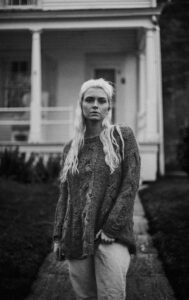
Vintage Classroom Film Look
Prompt
How to use it
Use for nostalgic or artistic content
Add “vintage” or “old film” in AI settings if available
Great for Instagram reels and posts
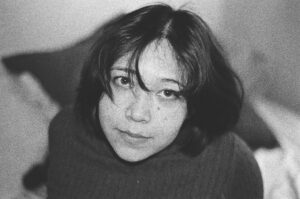
Editorial Photography Style
Prompt
How to use it
Best for professional branding
Use vertical framing
Looks great for profile or author images
Why Cinematic Black and White Classroom Portraits Are So Powerful
When you remove color, you remove distraction. Your eyes stop chasing tones and start reading emotion. In a classroom setting, this effect is amplified. The environment already carries meaning: discipline, growth, silence, pressure, nostalgia. Black and white transforms those ideas into visual language.
Cinematic portraits rely on contrast, light direction, and mood rather than perfection. Small imperfections such as grain, shadow falloff, or uneven textures make the image feel human. That is why black and white works so well with classroom scenes. It emphasizes expression, posture, and atmosphere instead of visual noise.
From an SEO perspective, cinematic black and white classroom portraits are also trending because they connect AI creativity with timeless photographic aesthetics. People are not searching for “AI images” anymore. They are searching for emotion, realism, and storytelling.
Understanding the Cinematic Look Before Writing Your AI Prompt
Before you write a single word of your prompt, you need to understand what makes an image cinematic. Without this foundation, even the best AI tools will produce flat results.
What Makes a Portrait Cinematic
A cinematic portrait usually includes the following elements:
- Directional lighting rather than flat illumination
- Strong contrast between light and shadow
- A clear subject separated from the background
- A natural pose that feels unforced
- A sense of story, not just appearance
In a classroom, cinematic lighting often comes from one side. Sunlight through a window is ideal because it creates long shadows and natural gradients.
Why Black and White Elevates the Classroom Scene
Black and white does three important things:
- It simplifies the frame
- It increases emotional weight
- It creates a timeless, film-like quality
When paired with a classroom environment, black and white helps you communicate silence, reflection, discipline, or solitude without explaining anything. The image speaks for itself.
The Role of AI in Creating Cinematic Classroom Portraits
AI is not replacing creativity. It is responding to it. When you give AI a vague prompt, it produces a generic image. When you give it a cinematic, emotionally grounded prompt, it responds with depth and realism.
The power of AI lies in interpretation. Your job is to guide that interpretation with precision.
AI works best when you describe:
- The environment clearly
- The lighting direction
- The emotional tone
- The visual style
It struggles when prompts are overloaded with unnecessary adjectives or conflicting instructions.
Anatomy of a Single Powerful AI Prompt
A strong cinematic black and white classroom portrait prompt is not long, but it is structured. Every word has a purpose.
Core Elements Your Prompt Must Include
When crafting your prompt, make sure it contains:
- Subject description: age, posture, expression
- Environment: classroom details, furniture, walls
- Lighting: direction, intensity, source
- Mood: calm, tense, reflective, silent
- Camera style: cinematic, film photography
- Color treatment: black and white
- Texture: grain, realism, imperfections
Each element works together. If you remove one, the image loses depth.
Optional Enhancers for Film Realism
You can elevate your results by adding:
- Film grain
- Slight blur in the background
- Natural imperfections
- Dust or light particles in the air
These details help the image feel photographed rather than generated.
The Single Powerful AI Prompt Recipe
Think of your prompt as a recipe. Each ingredient contributes to the final flavor of the image.
| Ingredient | Description | Purpose |
|---|---|---|
| Subject | Student seated casually on a chair | Creates realism |
| Environment | Quiet classroom with worn walls and desks | Adds narrative |
| Lighting | Strong sunlight entering from the side | Builds drama |
| Mood | Silent, reflective, cinematic | Emotional tone |
| Camera Style | Film photography, cinematic framing | Visual language |
| Color Mode | High-contrast black and white | Timeless look |
| Texture | Natural grain and imperfections | Authentic feel |
You can adjust quantities, but do not remove the core ingredients.
How to Use the Prompt Step by Step
Step 1: Choose the Right Base Image
Even though AI can work from text alone, better results come from a clear mental reference. Visualize:
- A relaxed but intentional pose
- Neutral clothing
- A calm or serious expression
Avoid exaggerated emotions. Subtlety is cinematic.
Step 2: Customize the Prompt Carefully
Replace general terms with specific details:
- Instead of “classroom,” describe desks, chairs, walls
- Instead of “light,” describe sunlight direction
- Instead of “moody,” describe silence or tension
Specificity guides AI more than adjectives.
Step 3: Generate, Review, Refine
Your first result is rarely the final one. Review the image and adjust:
- Light intensity
- Shadow depth
- Grain strength
- Background simplicity
Small changes create big improvements.
Common Mistakes That Ruin Cinematic Results
Many creators fail not because of AI limitations, but because of prompt mistakes.
Avoid these errors:
- Overloading the prompt with too many styles
- Forgetting to specify black and white clearly
- Using flat or studio lighting
- Ignoring mood and emotion
- Asking for perfection instead of realism
Cinematic images feel lived-in, not polished.
Advanced Tweaks for Professional-Level Portraits
Once you master the basics, you can push further.
Try adjusting:
- Contrast levels for stronger drama
- Shadow softness for realism
- Camera perspective for intimacy
- Mood language for different emotional outcomes
You can create calm, tension, nostalgia, or introspection using the same base prompt.
Best Use Cases for Cinematic Black and White Classroom Portraits
These portraits are perfect for:
- Personal branding visuals
- Editorial or blog imagery
- AI art portfolios
- Instagram storytelling
- Educational or creative projects
They stand out because they feel intentional and emotional.
FAQ: How to Craft a Cinematic Black and White Classroom Portrait Using a Single Powerful AI Prompt
What is the best way to craft a cinematic black and white classroom portrait using a single powerful AI prompt?
The best approach is to focus on lighting, mood, and simplicity. Describe the environment clearly, guide the light direction, and let black and white carry the emotion.
Can you create cinematic classroom portraits with AI as a beginner?
Yes. If you structure your prompt correctly and understand cinematic principles, beginners can achieve professional-looking results quickly.
Why does black and white work better than color for classroom portraits?
Black and white removes distractions and emphasizes emotion, expression, and atmosphere, which are essential for cinematic storytelling.
Do you need advanced AI tools for cinematic results?
No. Prompt quality matters more than the tool itself. A strong prompt can outperform advanced settings.
Conclusion: Turn Silence Into Cinema
When you learn how to craft a cinematic black and white classroom portrait using a single powerful AI prompt, you are not just generating images. You are creating stories. You are freezing moments of silence, memory, and emotion into a single frame.
Now it is your turn. Experiment with your prompt. Adjust the light. Change the mood. Create something that feels real.
If this guide helped you, share it, save it, or apply it to your next project. And if you want more advanced AI prompt techniques, cinematic guides, and creative workflows, stay connected and keep creating.