ChatGPT MidJourney Prompts: How to Use ChatGPT to Create Powerful AI Art
chatgpt midjourney prompts ,The world of AI art is moving at light speed, but many creators still find themselves staring at a blank text box, unsure how to translate the vision in their head into a stunning masterpiece. If you’ve ever typed “cool robot” into MidJourney only to get a generic result, you aren’t alone. The secret to those jaw-dropping, hyper-realistic images isn’t just luck—it’s prompt engineering.
If you have ever typed a prompt into MidJourney and felt disappointed by the result, you are not alone. You might have had a clear image in your head, yet what appeared on the screen felt flat, confusing, or simply not what you imagined. This moment is frustrating, especially when you know the tool is capable of breathtaking visuals.
The truth is simple: the quality of your image depends on the quality of your prompt. That is where ChatGPT MidJourney prompts change everything. When you learn how to use ChatGPT to generate prompts for MidJourney, you stop guessing and start creating with intention.
This guide shows you exactly how to do that, step by step, in a practical and results-focused way.
Why ChatGPT MidJourney Prompts Matter
MidJourney is not a mind reader. It responds to language, structure, and detail. If your prompt is vague, your image will be vague. If your prompt lacks direction, your image will lack identity.
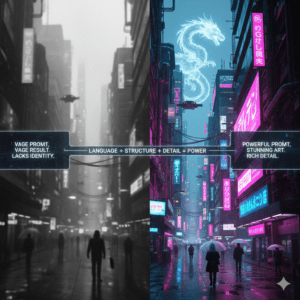
Using ChatGPT to generate MidJourney prompts helps you:
- Translate ideas into precise visual instructions
- Add artistic depth without technical overload
- Save time while improving consistency
- Create images that actually match your vision
Instead of struggling to “find the right words,” you let ChatGPT guide the language while you guide the creativity.
How ChatGPT and MidJourney Work Together
ChatGPT and MidJourney serve different but complementary roles.
- ChatGPT helps you think, structure, and refine language
- MidJourney turns that refined language into visual output
When combined, you get clarity before creativity. You explain your idea to ChatGPT in plain language, and ChatGPT transforms it into a structured prompt that MidJourney understands.
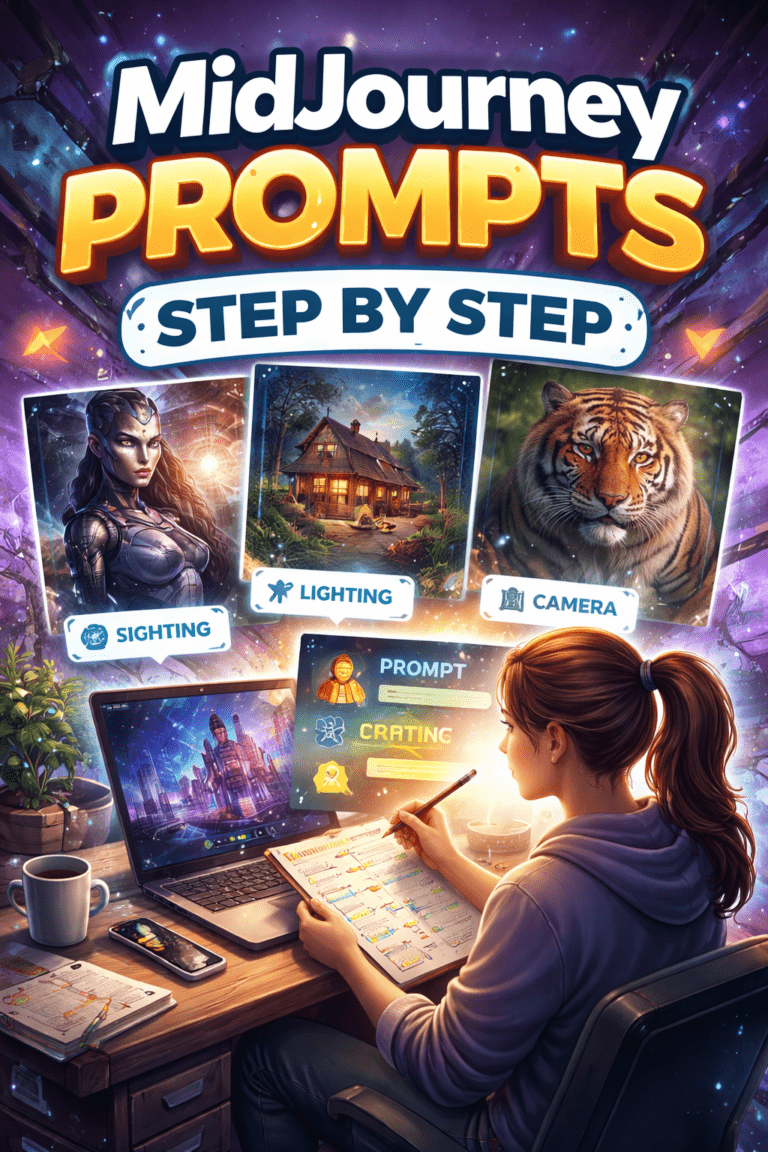
How to Use ChatGPT to Generate MidJourney Prompts (Step by Step)
Step 1: Define Your Creative Goal
Before you open ChatGPT, be clear about what you want. Ask yourself:
- What is the subject of the image?
- What emotion should it evoke?
- Where will you use it (art, branding, social media, product design)?
Example goal:
“I want a cinematic image of a futuristic city for a website hero section.”
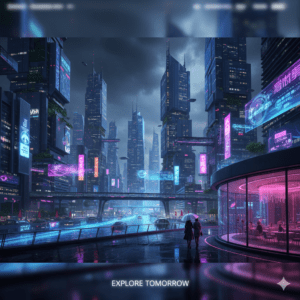
This clarity is what allows ChatGPT to help you properly.
Step 2: Give ChatGPT a Clear Instruction
Do not simply ask for “a MidJourney prompt.” Be specific.
Example input to ChatGPT:
- “Act as a MidJourney prompt engineer. Generate a detailed prompt for a cinematic futuristic city at night, ultra-realistic, wide angle.”
This framing signals ChatGPT to focus on structure, visual detail, and descriptive depth.
Step 3: Refine the Prompt with Iteration
Your first output does not need to be perfect. Ask ChatGPT to:
- Add lighting details
- Improve realism
- Adjust mood or color palette
- Create multiple variations
Iteration is where strong ChatGPT MidJourney prompts are born.
The Ideal Structure of ChatGPT MidJourney Prompts
A strong prompt usually contains several “ingredients.” Think of it as a visual recipe.
Core Prompt Elements
- Subject: what the image focuses on
- Style: artistic or photographic direction
- Lighting: mood and atmosphere
- Perspective: camera angle or framing
- Details: textures, materials, environment
- Parameters: MidJourney settings
Example Prompt Structure
“Ultra-detailed cinematic futuristic city at night, neon lights reflecting on wet streets, cyberpunk style, dramatic lighting, wide-angle lens, high contrast, realistic textures, –ar 16:9 –v 6”

ChatGPT excels at assembling these elements logically.
ChatGPT MidJourney Prompt Examples
Cinematic and Photorealistic Prompts
You can ask ChatGPT to reference photography techniques:
- Shallow depth of field
- Golden hour lighting
- Film grain
- Lens types (35mm, 85mm)
This dramatically improves realism.
Product and Brand Visual Prompts
For marketing or e-commerce:
- Minimal backgrounds
- Controlled lighting
- Clean composition
- Studio-style photography
ChatGPT can adapt prompts for branding consistency.
Character and Concept Art Prompts
For characters:
- Facial features
- Clothing materials
- Mood and posture
- Art style references
This helps you maintain visual coherence across generations.
Using Tables to Build Better Prompts
Even outside cooking, tables help break complex ideas into clear components.
Prompt “Ingredients” Table
| Element | Purpose | Example |
|---|---|---|
| Subject | Main focus | Futuristic city |
| Style | Artistic direction | Cyberpunk |
| Lighting | Mood control | Neon night lighting |
| Perspective | Visual framing | Wide-angle |
| Parameters | Output control | –ar 16:9 |
This approach keeps your prompts structured and repeatable.
Common Mistakes to Avoid
Many creators sabotage their results without realizing it.
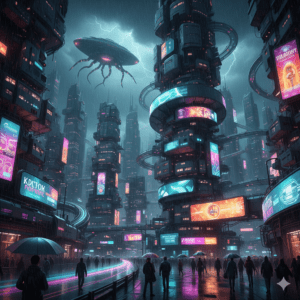
Avoid these issues:
- Writing overly short prompts
- Mixing conflicting styles
- Ignoring lighting and perspective
- Copying prompts without adapting them
ChatGPT helps you avoid these mistakes if you ask it to review and improve your prompt.
Practical Tips for Better ChatGPT MidJourney Prompts
- Ask for multiple variations, not one prompt
- Save prompts that work well and reuse their structure
- Tell ChatGPT to simplify or enhance depending on your needs
- Test small changes instead of rewriting everything
Prompt creation is a skill, and ChatGPT accelerates your learning curve.
FAQ: ChatGPT MidJourney Prompts
What are ChatGPT MidJourney prompts?
They are structured MidJourney prompts generated or refined using ChatGPT to improve clarity, detail, and image quality.
Can ChatGPT create professional-level MidJourney prompts?
Yes. When guided properly, ChatGPT can produce prompts suitable for commercial and creative use.
Are ChatGPT MidJourney prompts good for beginners?
Absolutely. They remove guesswork and help beginners understand how prompt structure affects results.
How do I improve image quality using ChatGPT MidJourney prompts?
Focus on lighting, perspective, style references, and MidJourney parameters. ChatGPT can help refine all of them.
Conclusion: Turn ChatGPT into Your Creative Advantage
When you combine your vision with ChatGPT’s language precision, MidJourney becomes far more predictable and powerful. You stop hoping for good results and start designing them.
ChatGPT MidJourney prompts are not shortcuts. They are tools that help you think more clearly, create more intentionally, and produce visuals that actually match your ideas.
Now it’s your turn. Open ChatGPT, describe your idea, refine the prompt, and experiment. Save what works. Improve what doesn’t. The more you practice, the more control you gain.
If this guide helped you, try building your own prompt templates and share your results. The best images always start with the right words.