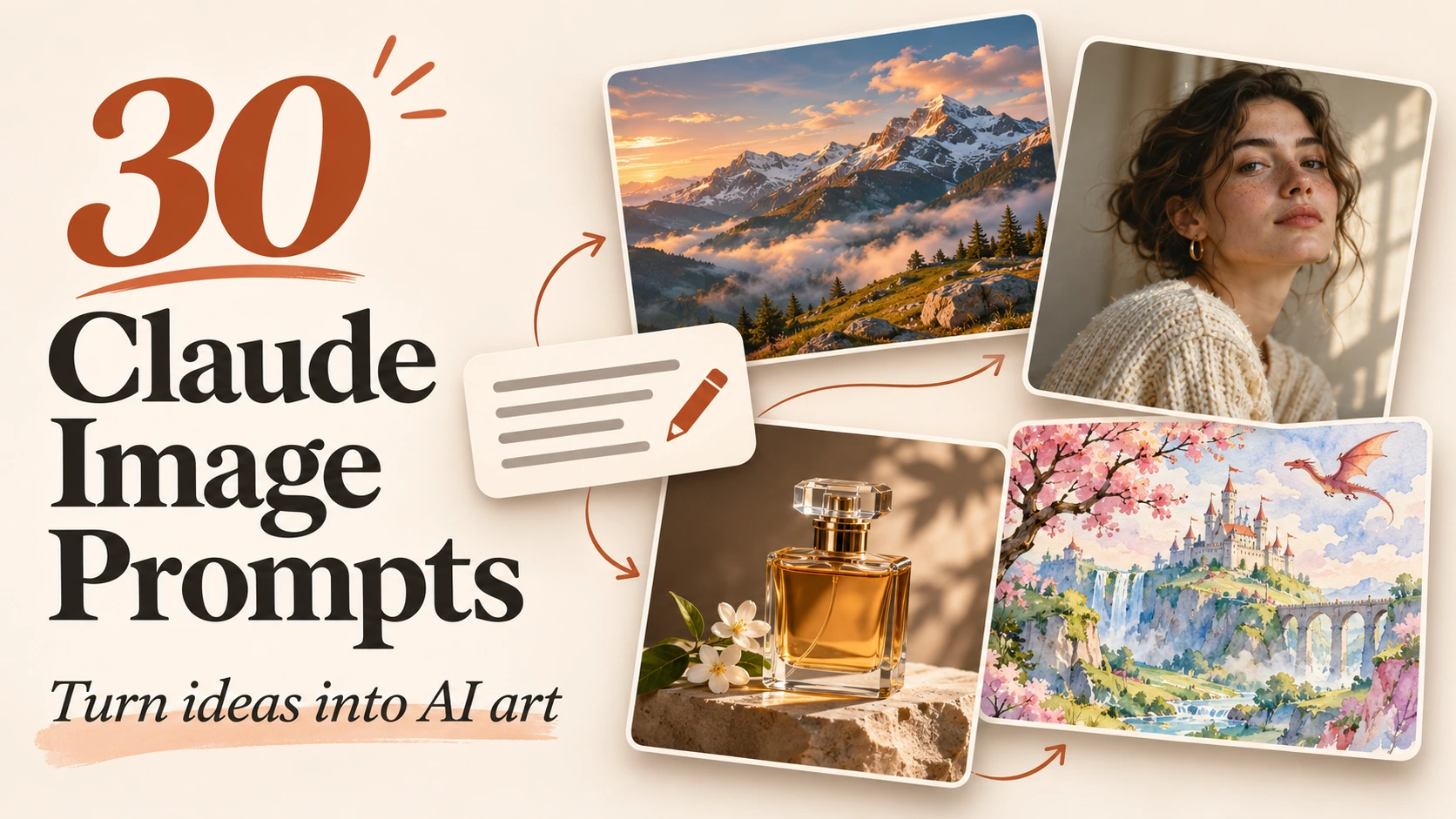
30 Claude Image Prompts for Stunning AI Images
You know the image you want: warm lighting, a striking subject, and a background that feels right. Then you enter your idea into an image generator, and something gets lost. The composition feels crowded. The colors clash. Your carefully imagined scene becomes another generic picture.
Claude image prompts help you describe your vision more clearly. You give Claude an idea, ask it to develop a detailed visual brief, and use that description in your preferred image generator.
Below, you’ll find 30 practical prompts for photography, product images, illustrations, marketing graphics, and food content.
How Do Claude Image Prompts Work?
In this workflow, Claude acts as your prompt writer. You describe what you need, and it produces instructions for a separate image-generation tool.
Anthropic distinguishes Claude’s coded visuals, such as diagrams, from the photographs and illustrations produced by image generators. Claude can also analyze uploaded images to help describe their visible features. support.claude.com
Your workflow is straightforward:
- Choose a prompt below.
- Replace the bracketed details.
- Send the instruction to Claude.
- Review its response.
- Paste the resulting description into your image generator.
What Makes a Good AI Image Prompt?
Clear instructions give Claude a stronger foundation. Anthropic’s prompting guidance recommends specifying your desired output and constraints rather than expecting Claude to infer them. platform.claude.com
Use these ingredients when describing your image:
| Element | What you should specify |
|---|---|
| Subject | The person, object, or scene |
| Setting | Location, background, and surroundings |
| Composition | Framing, viewpoint, and placement |
| Lighting | Direction, softness, and atmosphere |
| Style | Photography, watercolor, illustration, or another medium |
| Constraints | Required details and unwanted additions |
You don’t need every element in every prompt. Prioritize the details that determine whether the image serves your purpose.
Claude Image Prompts for Realistic Photography
Use these templates when your goal is a believable photographic scene.
1. Natural Portrait
“Write an image prompt for a portrait of [subject] in [location]. Include natural skin texture, a relaxed expression, soft window lighting, and an uncluttered background.”
2. Cinematic Street Scene
“Create a photography prompt showing [street scene] at [time]. Specify the viewpoint, weather, light sources, and one clear focal point.”
3. Landscape Photography
“Develop an image prompt for [landscape]. Include foreground interest, distant scenery, seasonal details, and lighting appropriate to [time of day].”
4. Interior Photography
“Write a realistic photography prompt for a [room] decorated in [style]. Describe furniture placement, materials, camera position, and natural lighting.”
5. Macro Detail
“Create a macro photography prompt featuring [subject]. Emphasize surface texture, a precise focal point, a softly blurred background, and believable detail.”
Claude Prompts for Product Photography
For commercial images, provide accurate product descriptions. Check generated shapes, labels, and proportions against your actual product.
6. Clean Product Listing
“Write a studio image prompt for [product] against [background]. Preserve [key features], use even lighting, and include a subtle contact shadow.”
7. Luxury Product Advertisement
“Create an advertising image prompt for [product] using [materials] and [colors]. Make the product prominent and reserve space above for copy.”
8. Lifestyle Product Scene
“Describe an image of [product] being used in [situation]. Keep its scale realistic, its defining features visible, and the surroundings relevant.”
9. Product Flat Lay
“Write an overhead photography prompt arranging [products] on [surface]. Include only [approved props], balanced spacing, and soft shadows.”
10. Coordinated Campaign
“Create three image prompts for [product]: studio, lifestyle, and close-up. Repeat its exact description and color palette across all three.”
Claude Image Prompts for Illustrations
Describe the visual qualities you want, including texture, medium, shapes, and atmosphere.
11. Storybook Illustration
“Create an illustration prompt showing [character] experiencing [event]. Use gentle colors, expressive gestures, and a [medium] style suitable for [age group].”
12. Fantasy Environment
“Turn [concept] into a fantasy environment prompt. Describe architecture, landscape, scale, atmosphere, and one memorable focal point.”
13. Science-Fiction Scene
“Write a science-fiction image prompt featuring [scene]. Specify technology, materials, lighting, and visual details consistent with [world-building rule].”
14. Watercolor Artwork
“Create a watercolor prompt depicting [subject], with translucent washes, visible paper texture, a limited palette, and restrained background details.”
15. Surreal Visual Metaphor
“Translate [emotion] into an image prompt using one clear visual metaphor. Specify the composition, unusual elements, and a consistent color palette.”
Claude Prompts for Marketing Images
Tell Claude where your image will appear. A website banner and a thumbnail need different compositions.
16. Blog Hero Image
“Write an image prompt representing [article topic] through one clear visual concept. Use [brand colors] and leave room for a headline.”
17. Video Thumbnail
“Create a thumbnail image prompt for
. Include one prominent subject, strong visual separation, and a simple background.”
18. Social Media Campaign
“Develop three coordinated image prompts promoting [offer]. Maintain the same visual style while varying the main subject and composition.”
19. Website Banner
“Write a wide banner image prompt for [business]. Position the subject on [side] and preserve uncluttered space opposite for website text.”
20. Book Cover Artwork
“Create a cover artwork prompt for a [genre] book about [premise]. Include a central visual symbol and space for typography.”
Claude Image Prompts for Food Photography
Keep your food descriptions consistent with the actual recipe. Specify visible ingredients instead of letting decorative additions change the dish.
21. Finished Dish
“Write a food photography prompt for [dish] containing [ingredients]. Describe realistic textures, plating, lighting, and camera angle. Add no unlisted garnishes.”
22. Ingredient Flat Lay
“Create an overhead image prompt showing [ingredients] in separate bowls on [surface]. Preserve their raw appearance and exclude unrelated items.”
23. Cooking Sequence
“Turn [recipe steps] into four image prompts. Keep the utensils, work surface, lighting, and ingredient quantities visually consistent.”
24. Restaurant Menu Image
“Write a menu photography prompt for [dish]. Show a realistic portion, recognizable ingredients, appetizing textures, and a simple background.”
25. Cookbook Cover
“Create a cookbook cover image prompt featuring [dishes]. Use a balanced arrangement, coordinated colors, and clear space for the title.”
Claude Prompts for Improving Existing Image Prompts
These templates help you diagnose unclear instructions and develop variations.
26. Expand a Rough Idea
“Turn [idea] into a detailed image prompt. Specify subject, setting, composition, lighting, and style. List your assumptions separately.”
27. Describe a Reference Image
“Analyze this uploaded image and write a prompt describing its visible composition, colors, lighting, and textures. Flag uncertain details.”
28. Fix Conflicting Instructions
“Review [prompt] for vague wording and contradictions. Rewrite it with clear priorities while preserving my intended scene.”
29. Maintain Character Details
“Define [character’s] fixed appearance, then repeat that description in three prompts showing [scenes]. Change only the action and setting.”
30. Adapt for Another Generator
“Adapt [prompt] for [image tool]. Use only verified tool-specific syntax from [documentation]. Preserve the concept and flag unsupported instructions.”
FAQ About Claude Image Prompts
Can You Create Prompts From Photos?
Yes. You can ask Claude to describe uploaded images, although a description cannot reliably recover the original generation prompt.
How Long Should Your Prompt Be?
Use enough detail to establish your priorities. Remove repetition and instructions that compete with each other.
Will These Prompts Guarantee Consistent Results?
No. Results depend on the generator, settings, and interpretation. Review each image and refine specific problems.
Conclusion: Put Your First Prompt to Work
Choose one Claude image prompt, customize it, and generate your first image. Identify the biggest mismatch, revise that detail, and compare the results. Try a template today, then share which prompt you used and what you changed to improve your image.