prompt for saas landing page illustration style
Prompt for SaaS Landing Page Illustration Style: Create Visuals That Convert
Introduction: Why Your SaaS Visuals Might Be Costing You Users
You can have the best SaaS product in your niche, but if your landing page doesn’t visually explain it in seconds, users leave. That’s the harsh reality. People don’t read first—they see first. And if your visuals don’t connect, your message gets lost.
This is where crafting the right prompt for SaaS landing page illustration style becomes a game changer. Instead of relying on generic designs or expensive designers, you can now guide AI tools to generate stunning, conversion-focused visuals tailored exactly to your product.
In this guide, you’ll learn how to create powerful prompts that transform your SaaS landing page into a visually compelling experience that captures attention and drives action.
What is a Prompt for SaaS Landing Page Illustration Style?
A prompt for SaaS landing page illustration style is a structured instruction you give to AI tools like Midjourney or DALL·E to generate specific visuals. Think of it as your creative blueprint.
Instead of saying “create an illustration,” you define:
- The style (flat, 3D, isometric)
- The mood (professional, friendly, futuristic)
- The subject (dashboard, team, workflow)
- The colors and composition
The more precise your prompt, the better your results.
Why This Matters for Your SaaS Landing Page
Your landing page has one job: convert visitors into users. Visuals play a huge role in that.
Strong illustrations help you:
- Simplify complex features instantly
- Build trust and credibility
- Guide users through your product story
- Increase engagement and retention
If your visuals are generic, your product feels generic. And users won’t stay.
Key Elements of a High-Converting SaaS Illustration Prompt
To create visuals that actually work, your prompt needs structure. Random descriptions won’t give consistent results.
1. Define the Illustration Style Clearly
Start with the foundation of your design.
Common SaaS styles include:
- Flat design (clean and minimal)
- Isometric (great for dashboards)
- 3D illustration (premium and modern)
- Abstract (perfect for AI or tech products)
Example:
“Modern flat design SaaS illustration with soft gradients”
2. Specify Your Brand Colors
Your illustration should match your brand identity. Otherwise, your page feels disconnected.
Include:
- Primary color (blue, purple, green)
- Accent colors
- Gradient preferences
Example:
“Blue and purple gradient color palette, soft lighting”
3. Describe the Scene or Context
This is where you bring your product to life.
Think about:
- Who is using your product?
- What are they doing?
- What feature are you showing?
Example:
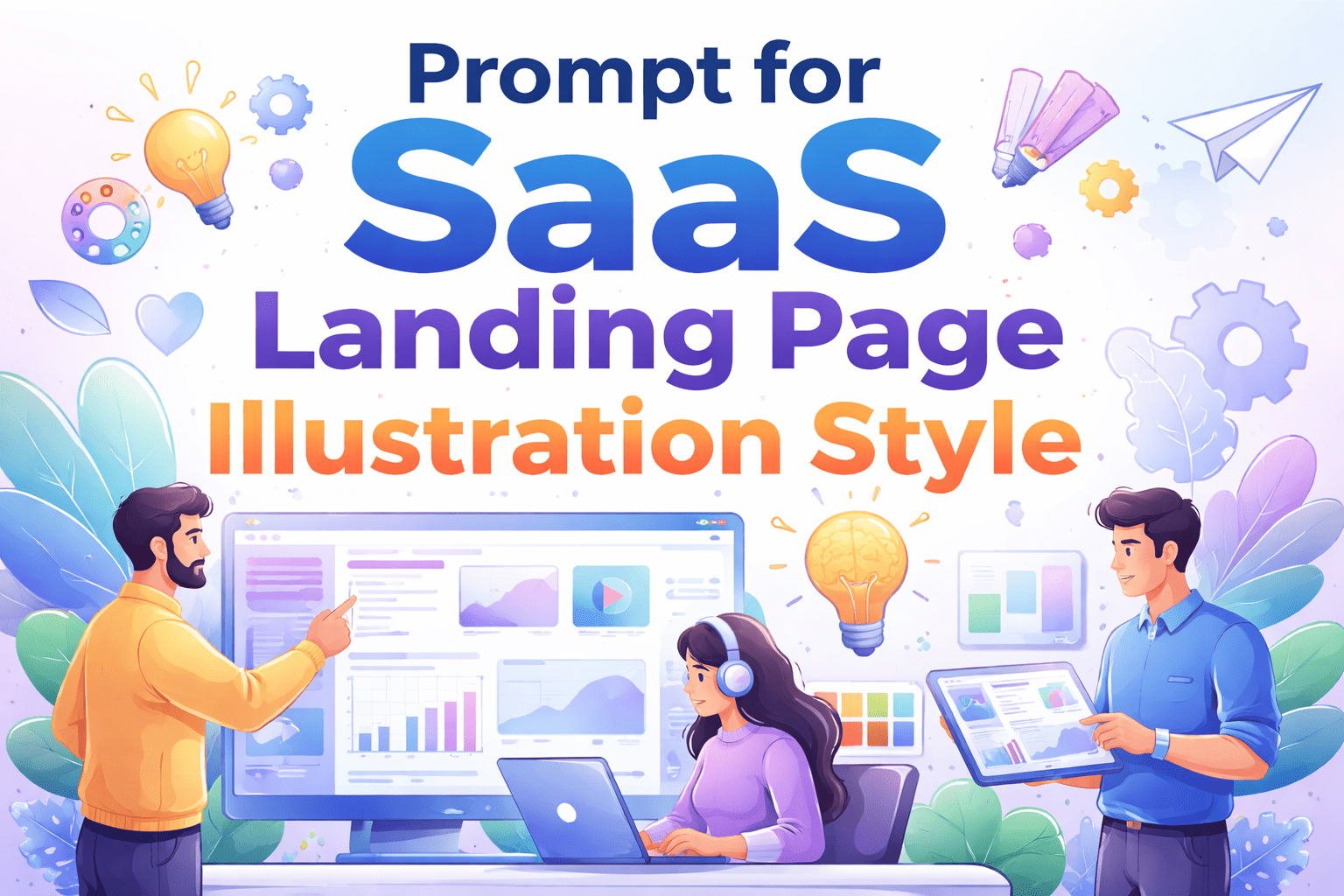
“Team collaborating around a digital dashboard, analytics charts visible”
4. Set the Mood and Tone
Mood influences how users feel about your product.
You can define:
- Friendly and playful
- Professional and corporate
- Futuristic and innovative
Example:
“Clean, modern, and professional atmosphere”
5. Add Composition Details
Tell the AI where and how the illustration is used.
Examples:
- Hero section illustration
- Feature breakdown visual
- Background UI element
Best Prompt Examples for SaaS Landing Page Illustration Style
Here are ready-to-use prompts you can adapt instantly.
Example 1: Clean SaaS Hero Illustration
“Modern SaaS landing page illustration, flat design, soft gradient colors, startup team collaboration, clean UI dashboard, minimal and professional style”
Example 2: Isometric Dashboard Visual
“Isometric SaaS dashboard illustration, 3D perspective, fintech analytics platform, blue neon highlights, futuristic interface, high detail”
Example 3: Minimal Productivity App Visual
“Minimal SaaS illustration, abstract shapes, pastel color palette, productivity workflow concept, smooth gradients, clean layout”
Example 4: AI Startup Illustration
“Futuristic SaaS illustration, abstract AI network, glowing nodes, dark background, neon blue and purple tones, modern tech style”
Types of SaaS Illustration Styles and When to Use Them
Choosing the right style depends on your product and audience.
Flat Design
Best for:
- Simple SaaS tools
- Beginners or non-technical users
Why it works:
- Easy to understand
- Fast loading
- Clean look
Isometric Style
Best for:
- Complex dashboards
- Data-heavy platforms
Why it works:
- Adds depth
- Makes systems easier to visualize
3D Illustration
Best for:
- Premium SaaS products
- High-end branding
Why it works:
- Feels modern and polished
- Creates strong visual impact
Abstract Style
Best for:
- AI tools
- Innovative startups
Why it works:
- Communicates concepts without literal visuals
How to Create the Perfect Prompt Step by Step
If you want consistent, professional results, follow this simple method.
Step 1: Define Your SaaS Category
Examples:
- Fintech
- Marketing automation
- AI tools
- Productivity
Step 2: Choose the Right Style
Pick one style and stick to it for consistency.
Step 3: Add Visual Context
Describe what’s happening in the scene.
Step 4: Include Brand Colors
Always align visuals with your brand identity.
Step 5: Add Mood and Lighting
This gives depth and realism.
Step 6: Refine and Test
Run multiple variations and improve your prompts.
Common Mistakes You Should Avoid
Even small mistakes can ruin your visuals.
Avoid these:
- Writing vague prompts like “nice SaaS illustration”
- Mixing too many styles in one prompt
- Ignoring brand identity
- Overloading the scene with too many elements
- Not testing variations
A good prompt is clear, focused, and intentional.
Tools You Can Use to Generate SaaS Illustrations
You don’t need to hire a designer to get high-quality visuals anymore.
Here are powerful tools you can use:
- Midjourney
- DALL·E
- Adobe Firefly
- Figma AI plugins
Why These Tools Matter
They allow you to:
- Generate visuals in seconds
- Experiment with styles
- Reduce design costs
- Scale your landing page assets quickly
SEO Benefits of Optimized SaaS Illustrations
This isn’t just about design—it impacts your rankings too.
When you use high-quality visuals:
- Users stay longer on your page
- Bounce rate decreases
- Engagement increases
- Your brand becomes more memorable
Search engines notice these signals.
Advanced Tips to Make Your Prompts Stand Out
If you want pro-level results, go beyond basics.
Try this:
- Use descriptive adjectives (clean, sleek, modern, futuristic)
- Combine human interaction with UI elements
- Add lighting details (soft shadows, glow effects)
- Keep prompts structured and repeatable
Example:
“Modern SaaS illustration, clean flat design, soft blue gradient, user interacting with dashboard analytics, minimal layout, professional lighting”
Conclusion: Turn Your SaaS Landing Page Into a Visual Experience
Your SaaS landing page isn’t just about features—it’s about how quickly users understand your value.
By mastering the prompt for SaaS landing page illustration style, you gain control over your visuals. You stop relying on generic designs and start creating visuals that truly represent your product.
The result?
More engagement. More clarity. More conversions.
Call to Action
Now it’s your turn.
Start creating your own prompt for SaaS landing page illustration style today. Test different styles, refine your prompts, and build visuals that make your product impossible to ignore.
If you want, I can generate custom prompts tailored to your SaaS app + ready-to-use landing page illustrations (PNG, high-converting style). Just tell me your niche and I’ll build everything for you 🔥