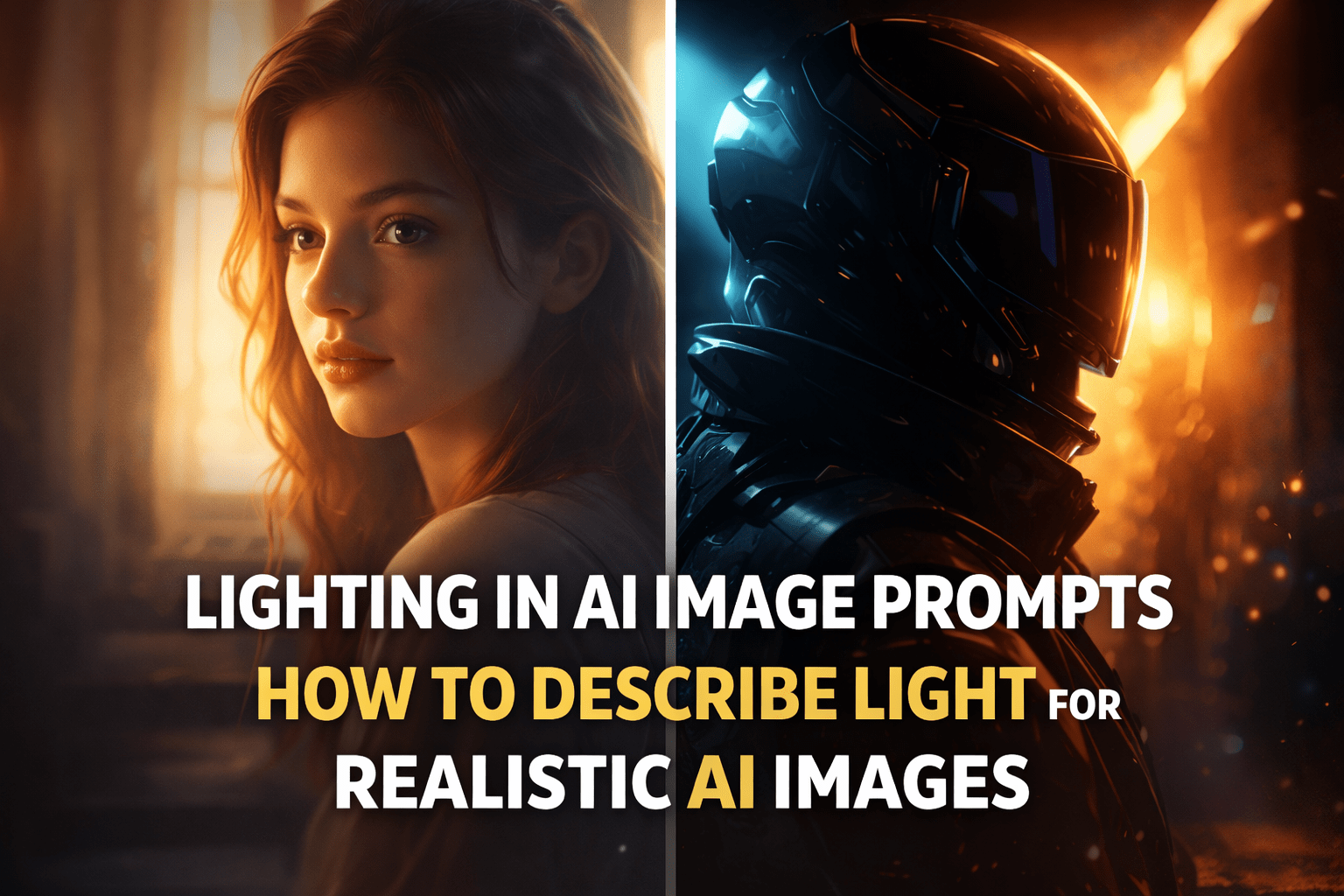
Lighting in AI Image Prompts: How to Describe Light for Stunning, Realistic Results
Lighting in AI Image Prompts: How to Describe Light for Stunning, Realistic Results
If you’ve ever typed what felt like a perfect AI image prompt—clear subject, strong style, detailed scene—yet the result still looked flat or artificial, you’re not alone. Most of the time, the missing ingredient isn’t the subject or the style. It’s the light.
Lighting in AI image prompts is what separates images that feel “generated” from images that feel photographed. Once you understand how to describe lighting clearly, you stop guessing and start controlling the final result. In this guide, you’ll learn exactly how to do that, step by step.
Why Lighting in AI Image Prompts Matters So Much
Light is not decoration. It is structure.
When you describe lighting in AI image prompts, you are telling the model how to shape shadows, highlights, contrast, and mood. Without lighting instructions, the AI fills in the gaps randomly, which often leads to dull or unrealistic images.
Good lighting descriptions help you achieve:
- Better depth and separation between subject and background
- More realistic skin tones and textures
- Clear emotional tone (warm, dramatic, moody, calm)
- A professional, cinematic look
In short, lighting is the difference between an image that looks accidental and one that looks intentional.
How AI Interprets Lighting Descriptions

AI image models don’t “understand” light the way humans do. They recognize patterns. Words like soft light, backlighting, or cinematic lighting trigger visual templates learned from millions of images.
That’s why vague phrases such as:
- “nice lighting”
- “good light”
- “beautiful light”
rarely work.
Clear lighting descriptions give the AI something concrete to visualize.
Core Lighting Types You Should Use in AI Image Prompts
Soft Lighting
Soft lighting creates gentle shadows and smooth transitions. It’s ideal for:
- Portraits
- Lifestyle scenes
- Beauty and fashion images
Example phrase:
soft natural lighting, diffused shadows
Hard Lighting
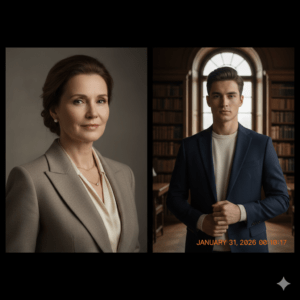
Hard lighting produces strong contrast and defined shadows. It works well for:
- Dramatic scenes
- Cyberpunk or noir styles
- High-fashion editorials
Example phrase:
harsh directional lighting, deep shadows
Backlighting and Rim Lighting
These techniques place light behind the subject, creating a glow or outline. They are perfect for:
- Cinematic portraits
- Hero shots
- Silhouettes
Example phrase:
backlit subject with subtle rim lighting
Ambient vs Directional Lighting
- Ambient lighting fills the entire scene evenly
- Directional lighting comes from a specific angle and creates depth
Choosing between them depends on whether you want realism or drama.
How to Describe Lighting in AI Image Prompts (Step by Step)
This is where most people go wrong—by skipping structure. Follow this simple process instead.
Step 1: Define the Light Source
Tell the AI where the light comes from:
- Sunlight
- Window light
- Studio light
- Neon lights
- Candlelight
Example:
natural window light
Step 2: Describe the Light Direction
Direction controls shadows and depth:
- Front-lit
- Side-lit
- Top-down lighting
- Low-angle lighting
Example:
side-lit from the left
Step 3: Specify Light Quality
This defines how soft or intense the light feels:
- Soft
- Diffused
- Harsh
- Volumetric
Example:
soft, diffused lighting
Step 4: Add Mood or Atmosphere
This ties the lighting to emotion:
- Warm lighting
- Cool lighting
- Moody lighting
- Cinematic lighting
Example:
warm cinematic lighting
A Simple Lighting Prompt Formula That Works
Use this structure to keep your prompts clear and effective:
Prompt Formula
Subject + light source + light direction + light quality + mood
Example
Portrait of a woman, natural window light, side-lit, soft diffused shadows, warm cinematic mood
This formula works across most AI image generators and keeps your prompt focused.
Lighting “Ingredients” Table for AI Prompts
Think of lighting like a recipe. Each element adds something important.
| Lighting Ingredient | What It Controls | Why It Matters |
|---|---|---|
| Light source | Realism | Defines scene authenticity |
| Light direction | Depth | Shapes shadows and form |
| Light quality | Mood | Soft vs dramatic feel |
| Shadow type | Contrast | Adds realism |
| Color temperature | Emotion | Warm or cold atmosphere |
Using at least three of these ingredients in every prompt dramatically improves results.
Advanced Lighting Techniques for Better AI Images
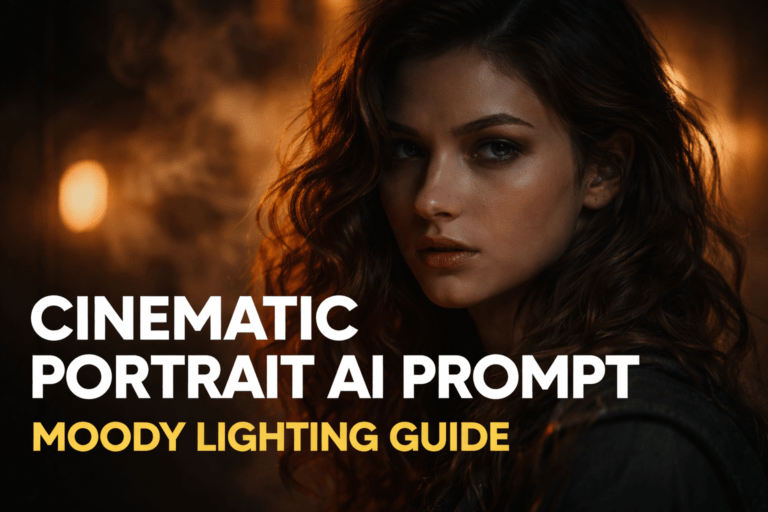
Cinematic Lighting
Cinematic lighting emphasizes contrast and mood. It often includes:
- Strong highlights
- Controlled shadows
- Color grading effects
Use phrases like:
cinematic lighting, dramatic contrast
Volumetric Lighting
This creates visible light beams interacting with fog or dust.
Example:
volumetric lighting with light rays
Studio Lighting Terms
Photography-based keywords can be very effective:
- Rembrandt lighting
- Butterfly lighting
- Three-point lighting
These terms guide the AI toward professional lighting setups.
Common Mistakes When Describing Lighting in AI Image Prompts
Avoid these if you want consistent results:
- Using too many lighting styles at once
- Combining conflicting terms (soft and harsh together)
- Ignoring the environment (neon lighting in a forest scene)
- Placing lighting details at the very end of an overly long prompt
Clarity always beats complexity.
FAQ: Lighting in AI Image Prompts
What is the best lighting in AI image prompts for realism?
Natural light with soft shadows is usually the most realistic, especially for portraits and everyday scenes.
How do you describe cinematic lighting in AI image prompts?
Focus on contrast, direction, and mood. Use phrases like cinematic lighting, dramatic shadows, and controlled highlights.
Why does lighting in AI image prompts affect image quality so much?
Lighting controls depth, texture, and realism. Without it, AI images often look flat or artificial.
Can poor lighting ruin an AI-generated image?
Yes. Even a well-written prompt can fail if lighting is unclear or contradictory.
Conclusion: Control the Light, Control the Image
Once you understand how to describe lighting in AI image prompts, everything changes. You stop hoping the AI “gets it right” and start guiding it with precision. Light becomes your most powerful creative tool—not an afterthought.
Now it’s your turn. Take one of your old prompts, rewrite it using clear lighting instructions, and compare the results. The difference will speak for itself.
👉 If this guide helped you, share it, bookmark it, and start experimenting today. Master lighting, and your AI images will finally match your vision.