How to Get Ultra-Realistic AI Images That Look Like Real Photos
Photorealistic MidJourney Prompts: How to Get Ultra-Realistic AI Images That Look Like Real Photos
If you’ve ever typed a detailed idea into MidJourney and felt disappointed by the result, you’re not alone. You imagine a photo that looks like it was taken with a real camera—natural skin, believable light, subtle imperfections—but what you get feels artificial or overly stylized. The good news is this: photorealistic MidJourney prompts are not about luck. They’re about understanding how MidJourney “thinks” and learning to speak its language.
In this guide, you’ll learn how to get photorealistic results in MidJourney prompts step by step. You’ll understand why most prompts fail, what actually creates realism, and how you can consistently generate images that look like real photographs.
What Does “Photorealistic” Really Mean in MidJourney?
Photorealism in MidJourney doesn’t mean “very detailed” or “high quality.” It means something more specific:
- The image follows real-world photography rules
- Lighting behaves naturally
- Textures look imperfect, not polished
- The subject feels grounded in a real environment
When you aim for photorealistic MidJourney prompts, you are not asking the AI to draw realism. You are asking it to simulate photography.
That mental shift alone changes everything.
Why Most MidJourney Prompts Don’t Look Real
Before improving your results, you need to understand what usually goes wrong.
1. Using Vague Realism Keywords
Words like realistic or ultra-realistic don’t guide the model enough. They’re too broad and don’t reflect how real photos are created.
2. Ignoring Photography Language
MidJourney responds much better to camera-based terms than artistic ones. If your prompt sounds like a painting brief, you’ll get painterly results.
3. Overloading the Prompt
Mixing cinematic, illustration, hyper-detailed, and anime terms in one prompt confuses the output and kills realism.
4. Perfect Subjects
Real life is imperfect. Flawless skin, symmetrical faces, and spotless environments instantly break photorealism.
The Core Elements of Photorealistic MidJourney Prompts
To get consistent results, every photorealistic prompt should include specific building blocks.
Photorealistic Portrait Photography Prompt
Prompt
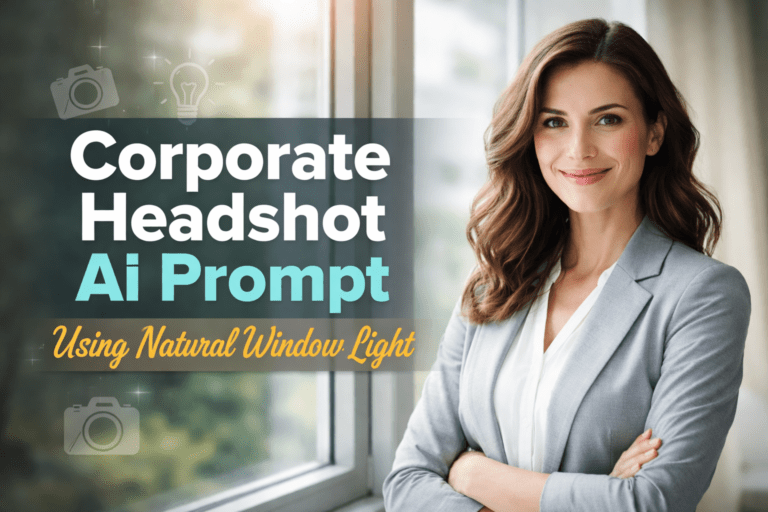
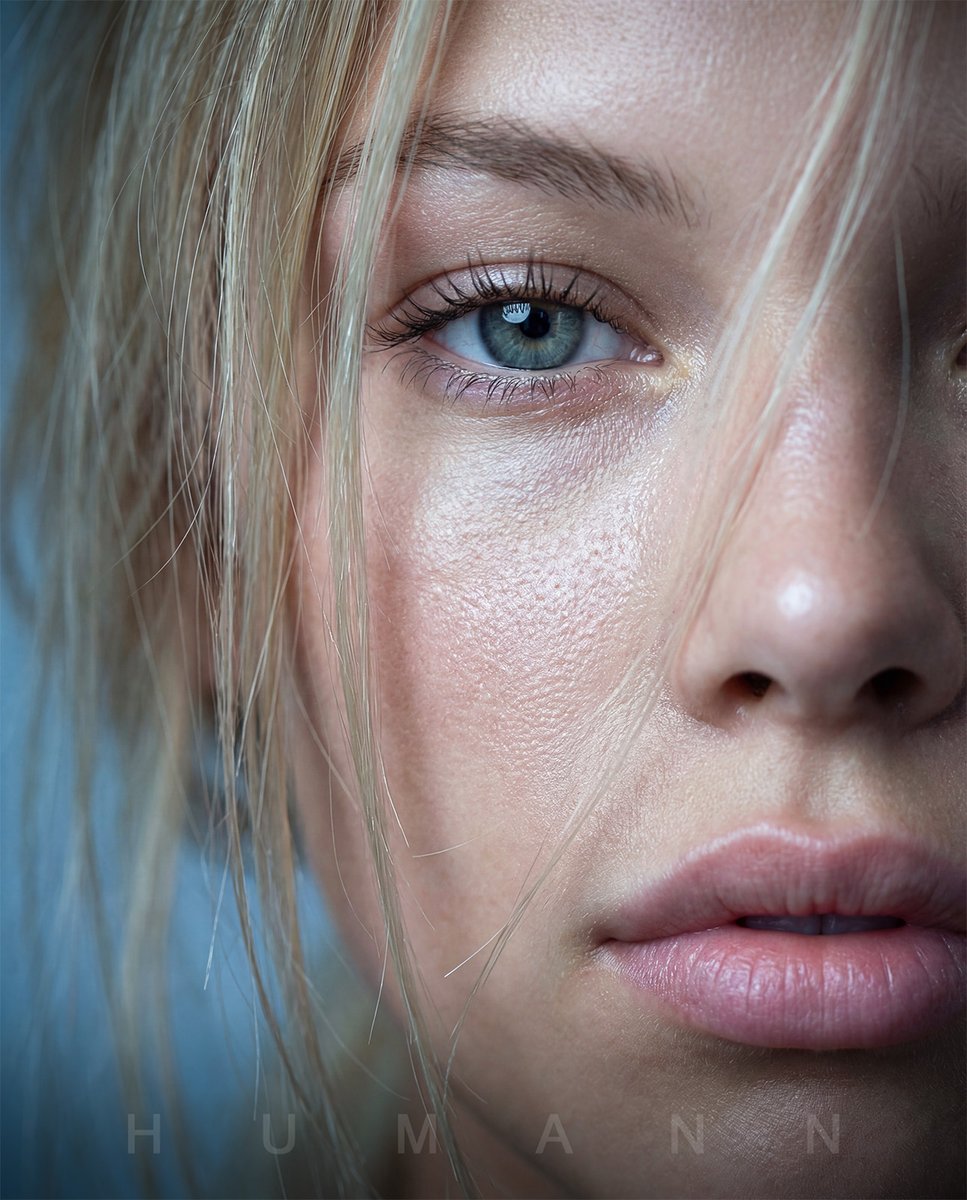
Ultra-realistic portrait of a professional woman, natural skin texture with visible pores, subtle facial asymmetry, soft window light, shallow depth of field, 85mm lens, f/1.8, DSLR photography, realistic shadows, true-to-life colors, unedited raw photo look, no CGI, no illustration –ar 2:3 –v 6 –style raw
Why this works
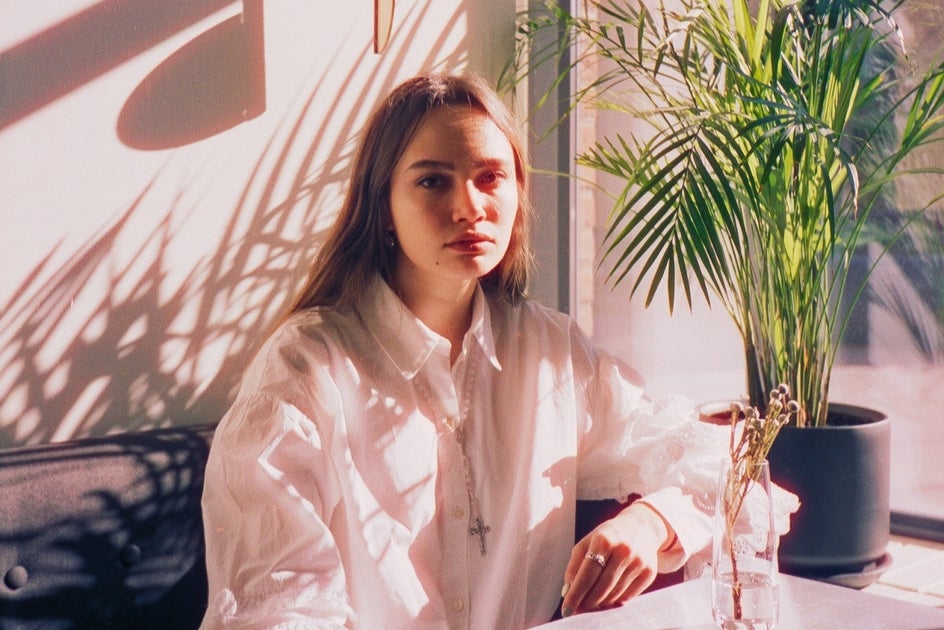
This prompt mimics studio photography by referencing lens type, lighting source, and realistic skin details—key factors in avoiding the “AI face” look.
1. Precise Subject Description
Instead of writing:
- “a man”
Write:
- “a 38-year-old man with slight wrinkles, uneven skin texture, short unstyled hair”
Details signal realism.
2. Natural Lighting (This Is Critical)
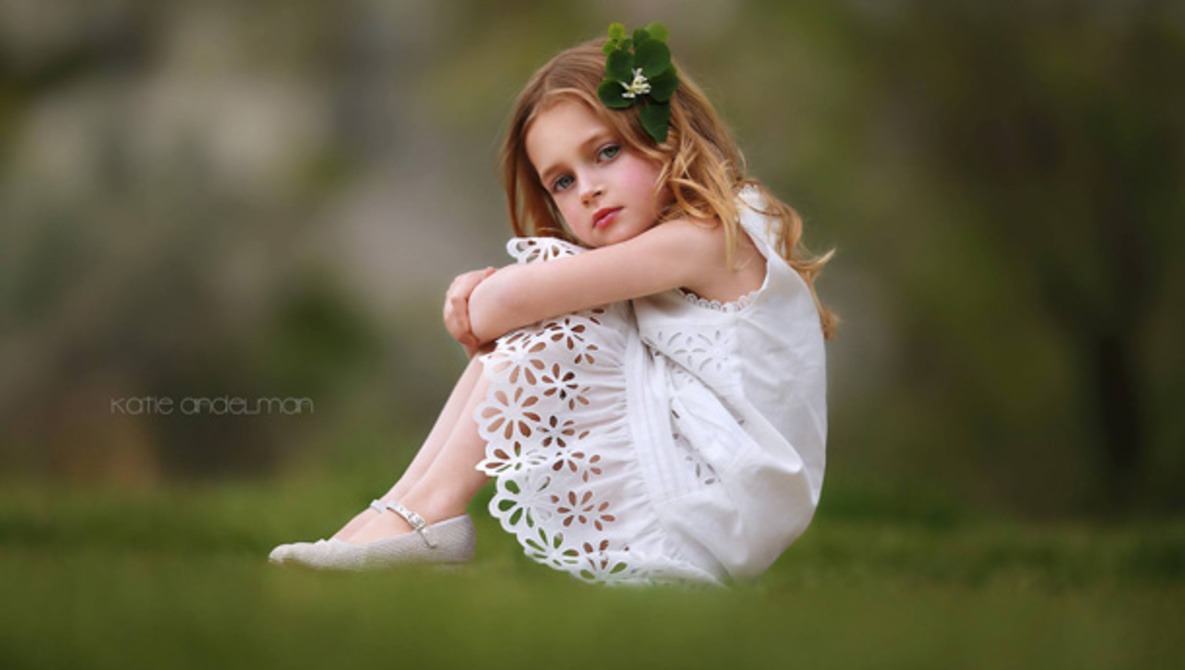
Lighting is the fastest way to make or break realism.
Use phrases like:
- soft window light
- overcast daylight
- golden hour sunlight
- natural shadows
Avoid vague lighting such as “dramatic light” if your goal is realism.
Street Photography – Documentary Realism
Prompt
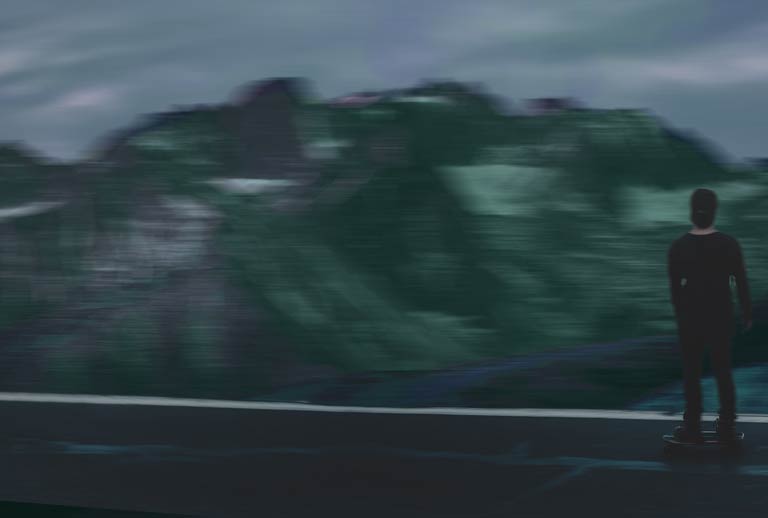
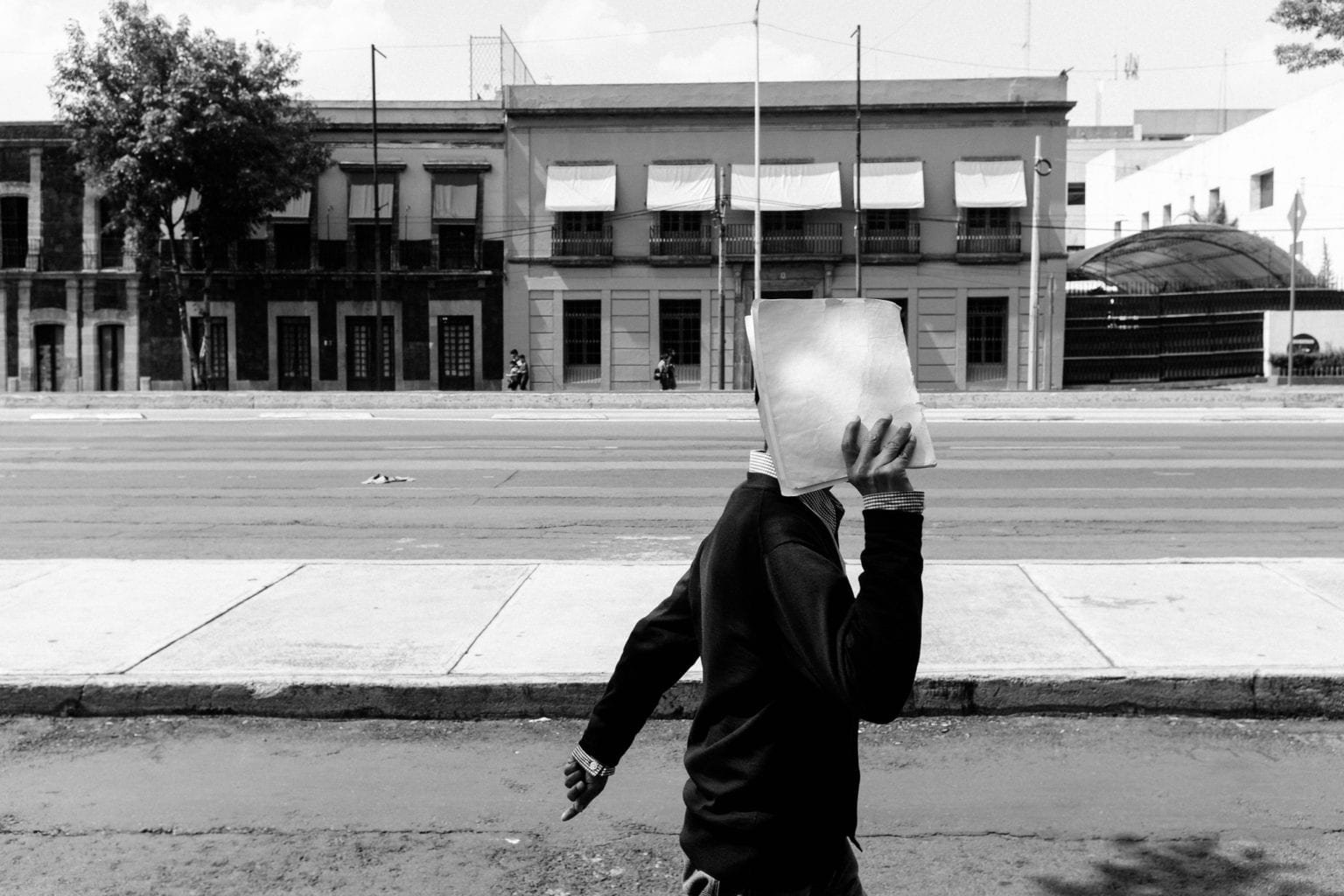
Candid street photograph of a man walking through a busy city street, natural motion blur, imperfect framing, realistic shadows, overcast daylight, 35mm lens, ISO 400, documentary photography style, authentic color grading, looks like a real photo –ar 3:2 –v 6 –style raw
Why this works
Street photography thrives on imperfection. Motion blur and uneven framing instantly increase realism.
3. Camera and Lens Information
This is where photorealistic MidJourney prompts truly level up.
Examples:
- DSLR photo
- 50mm lens
- 85mm portrait lens
- shallow depth of field
- f/1.8 aperture
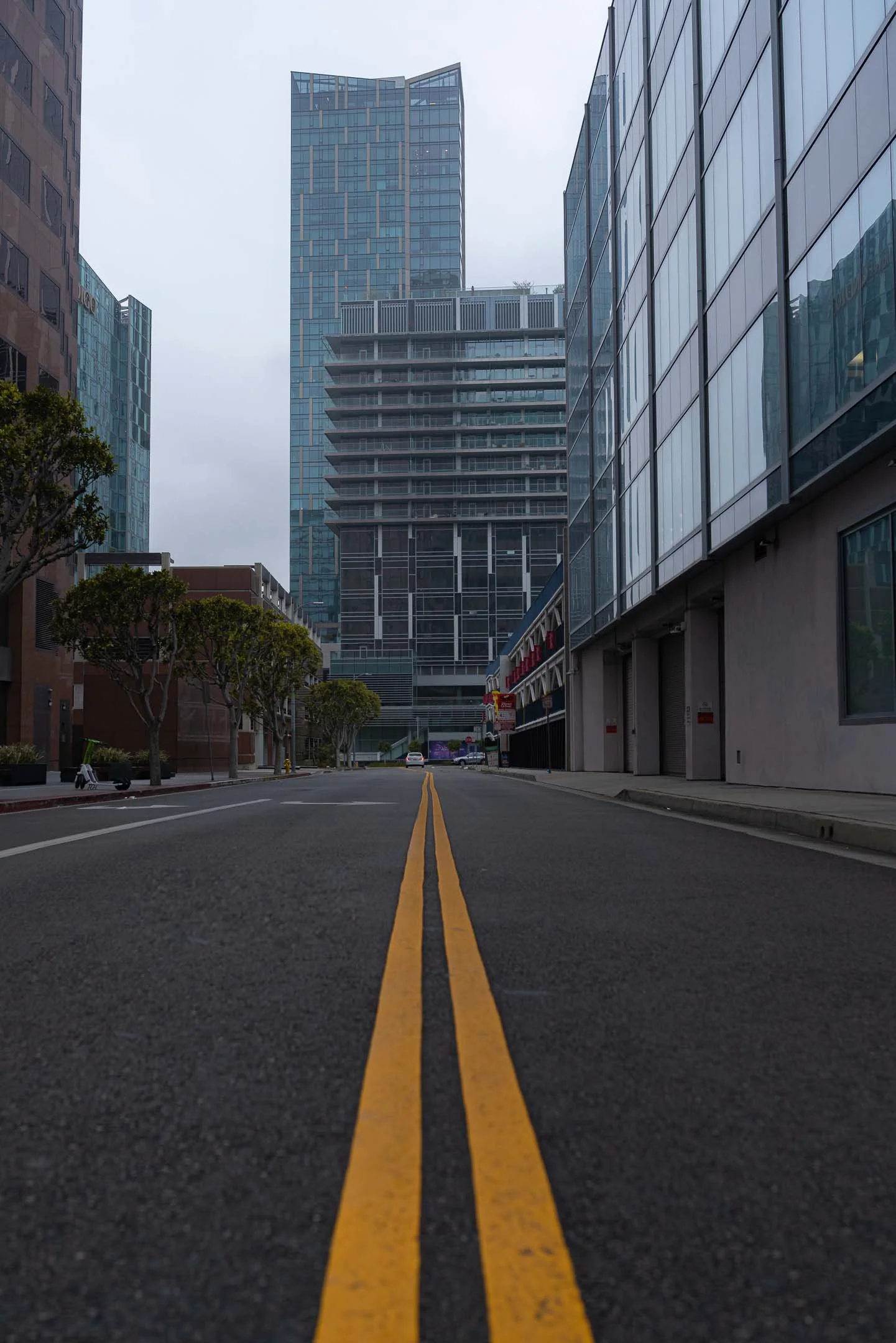
These cues push MidJourney into photography simulation mode.
4. Real Environments
A subject floating in nothingness never looks real.
Anchor your scene:
- a small café with natural light
- a city street after rain
- a simple studio with white backdrop
Context creates believability.
The Proven Photorealistic MidJourney Prompt Formula
You can think of your prompt like a recipe. Each ingredient has a purpose.
Basic Structure
- Subject (detailed and human)
- Environment (real-world setting)
- Lighting (natural and specific)
- Camera & lens
- Quality modifiers
Ultra-Realistic Close-Up Face Prompt

Prompt
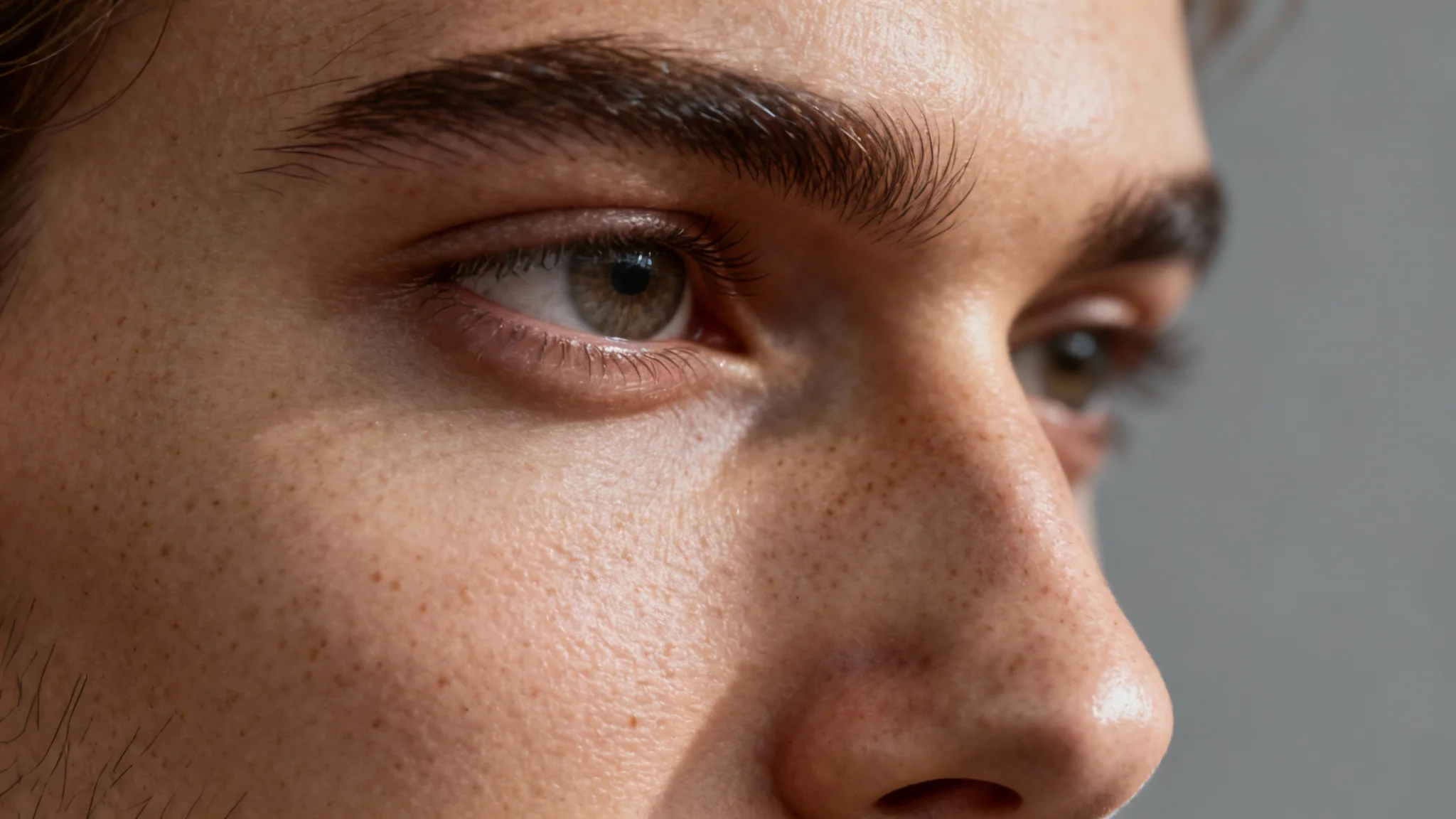
Extreme close-up portrait of a human face, visible pores, fine skin texture, natural imperfections, realistic lighting falloff, macro lens photography, high dynamic range, photorealism, unretouched raw photo, no beauty filter –ar 1:1 –v 6 –style raw
Example Prompt (Broken Down)
A candid portrait of a 35-year-old woman with natural skin texture and subtle wrinkles, sitting near a window in a quiet café, soft morning light, shallow depth of field, shot on a Canon DSLR with an 85mm lens, f/1.8, unretouched, RAW photo, realistic colors

Every part of this prompt supports realism. Nothing is decorative or unnecessary.
Photorealistic Prompt Ingredients Table
Below is a simple table you can reuse when building your own prompts.
| Ingredient Type | Example Options | Purpose |
|---|---|---|
| Subject | age, skin texture, imperfections | Human realism |
| Environment | café, street, studio | Context |
| Lighting | window light, daylight | Natural shadows |
| Camera | DSLR, mirrorless | Photography style |
| Lens | 35mm, 50mm, 85mm | Real depth |
| Settings | f/1.8, ISO 100 | Authentic look |
| Quality | RAW photo, unretouched | Avoids “AI polish” |
Think of this table as your photorealistic MidJourney checklist.
Advanced Techniques for Hyper-Photorealistic Results
Once you master the basics, these techniques push your images even further.
Lifestyle Photography (Everyday Realism)

Prompt
Photorealistic lifestyle photo of a woman drinking coffee in a modern café, candid moment, natural window light, soft shadows, realistic reflections, 50mm lens, shallow depth of field, authentic colors, real-world photography aesthetic –ar 4:5 –v 6 –style raw

Why this works
Lifestyle scenes feel real because they depict everyday moments with natural light and relaxed composition.

Add Imperfections on Purpose
Real photos are never perfect.
Try adding:
- slight motion blur
- natural film grain
- uneven lighting
- minor facial asymmetry
Imperfection equals authenticity.
Control the Mood Without Stylization
Instead of “cinematic,” use:
- documentary photography
- candid photo
- lifestyle photography
These terms stay realistic while shaping the tone.
Use Aspect Ratios Wisely
Certain ratios feel more photographic:
- Portraits:
--ar 2:3 - Landscapes:
--ar 3:2
Wide cinematic ratios often reduce realism.
Real Prompt Examples You Can Adapt
Photorealistic Portrait Prompt
- Focus on skin texture, lens choice, and natural light
Product Photography Prompt
- Clean studio background, soft shadows, commercial realism
Street Photography Prompt
- Candid action, imperfect framing, ambient light
You don’t need complex language—just accurate photographic cues.
FAQ: Photorealistic MidJourney Prompts
What are photorealistic MidJourney prompts?
They are prompts written to mimic real photography, using camera terms, natural lighting, and realistic subject details instead of artistic styles.
How do you make MidJourney images look like real photos?
By combining precise subject descriptions, real environments, natural light, and camera-based language in your prompt.
Why do my photorealistic MidJourney prompts still look fake?
Most often because the prompt is too vague, too perfect, or lacks photography details like lens, lighting, and imperfections.
Are photorealistic MidJourney prompts good for commercial projects?
Yes, many creators use them for mockups, branding concepts, and visual ideas—but always check platform usage rules before final commercial use.
Conclusion: Master Photorealistic MidJourney Prompts with Confidence
Creating realistic AI images isn’t about adding more words—it’s about adding the right words. When you stop thinking like an artist and start thinking like a photographer, your results change dramatically. By applying the principles in this guide, you can turn MidJourney into a powerful tool for producing images that feel authentic, grounded, and convincingly real.
Your Next Step
Start small. Take one idea and rewrite it using the prompt formula from this article. Experiment with lighting, lenses, and imperfections. Save what works. Over time, you’ll build your own library of high-performing photorealistic MidJourney prompts.
If this guide helped you, share it, bookmark it, or test one of the prompt examples today—your next realistic image is only one well-written prompt away.