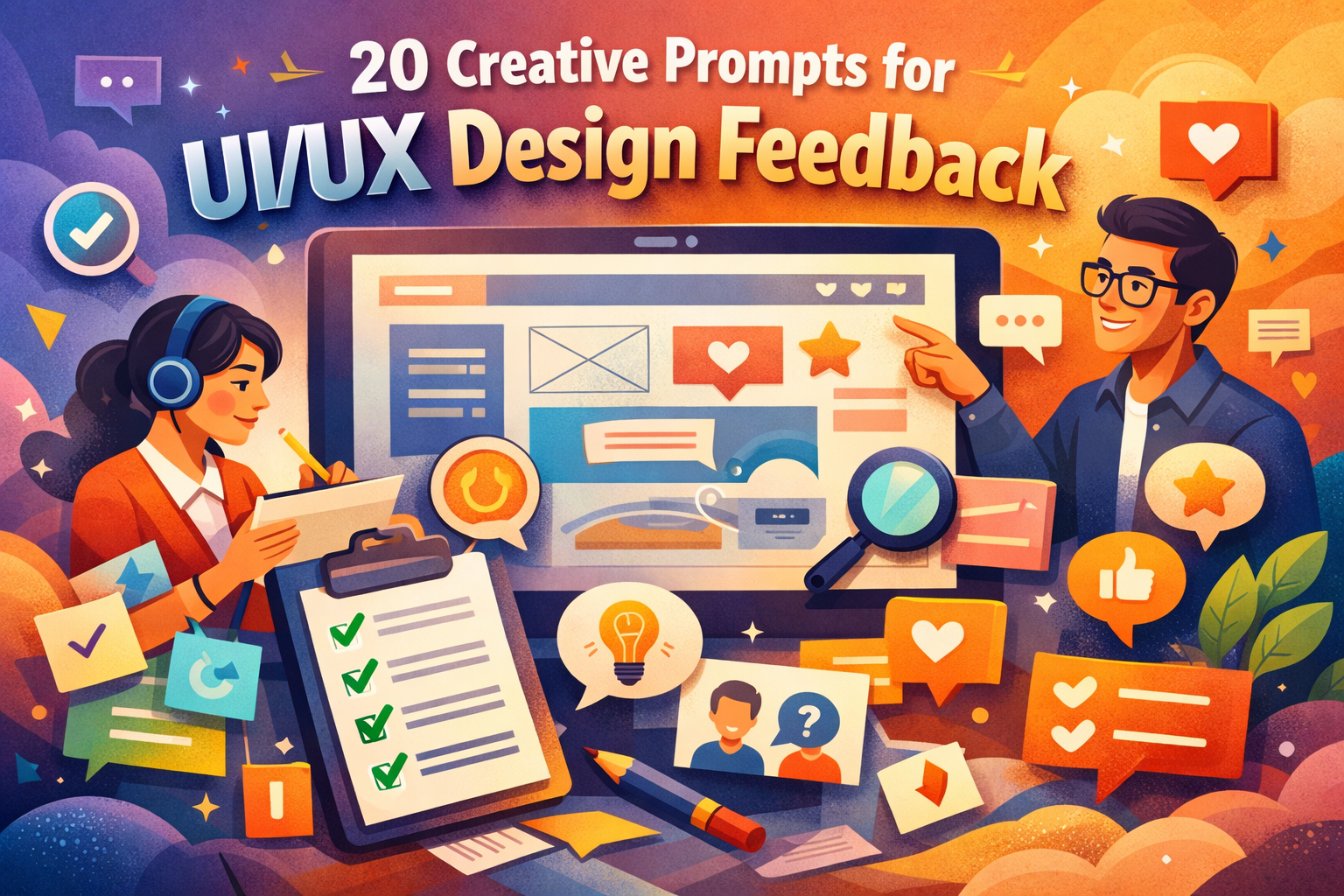
20 Creative Prompts for UI/UX Design Feedback That Help You Design With Clarity
this 20 Creative Prompts for UI/UX Design Getting feedback on a UI/UX design should feel like progress. Yet, more often than not, you walk away with comments that sound polite but useless. “Looks good.” “Feels modern.” “Maybe change the color.” None of that tells you why something works or where it fails.
This is where creative prompts for UI/UX design feedback change the game. Instead of waiting for vague opinions, you guide reviewers to give you insights you can act on. When you ask the right questions, feedback becomes structured, honest, and incredibly valuable.
In this article, you’ll learn how 20 creative prompts for UI/UX design feedback can help you uncover usability issues, emotional reactions, and clarity gaps—without overwhelming users or stakeholders.
Why UI/UX Design Feedback Often Falls Short
Most people are not designers. When they look at an interface, they react instinctively, not analytically. They may feel confused, impressed, or frustrated, but they struggle to explain why.
Without guidance, feedback usually suffers from:
- Personal taste instead of usability insight
- Vague language with no clear action
- Focus on visuals rather than experience
- Emotional reactions that go unexplored
Creative prompts solve this by framing feedback in a way that’s easy to answer and hard to misunderstand. You’re not asking for opinions—you’re inviting observations.

How to Use Creative Prompts for UI/UX Design Feedback
You don’t need to use all 20 prompts at once. In fact, using too many can overwhelm reviewers. The key is intentional selection.
Use these prompts during:
- Wireframe reviews
- Interactive prototype testing
- Usability interviews
- Stakeholder presentations
- Design critique sessions
Pick prompts that align with your current goal—navigation, clarity, trust, or emotion—and let reviewers respond freely.

20 Creative Prompts for UI/UX Design Feedback
Usability and Navigation Prompts
- What action feels most natural when you first see this screen?
- Where did you hesitate before moving forward?
- Was there a moment you felt unsure what to do next?
- What part of this interface required the most thinking?
- If you had to complete a task quickly, where would you slow down?
These prompts help you identify friction points that aren’t always visible in analytics or heatmaps.
Visual Hierarchy and Layout Prompts
- What catches your eye first, and does it deserve that attention?
- Which element feels too dominant or too subtle?
- Does the spacing make the content easier or harder to scan?
- What feels visually unbalanced on this screen?
- If you removed one element, what would improve immediately?
These questions reveal whether your design guides attention intentionally or accidentally.
Emotional and Experience-Driven Prompts
- How does this screen make you feel in one word?
- Does this interface feel trustworthy? Why or why not?
- At what point did you feel most confident using it?
- Where did the experience feel enjoyable?
- When did frustration start to appear?
Emotion strongly influences user behavior. These prompts uncover feelings users might not mention on their own.
Clarity and Communication Prompts
- What do you think this screen is trying to help you accomplish?
- Is anything unclear or open to interpretation?
- Which label, button, or message feels confusing?
- What would you rename to improve understanding?
- What information do you wish appeared earlier?
Clarity prompts ensure your design communicates purpose without forcing users to guess.The Ingredients of High-Quality UI/UX Feedback
Think of great feedback like a recipe. It works best when it includes a few essential ingredients.
| Ingredient | What It Represents | Why It Matters |
|---|---|---|
| Context | User goal | Keeps feedback realistic |
| Emotion | User feeling | Reveals trust and comfort |
| Action | User behavior | Tests usability |
| Friction | Points of struggle | Exposes UX problems |
| Outcome | Expected result | Measures success |
When feedback includes these elements, your design decisions become easier and more confident.
Turning UI/UX Design Feedback Into Action
Collecting feedback is only useful if you know what to do with it next.
Start by grouping responses into categories:
- Usability issues
- Visual hierarchy problems
- Emotional reactions
- Content or clarity gaps
Then prioritize based on:
- How often an issue appears
- How strongly it affects task completion
- How well it aligns with your design goals
This process helps you avoid overreacting to individual opinions while still respecting real user struggles.
Common Mistakes When Asking for UI/UX Design Feedback
Even the best prompts won’t help if you make these mistakes:
- Asking leading questions that push a preferred answer
- Defending your design instead of listening
- Ignoring emotional reactions because they feel subjective
- Only collecting feedback from designers
- Failing to document and compare responses
Remember, feedback is information—not criticism.
FAQ: 20 Creative Prompts for UI/UX Design Feedback
What are creative prompts for UI/UX design feedback?
They are structured questions designed to guide users and stakeholders toward clear, actionable feedback instead of vague opinions.
Can beginners use UI/UX design feedback prompts?
Yes. Prompts make it easier for non-designers to express their thoughts clearly and confidently.
How often should you use UI/UX design feedback prompts?
Use them at every major design milestone, from early wireframes to polished prototypes.
Do creative prompts replace usability testing?
No. They enhance usability testing by improving the quality and depth of user responses.
Conclusion: Better Questions Lead to Better UI/UX
Great UI/UX design doesn’t happen by accident. It’s shaped through intentional listening, thoughtful iteration, and the courage to ask better questions. When you rely on vague feedback, progress slows. When you use creative prompts for UI/UX design feedback, clarity accelerates.
These 20 creative prompts for UI/UX design feedback help you see your design through fresh eyes, uncover hidden friction, and create experiences users actually enjoy.
Your next step:
Choose five prompts from this list and use them in your next design review. Save this guide, share it with your team, and make meaningful feedback part of your design process.
If you found this useful, leave a comment, bookmark it, or share it with another designer who’s tired of unhelpful feedback.