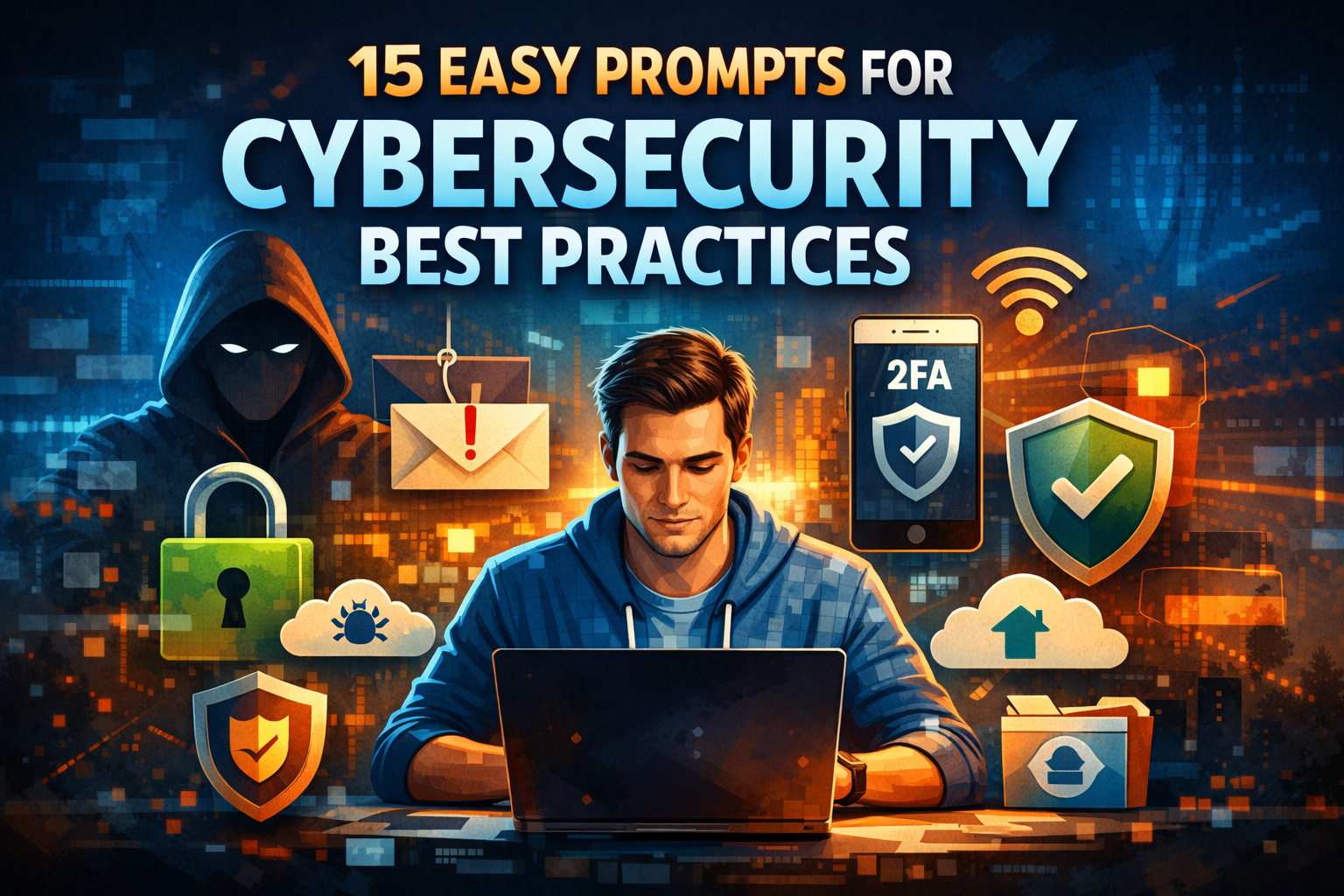
15 Easy Prompts for Cybersecurity Best Practices in 2026
That’s why 15 Easy Prompts for Cybersecurity Best Practices matter. They aren’t technical manuals or complicated frameworks. They are simple, practical prompts designed to help you think before you act. When you apply them consistently, cybersecurity stops feeling overwhelming and starts becoming a habit you control.
Why Cybersecurity Best Practices Are No Longer Optional
You don’t need to run a large company to be a target. Today, attackers focus on people, not just systems. Weak passwords, reused logins, and emotional reactions to urgent messages open more doors than advanced hacking tools ever could.
Cybersecurity best practices protect you from:
- Identity theft and financial loss
- Data leaks from personal or work accounts
- Account takeovers on email and social media
- Long-term damage to your digital reputation
When you follow structured prompts, you reduce mistakes and make safer decisions automatically.
Strong Password Practices Prompt

Prompt:
Act as a cybersecurity expert. Explain best practices for creating strong passwords, including length, complexity, password managers, and common mistakes to avoid. Write in simple, non-technical language.

Phishing Awareness Prompt
Prompt:
Act as a cybersecurity awareness trainer. Create a beginner-friendly explanation of phishing attacks, common warning signs, and how users can protect themselves from email and SMS scams.
What Are Cybersecurity Prompts and How Do They Help You?
Cybersecurity prompts are short questions or instructions that guide your behavior. Instead of memorizing rules, you ask yourself the right question at the right time.
Why Prompts Are Effective
- They simplify complex security concepts
- They fit into daily routines
- They reduce mental overload
- They encourage consistent behavior
You don’t need to “learn cybersecurity.” You just need to respond thoughtfully to prompts that keep you alert.
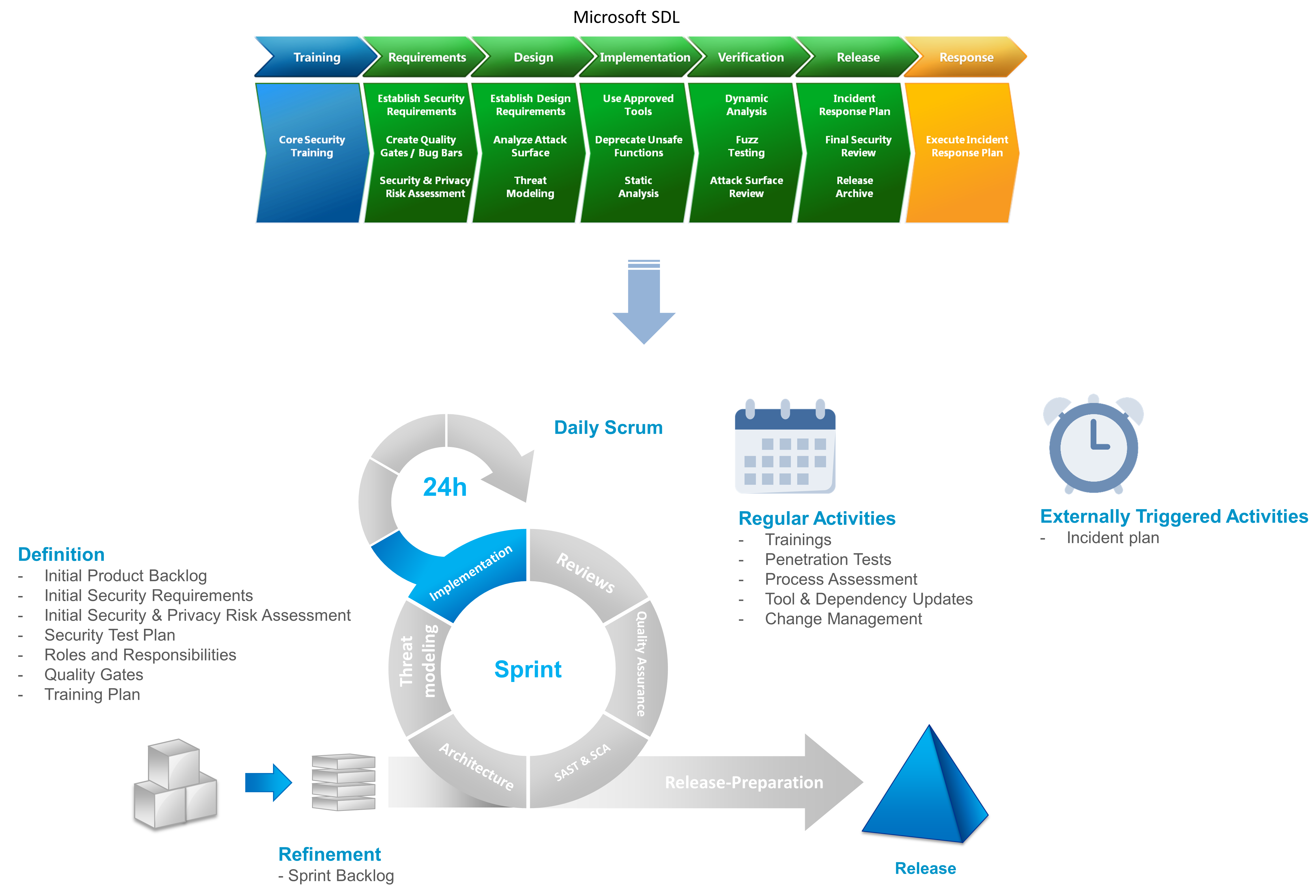
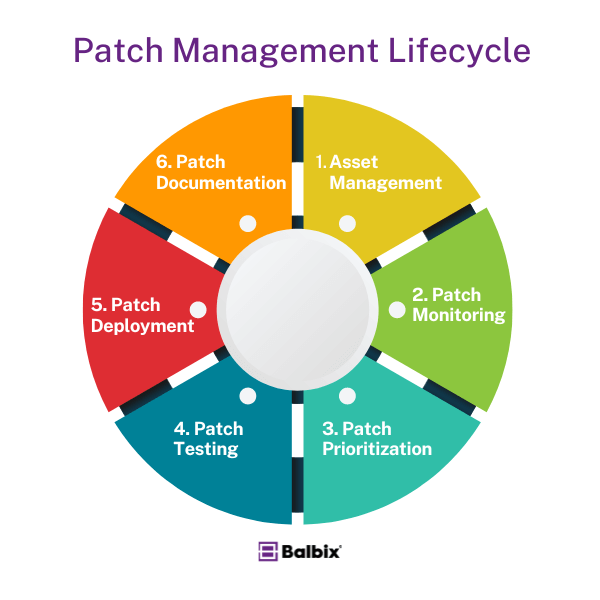
Software Updates & Patch Management Prompt
Prompt:
Explain why keeping software and operating systems up to date is critical for cybersecurity. Include real-world examples of vulnerabilities caused by outdated software.
🌐 4. Secure Wi-Fi Usage Prompt
Prompt:
Write a practical guide on safe Wi-Fi usage, covering public Wi-Fi risks, secure home network setup, WPA encryption, and VPN usage.

How to Use These 15 Easy Prompts for Cybersecurity Best Practices
You can use these prompts in several practical ways:
- As a weekly personal checklist
- During monthly digital cleanups
- When setting up new accounts
- While training a team or onboarding staff
- Alongside AI tools for audits or reminders
Start with one or two prompts. Over time, add more until secure behavior becomes second nature.
Two-Factor Authentication (2FA) Prompt
Prompt:
Explain what two-factor authentication is, why it matters, and how to enable it on common platforms like email, cloud storage, and social media accounts.

Two-Factor Authentication (2FA) is one of the simplest and most effective cybersecurity practices you can recommend to any audience. It adds an extra verification step beyond just a password, making accounts dramatically harder to hack.
Below is a professional, ready-to-use AI prompt, plus supporting explanation you can include directly in your article.

What Is Two-Factor Authentication (2FA)?
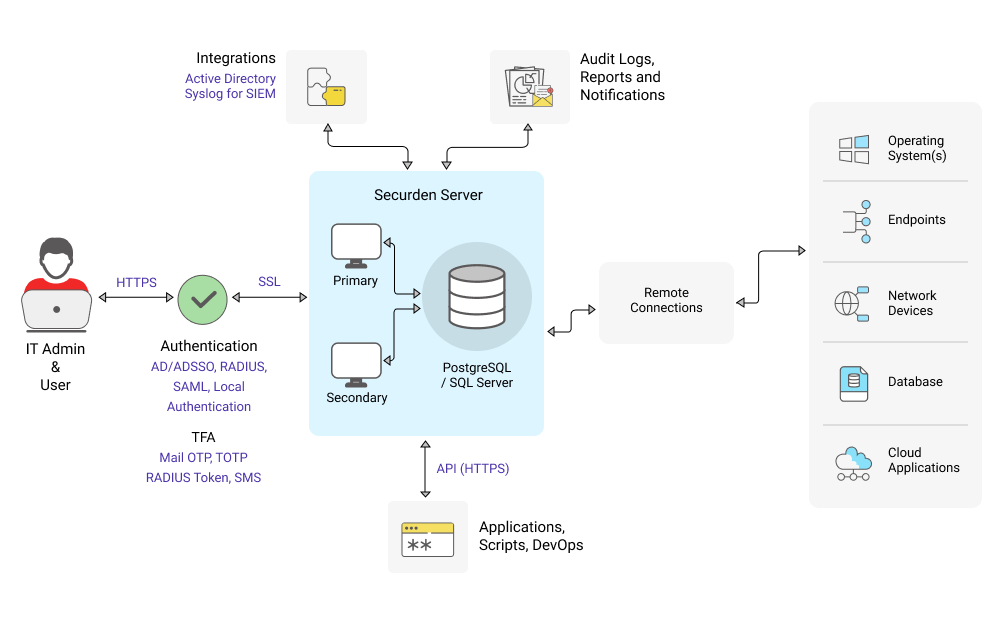
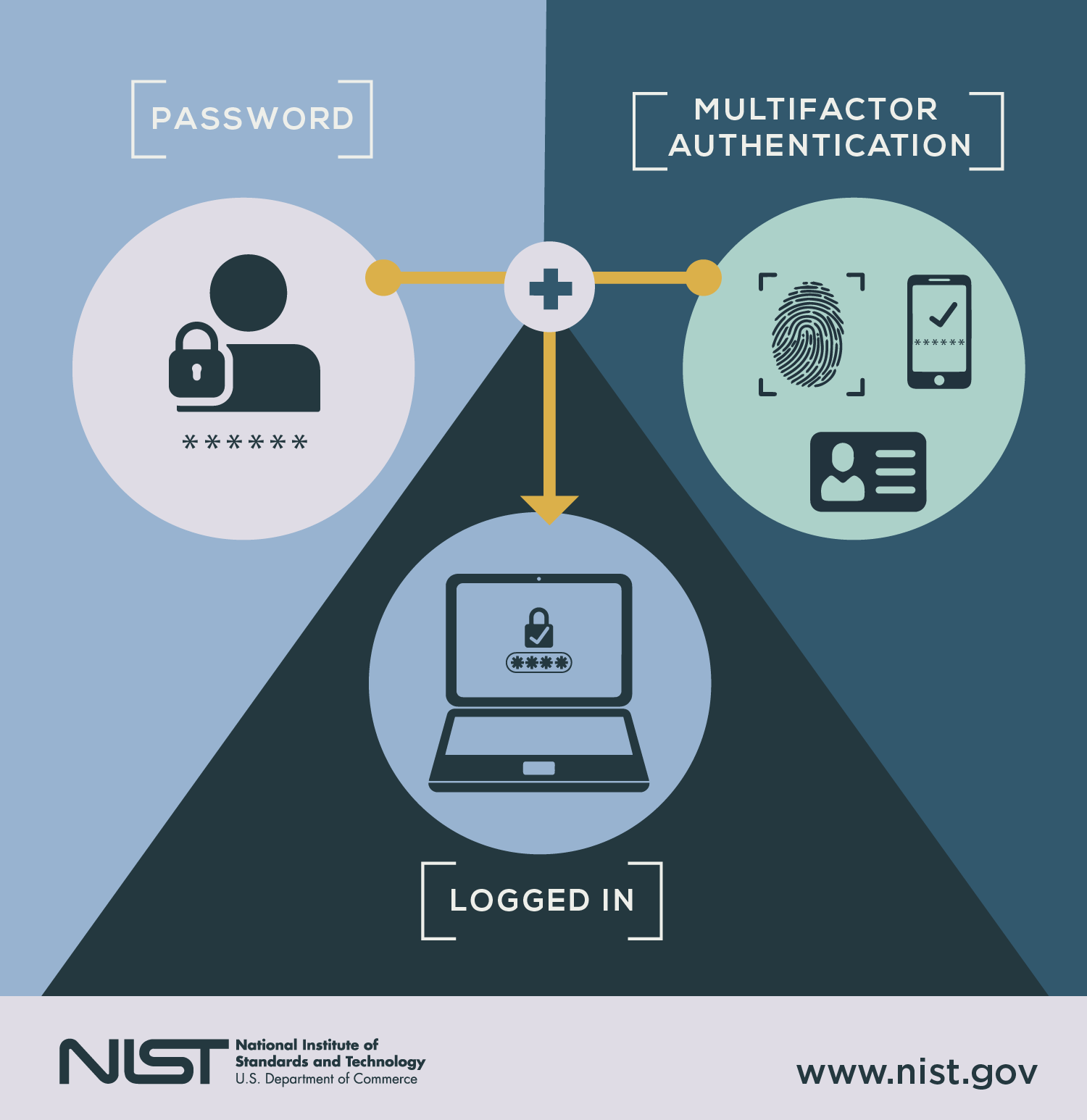
Two-Factor Authentication (2FA) is a security method that requires two different types of verification before granting access to an account:
Something you know → your password
Something you have or are → a phone, app, fingerprint, or face scan
Even if a hacker steals your password, they cannot log in without the second factor.
🔐 Common Types of 2FA (Easy to Explain)
SMS codes – A one-time code sent to your phone
Authenticator apps – Time-based codes from apps like Google Authenticator or Authy
Biometrics – Fingerprint or facial recognition
Hardware keys – Physical security keys (advanced users)
💡 Best practice: Authenticator apps are more secure than SMS.
📁 7. Data Backup Best Practices Prompt
Prompt:
Write a beginner-friendly explanation of data backups, including the 3-2-1 backup rule, cloud vs local backups, and how often backups should be performed.
The 15 Easy Prompts for Cybersecurity Best Practices
1. Password Strength Prompt
“Are all my passwords unique, long, and difficult to guess?”
Avoid using the same password across multiple accounts.
2. Two-Factor Authentication Prompt
“Which accounts still don’t have two-factor authentication enabled?”
Your email should be protected first.
3. Phishing Detection Prompt
“Does this message try to scare me or rush me into action?”
Pause before clicking links or opening attachments.
4. Software Update Prompt
“Are my devices and apps fully updated?”
Security updates close known vulnerabilities.
5. Device Protection Prompt
“Are my phone and computer locked, encrypted, and protected if lost?”
Physical security matters just as much as digital security.
6. Public Network Prompt
“Is it safe to access sensitive accounts on this network?”
Public Wi-Fi often exposes your data.
7. Backup Verification Prompt
“When was the last time I tested my data backups?”
Backups are only useful if recovery works.
8. Access Review Prompt
“Who currently has access to my files, tools, and systems?”
Remove access that’s no longer needed.
9. Cloud Sharing Prompt
“Are my cloud folders shared only with the right people?”
Old sharing links often remain forgotten.
10. Social Media Privacy Prompt
“What personal details can strangers see on my profiles?”
Limit information that could be used against you.
11. App Permissions Prompt
“Do my apps really need all these permissions?”
Unnecessary access increases risk.
12. Email Security Prompt
“Is my email account protected with strong security controls?”
Your email is the gateway to most other accounts.
13. Incident Response Prompt
“Do I know what steps to take if a breach happens?”
Preparation reduces panic and damage.
14. Security Awareness Prompt
“Do I stay informed about common cyber threats?”
Threats evolve, and awareness keeps you ahead.
15. Routine Review Prompt
“When is my next cybersecurity review scheduled?”
Security works best when it’s regular.
Cybersecurity Best Practices Checklist
| Security Area | Prompt Focus | Review Frequency | Goal |
|---|---|---|---|
| Passwords | Strength & uniqueness | Monthly | Prevent account compromise |
| Backups | Data recovery | Weekly | Avoid permanent data loss |
| Updates | OS and apps | Continuous | Close vulnerabilities |
| Access | Permissions review | Quarterly | Reduce internal risk |
This simple structure helps you stay consistent without stress.
Common Cybersecurity Mistakes These Prompts Help You Avoid
Using 15 Easy Prompts for Cybersecurity Best Practices helps you avoid:
- Reusing passwords out of convenience
- Ignoring updates because “nothing happened yet”
- Falling for emotionally manipulative messages
- Forgetting old accounts and shared files
- Reacting too late to security incidents
Each prompt acts as a reminder to slow down and think clearly.
How AI Can Support Cybersecurity Best Practices
AI tools work best when paired with good judgment. When you combine AI with clear prompts, you gain extra visibility and speed.
Practical AI Use Cases
- Automated security checklists
- Phishing detection and analysis
- Permission audits
- Risk summaries for non-technical users
AI supports your decisions—it doesn’t replace them.
Frequently Asked Questions About 15 Easy Prompts for Cybersecurity Best Practices
What are the 15 Easy Prompts for Cybersecurity Best Practices?
They are simple, action-focused questions that guide safer digital behavior.
Are these cybersecurity prompts suitable for beginners?
Yes. They are designed to be clear, practical, and non-technical.
How often should you apply cybersecurity best practices?
Daily awareness combined with monthly reviews works best.
Can businesses use these prompts?
Absolutely. They scale well for teams, freelancers, and organizations.
Do AI tools improve cybersecurity best practices?
Yes, especially for monitoring, analysis, and reminders.
Conclusion: Make Cybersecurity a Habit, Not a Burden
Cybersecurity doesn’t require fear or complexity. It requires awareness and consistency. When you rely on 15 Easy Prompts for Cybersecurity Best Practices, you turn protection into a daily mindset instead of a stressful task.
You don’t need to do everything at once. Start with one prompt today. Apply another tomorrow. Over time, you build a security routine that protects your data, your work, and your peace of mind.
Call to Action
Choose one prompt from this guide and apply it right now.
Save this article, share it with your team, and start building safer digital habits today.
Two-Factor Authentication (2FA) – FAQ Section (SEO-Ready)
You can copy-paste this FAQ block directly into your article.
It’s written in clear, beginner-friendly language and optimized for Google Featured Snippets & People Also Ask.
❓ What is Two-Factor Authentication (2FA)?
Two-Factor Authentication (2FA) is a security method that requires two forms of verification to access an account.
Instead of using only a password, you also confirm your identity with something you have (like a phone) or something you are (like a fingerprint).
❓ Why is 2FA important for cybersecurity?
2FA significantly reduces the risk of account hacking.
Even if a cybercriminal steals your password, they cannot log in without the second verification step, making most automated attacks ineffective.
❓ Is Two-Factor Authentication the same as Multi-Factor Authentication (MFA)?
No, but they are closely related.
2FA uses exactly two authentication factors, while Multi-Factor Authentication (MFA) can use two or more factors for added security.
❓ What are the most common types of 2FA?
The most common 2FA methods include:
One-time codes sent by SMS
Authenticator apps that generate time-based codes
Biometric verification such as fingerprints or face recognition
Physical security keys
Authenticator apps are generally more secure than SMS codes.
❓ Is SMS-based 2FA safe?
SMS-based 2FA is better than using a password alone, but it is less secure than authenticator apps.
SMS codes can be intercepted through SIM-swap attacks, so app-based authentication is recommended whenever possible.
❓ Do I need 2FA for personal accounts?
Yes. Personal accounts such as email, social media, cloud storage, and banking apps are frequent targets for attackers.
Enabling 2FA greatly improves your personal online security with minimal effort.
❓ Does 2FA slow down the login process?
Only slightly.
Most 2FA methods add just a few seconds to the login process, but they provide a major increase in protection against unauthorized access.
❓ What happens if I lose my 2FA device?
Most platforms provide backup recovery codes or alternative verification methods.
It’s important to save recovery codes in a secure location when you enable 2FA.
❓ Can 2FA be hacked?
No security method is 100% hack-proof, but 2FA makes attacks much more difficult.
Most account breaches happen because 2FA was not enabled, not because it failed.
❓ Should businesses require 2FA for employees?
Yes.
Requiring 2FA for employee accounts helps prevent data breaches caused by phishing, weak passwords, or human error and is considered a cybersecurity best practice.
❓ Is 2FA free to use?
In most cases, yes.
Major platforms offer 2FA at no additional cost, and many authenticator apps are completely free.
📌 Pro SEO Tip (Optional for Your Article)
If you’re using WordPress, add this FAQ section using FAQ Schema to increase your chances of appearing in Google rich results.