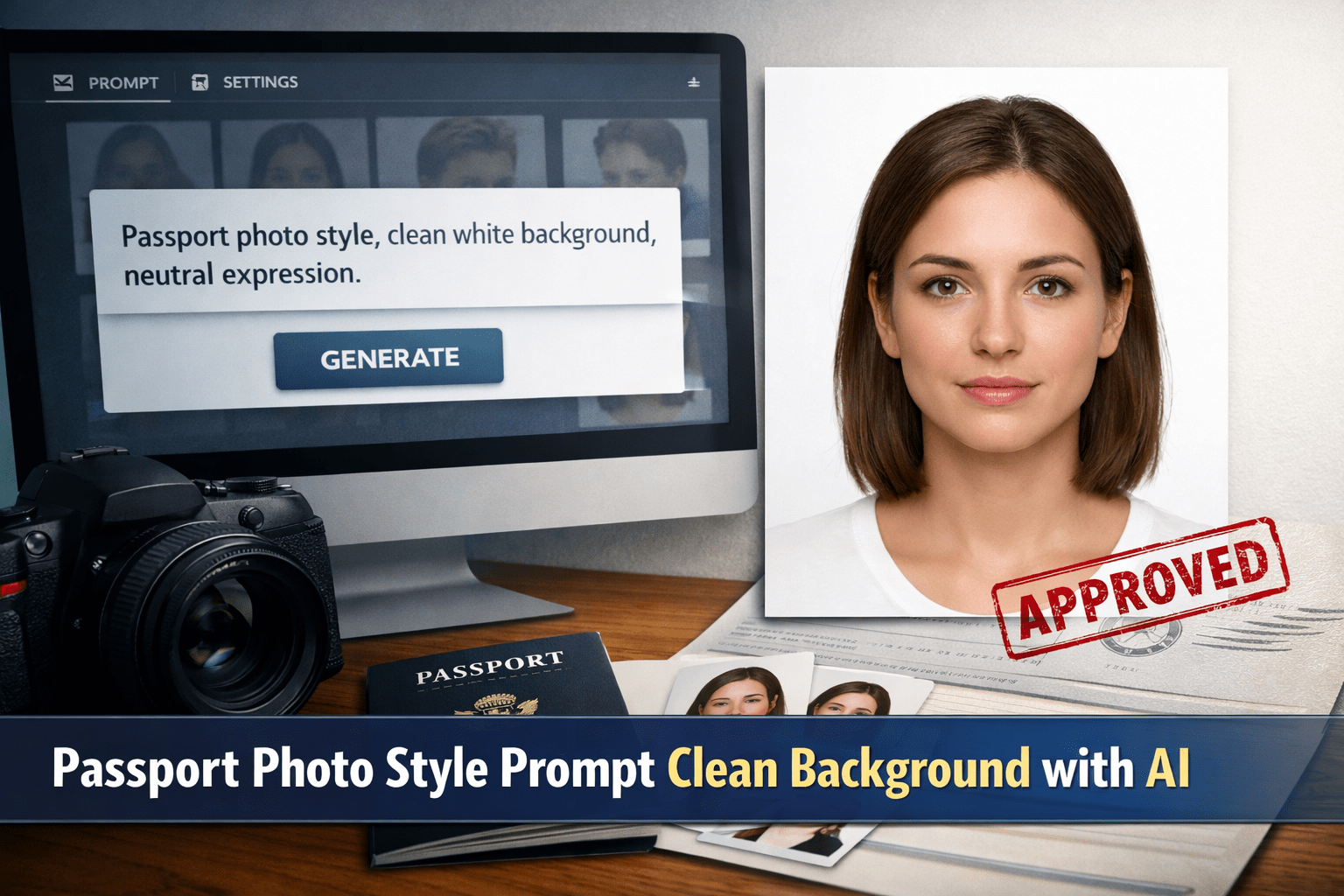
How You Can Create Perfect Passport Photos with AI
Passport Photo Style Prompt Clean Background: How You Can Create Perfect Passport Photos with AI
Getting a passport photo right has always been frustrating. You stand in front of a camera, try not to smile, fight bad lighting, and still end up with a photo you don’t like—or worse, one that gets rejected. Today, that experience has changed. With the right passport photo style prompt clean background, you can generate professional, regulation-ready passport photos using AI, without leaving your home.
This guide is written for you. It explains how to write a passport photo AI prompt, what details matter most, and how to avoid common mistakes that cause rejections. By the end, you’ll know exactly how to create clean, compliant passport photos that actually get accepted.
Why Passport Photo Style Matters More Than You Think
A passport photo is not just a picture. It’s an identity document used by governments, borders, and official systems. That’s why the rules are strict and non-negotiable.
When you use AI without a clear passport photo style prompt clean background, you risk:
- Shadows behind your head
- Incorrect framing
- Unnatural lighting
- Over-processed facial features
AI doesn’t “know” passport rules unless you tell it. Your prompt is what makes the difference between a usable photo and a rejected one.
What Is a Passport Photo Style Prompt Clean Background?
A passport photo style prompt clean background is a detailed text instruction you give to an AI image generator. It tells the AI to create an image that follows official passport photo standards instead of artistic or casual portrait styles.
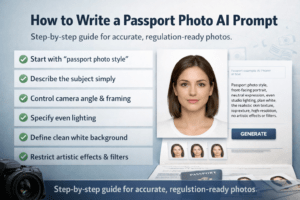
A good prompt controls:
- Facial expression
- Camera angle
- Lighting
- Background color
- Image realism
Without these instructions, AI defaults to creative photography—which is exactly what passport authorities don’t want.
Official Passport Photo Requirements You Must Match
Before writing a prompt, you need to understand what passport offices usually require. While rules vary slightly by country, most share the same core standards.
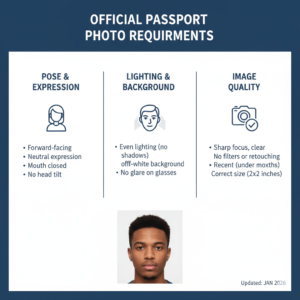
Basic Passport Photo Rules
- Face looking directly at the camera
- Neutral expression (no smile, no frown)
- Eyes open and clearly visible
- Head centered and upright
Clean Background Requirements
- Solid white or light gray background
- No textures, patterns, or objects
- No shadows behind the head or shoulders
Lighting and Quality
- Even lighting across the face
- No harsh highlights or dark areas
- Natural skin texture (not airbrushed)
Your prompt must include these details clearly, or the AI will improvise—and that’s where problems start.
Core Elements of a Strong Passport Photo AI Prompt
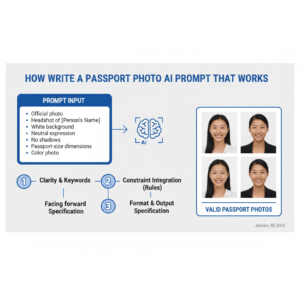
To get consistent results, your passport photo style prompt clean background should include the following elements.
1. Subject Description
Tell the AI exactly what kind of person it is generating.
- Age range
- Gender (optional)
- Natural facial features
Example guidance:
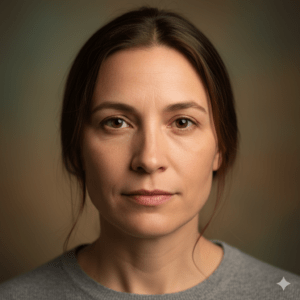
- “Adult person, realistic facial proportions, natural skin texture”
2. Camera and Framing
Passport photos follow strict framing rules.
- Front-facing portrait
- Head and upper shoulders visible
- Face centered in the frame
Use phrases like:
- “Front-facing passport photo”
- “Centered composition, head and shoulders visible”
3. Lighting Instructions
Lighting errors are one of the top reasons for rejection.
- Soft, even lighting
- No dramatic shadows
- Studio-style illumination
Helpful wording:
- “Even studio lighting, no shadows on face or background”
4. Clean Background Definition
Never assume the AI understands “clean.”
- Specify color
- Specify texture
- Specify lighting
Best practice:
- “Plain white background, solid color, no texture, no shadows”
Example Passport Photo Style Prompt Clean Background
Here is a structured example you can adapt:
- Professional passport photo style
- Front-facing portrait
- Neutral facial expression
- Even studio lighting
- Plain white, clean background
- High-resolution, realistic skin texture
- No artistic effects, no filters
This kind of prompt tells the AI exactly what you want—and what you don’t.
Common Mistakes You Should Avoid
Even small mistakes in your prompt can lead to rejection.
Using Artistic Keywords
Avoid words like:
- Cinematic
- Dramatic
- Portrait photography
- Fashion lighting
These terms push AI toward creative styles instead of official ones.
Forgetting Background Details
“White background” alone is not enough. Always add:
- Solid
- Shadow-free
- Clean
Over-Perfect Faces
Passport photos must look like you.
- Avoid “perfect skin”
- Avoid beauty filters
- Avoid unrealistic symmetry
Natural realism matters more than looking flawless.
Prompt Variations for Different Needs
Passport Photo Prompt for Glasses
If you wear glasses:
- Ask for anti-glare lighting
- Ensure eyes are fully visible
- No reflections on lenses
Passport Photo Prompt for Children
For children:
- Neutral expression (not exaggerated)
- Same clean background
- Soft, even lighting
Passport Photo Prompt for IDs and Visas
Many visas use the same standards:
- Passport photo style
- Clean background
- Neutral expression
Why Clean Backgrounds Are Non-Negotiable
A clean background isn’t about aesthetics—it’s about machine readability. Border systems use facial recognition software that struggles with:
- Textured walls
- Color gradients
- Shadows
When you use a passport photo style prompt clean background, you’re optimizing the image not just for humans, but for automated systems too.
Prompt “Ingredients” Table (Quick Reference)
| Element | What You Specify | Why It Matters |
|---|---|---|
| Expression | Neutral, relaxed | Compliance |
| Camera Angle | Front-facing | Identification |
| Lighting | Even, soft | No shadows |
| Background | Plain white | Official approval |
| Quality | High-resolution | Print clarity |
Think of your prompt like a recipe. Miss one ingredient, and the result won’t work.
How You Can Test and Improve Your Prompt
Don’t rely on one generation.
- Generate multiple versions
- Adjust one detail at a time
- Compare results
Checklist before using a photo:
- Is the background perfectly clean?
- Are there shadows?
- Is the face centered and natural?
If the answer is “no” to any of these, refine the prompt and try again.
FAQ: Passport Photo Style Prompt Clean Background
Can you use AI-generated passport photos officially?
Yes, as long as the image meets official requirements.
What is the best passport photo AI prompt?
One that clearly specifies passport photo style, clean background, neutral expression, and even lighting.
Why do AI passport photos get rejected?
Most rejections happen due to shadows, wrong background, or unrealistic facial features.
Conclusion: You’re in Control of the Result
A perfect passport photo is no longer about luck or expensive studios. It’s about clarity. When you use a precise passport photo style prompt clean background, you guide the AI to produce images that look professional, natural, and compliant.
You now know:
- What passport authorities expect
- How to write effective prompts
- How to avoid common mistakes
Call to Action
Start testing your own passport photo prompts today. Save your best version, refine it, and reuse it whenever you need a passport, visa, or official ID photo. If you found this guide helpful, share it or bookmark it—you’ll thank yourself the next time paperwork comes up.