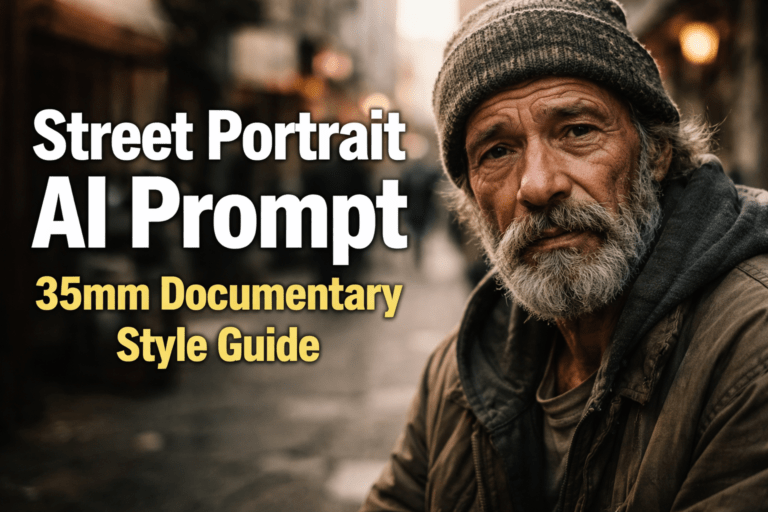
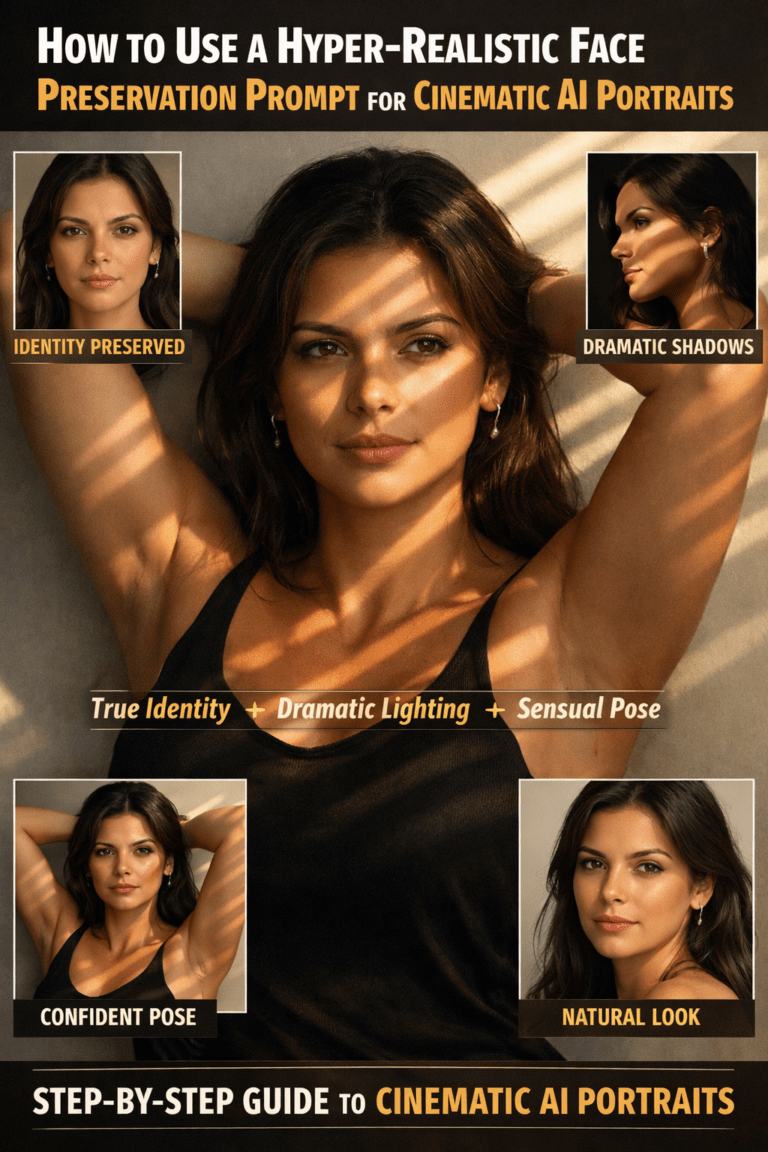
How to Create Cinematic Professional Portraits
How to Create Cinematic Professional Portraits Using a Single AI Prompt Creating a powerful professional portrait is no longer limited to high-end studios or expensive photography gear. With the right AI prompt, you can generate cinematic, hyper-realistic portraits that look like they were shot by a top commercial photographer. The prompt you’re using is a perfect example of how detailed direction leads to outstanding results.
In this guide, you’ll learn how this prompt works, why each element matters, and how you can use it to consistently create studio-quality portraits that stand out for personal branding, business profiles, or creative projects.
How a Cinematic AI Portrait Prompt Works
The strength of this prompt lies in its clarity and structure. Instead of vague instructions, it defines lighting, mood, camera settings, composition, and realism. AI image generators respond best when you remove guesswork.
Here’s what makes it effective:
- Clear subject description
- Precise lighting setup
- Cinematic atmosphere
- Professional camera simulation
- Strong emotional direction
When all of these are combined, you don’t just get an image—you get a portrait with presence.
Classic Cinematic Portrait

Prompt example:
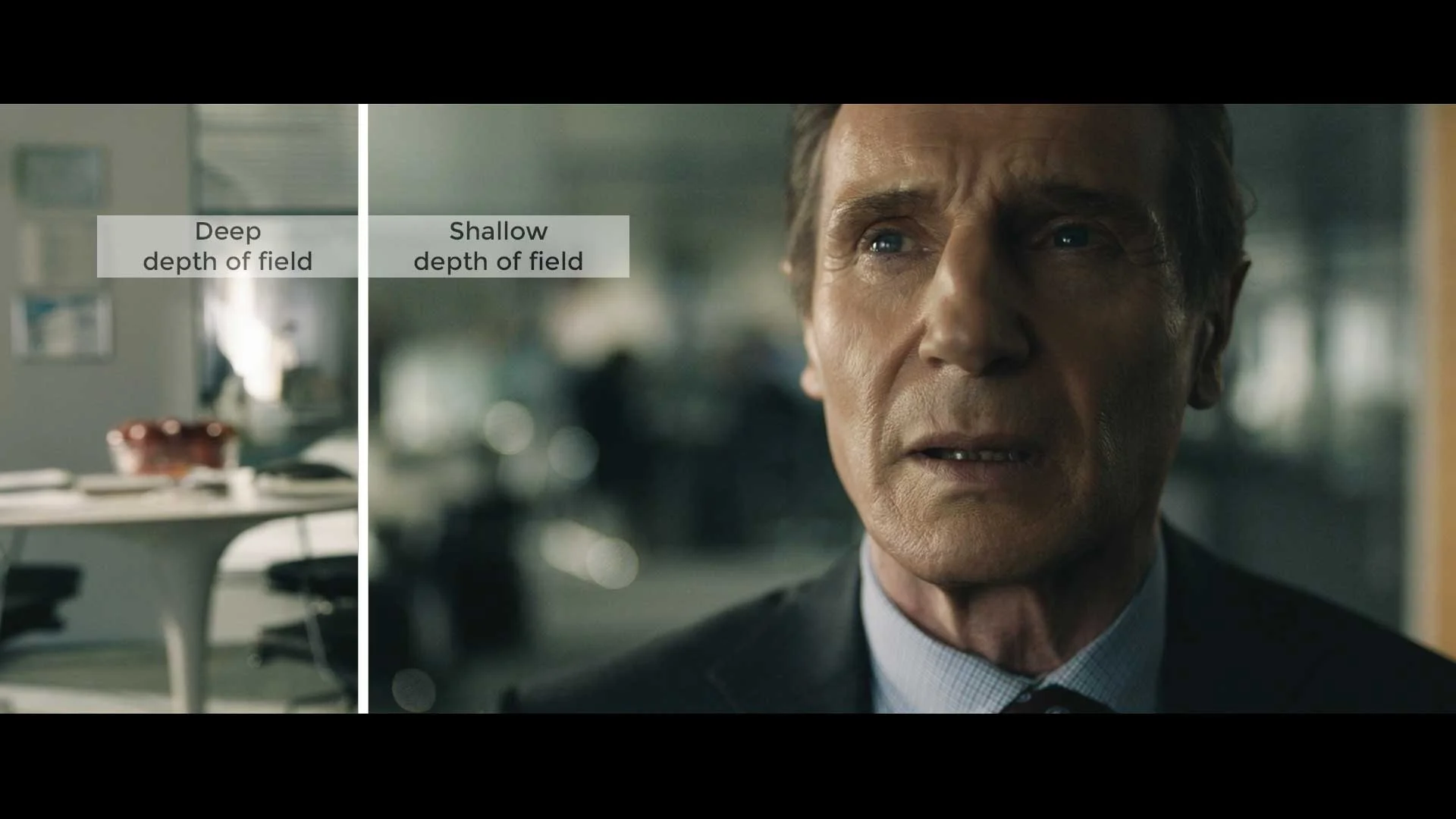
A cinematic professional portrait of a confident man, sharp facial details, dramatic soft lighting from the side, shallow depth of field, shot on a 85mm lens, subtle film grain, dark neutral background, high contrast, cinematic color grading, ultra-realistic, studio quality
Why it works:
How to Structure a Cinematic AI Portrait Prompt
Specifies lighting direction
Mentions lens type (adds realism)
Uses cinematic grading instead of generic “HD”
Understanding the Subject Description
The prompt starts with:
professional studio portrait of a person, confident and determined expression
This immediately sets the tone. You’re not asking for a casual photo—you’re requesting a professional-grade portrait with emotional depth.
Moody Film-Style Portrait

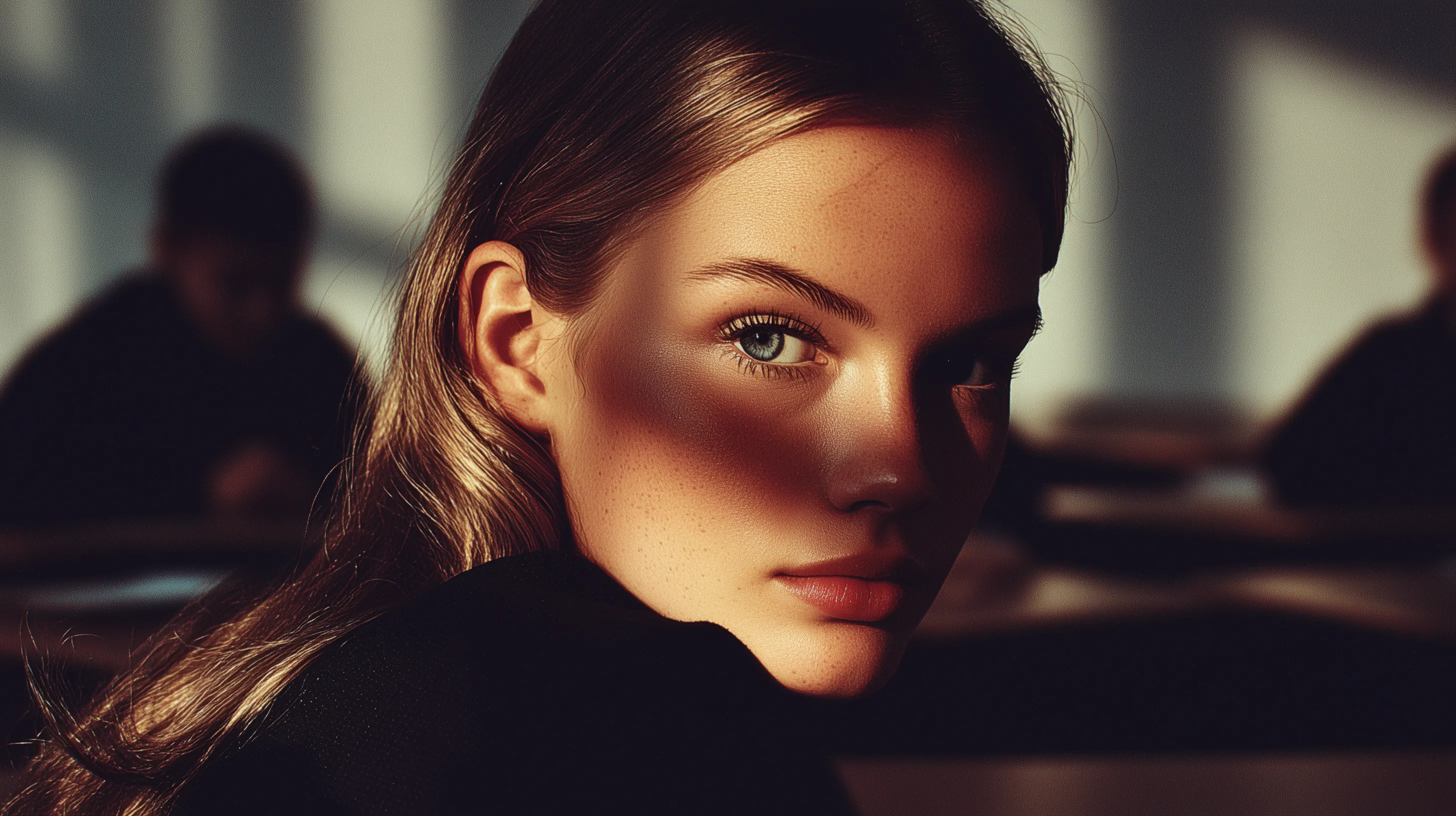

Prompt example:
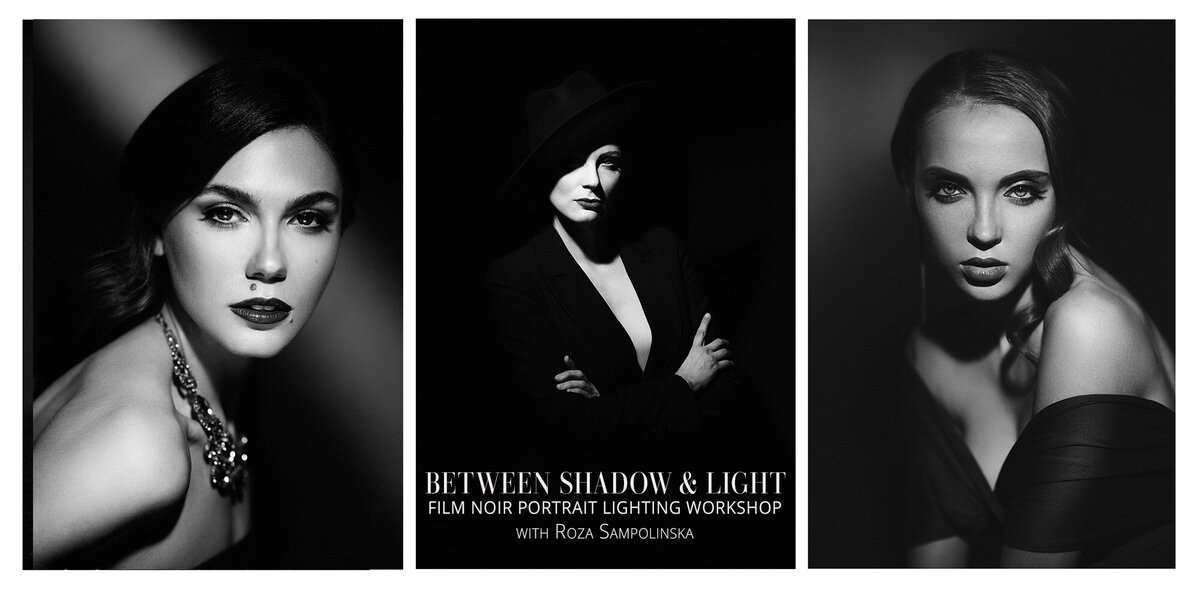
Moody cinematic portrait of a woman with intense expression, low-key lighting, deep shadows, soft rim light around the face, cinematic atmosphere, film photography style, shallow depth of field, realistic skin texture, professional studio portrait
Pro tip:
Words like low-key lighting, rim light, and film photography style push the AI toward cinematic realism instead of flat digital looks.
Why expression matters
A confident, determined look communicates authority, trust, and focus. This makes the image ideal for:
- LinkedIn profiles
- Personal brand websites
- Entrepreneurs and creators
- Portfolio or press images
Adding “head slightly tilted down” subtly enhances dominance and intensity. It’s a classic technique used in editorial photography to give the subject visual weight.
Clothing Choice: Simple but Strategic
wearing a black V-neck t-shirt
This is a smart choice for several reasons:
- Black absorbs light and increases contrast
- A V-neck frames the face and neck naturally
- Minimal styling keeps focus on facial features
For AI portraits, simplicity often outperforms complex fashion. When you reduce distractions, the image feels more intentional and professional.
Luxury Editorial Cinematic Look

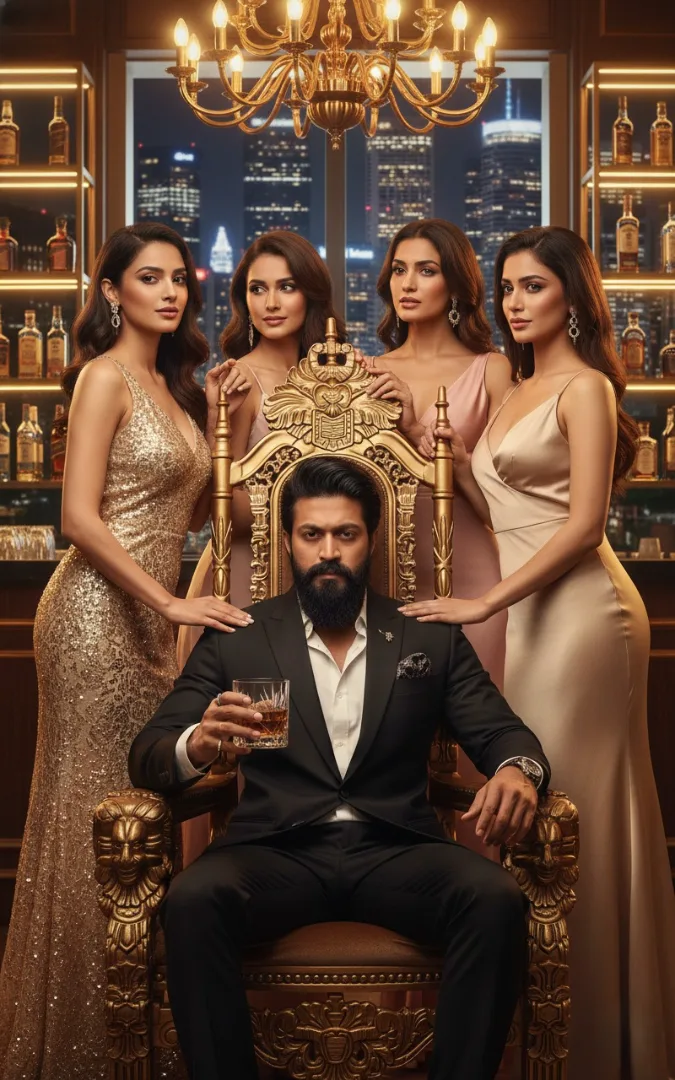
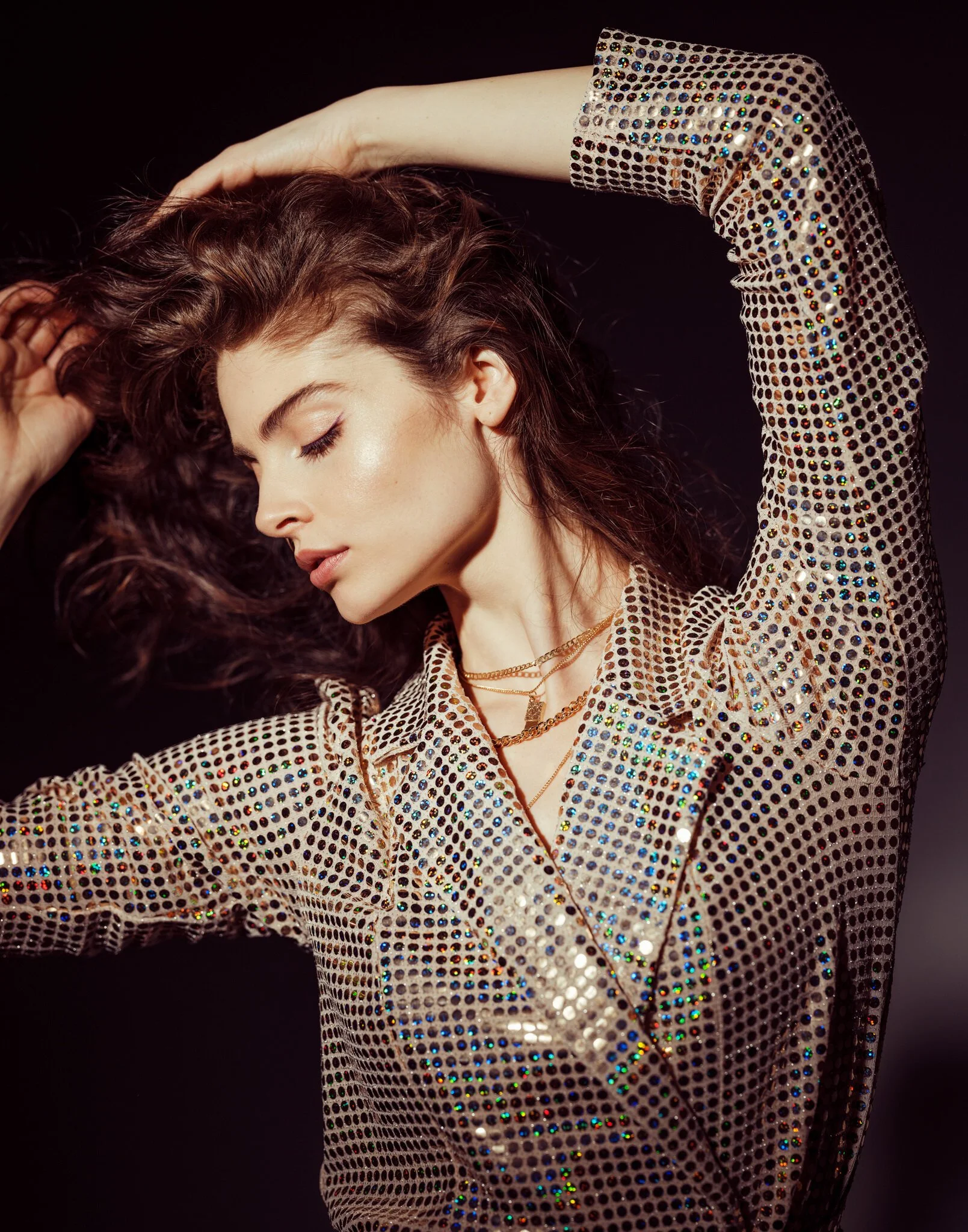
Prompt example:
High-end cinematic editorial portrait, elegant pose, soft cinematic lighting, fashion photography style, clean background, natural skin tones, shallow depth of field, premium magazine quality, ultra-realistic portrait
This style is perfect for:
Personal branding
Fashion concepts
Website hero images
Low-Key Photography: The Foundation of Cinematic Style
Low-key photography is essential for dramatic portraits. In this prompt, it’s defined clearly:
Using a low-key photography setup with butterfly lighting
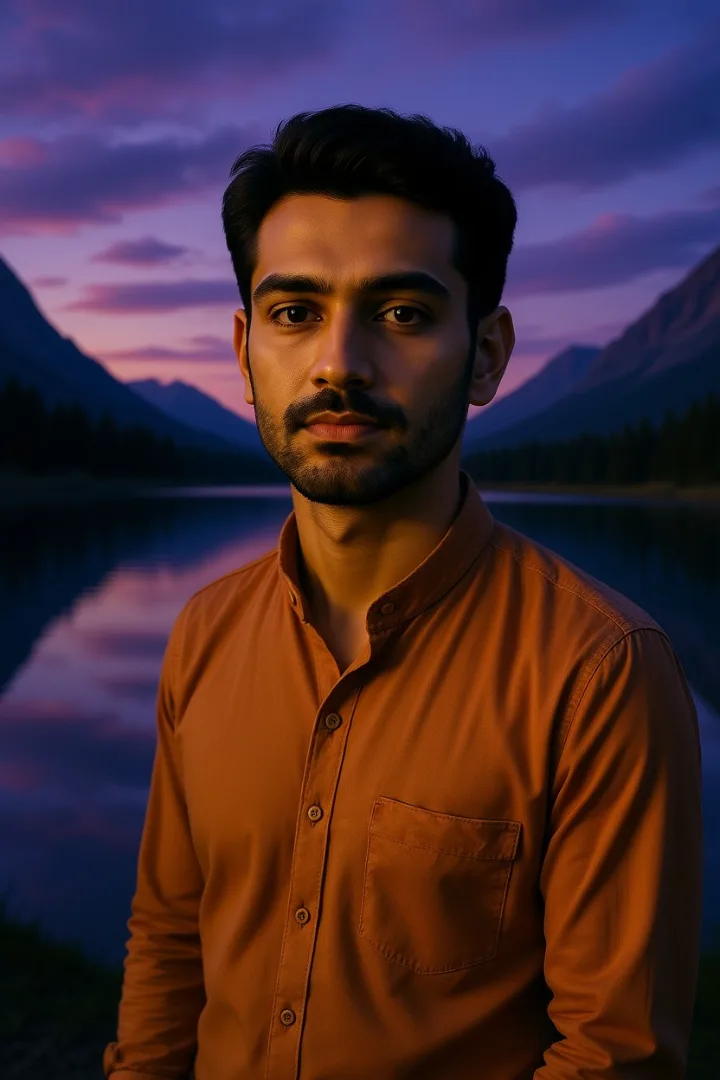
Outdoor Cinematic Portrait
- example 1
example 2
example 3Prompt example:
Cinematic outdoor portrait during golden hour, natural soft light, warm tones, shallow depth of field, realistic skin texture, cinematic color grading, professional photography look, ultra-detailedGolden hour + cinematic grading instantly creates a movie-like feel.


What butterfly lighting does
Butterfly lighting places the key light above and in front of the subject. This creates:
- Soft shadows under the cheekbones
- A sculpted facial structure
- A clean, flattering look
This lighting style is widely used in fashion, beauty, and studio portrait work because it enhances symmetry and confidence.
Hair Rim Light: Creating Depth and Separation
a hair rim light from behind
This detail is crucial. Without a rim light, dark clothing and backgrounds can cause the subject to blend into the scene.
A rim light:
- Separates the subject from the background
- Adds a subtle glow around the head
- Enhances the three-dimensional feel
AI models respond exceptionally well to rim lighting instructions, often producing results that feel closer to real studio photography.
Background Light and Atmosphere
a faint background light
The atmosphere is filled with a subtle haze or smoke
These two elements work together to elevate the image.
Why haze matters
A light haze:
- Softens transitions between light and shadow
- Adds cinematic depth
- Creates a premium, editorial mood
This technique is commonly used in film and commercial shoots to avoid flat backgrounds and introduce visual layering.
Camera Simulation: Medium Format Precision
Shot on a medium format camera
This tells the AI to prioritize detail, dynamic range, and clarity. Medium format cameras are known for their ability to capture rich textures and realistic skin tones.
You’ll notice improvements in:
- Facial structure accuracy
- Skin detail without harshness
- Overall image realism
This single phrase dramatically increases perceived image quality.
Lens Choice: Why 85mm Is Perfect for Portraits
shot on a 85mm lens
The 85mm focal length is legendary in portrait photography. It provides:
- Natural facial proportions
- Beautiful background compression
- Strong subject isolation
When paired with sharp focus on eyes, the result feels intimate and intentional. The viewer’s attention goes exactly where it should—into the expression.
High Contrast, Soft Shadows: The Balance That Sells
high contrast, cinematic, sharp focus, soft shadows
This combination is what makes the image feel expensive.
High contrast adds drama and authority. Soft shadows keep the face approachable and realistic. Together, they create a portrait that feels both powerful and polished.
Aspect Ratio and Style Settings
–ar 4:5 –style raw
These technical settings matter more than most people realize.
Why 4:5 aspect ratio works
- Ideal for social media platforms
- Balanced vertical framing
- Perfect for head-and-shoulder portraits
Why “raw” style is important
Raw styling avoids over-processing. The image retains texture, realism, and subtle imperfections—key elements that help bypass the “AI look.”
How You Can Customize This Prompt
Once you understand the structure, you can adapt it easily:
- Change clothing for branding (blazer, hoodie, formal wear)
- Adjust expression (calm, serious, approachable)
- Modify lighting mood (darker, softer, more dramatic)
- Swap background tone (charcoal, deep blue, neutral gray)
The core framework stays the same. You’re simply tuning the mood.
Common Mistakes to Avoid
To get consistent results, avoid these errors:
- Overloading the prompt with unnecessary adjectives
- Mixing conflicting lighting styles
- Adding too many fashion elements
- Ignoring camera and lens details
Clean, intentional prompts always outperform cluttered ones.
Final Thoughts: Turn One Prompt Into a Signature Style
This portrait prompt isn’t just a one-off trick. It’s a repeatable system for generating professional, cinematic portraits that feel authentic and powerful.
When you understand why each element is included, you gain control over the output. That’s how you move from random AI images to a recognizable visual identity.
Ready to Level Up Your AI Portraits?
Start experimenting with this prompt today. Adjust one element at a time, study the results, and refine your style. If you want more high-impact prompts, lighting breakdowns, and advanced techniques, explore related guides and keep pushing your creative edge.
Your next professional portrait is just one prompt away.
Frequently Asked Questions (FAQ)
What is a cinematic AI portrait?
A cinematic AI portrait is an image generated using artificial intelligence that mimics the look of movie-style photography. It focuses on dramatic lighting, realistic depth of field, emotional expression, and film-inspired color grading to create a professional, cinematic appearance.
Can one AI prompt really create professional portraits?
Yes. A single well-structured prompt can produce professional results when it clearly defines the subject, lighting, camera style, mood, and visual quality. The key is precision, not prompt length.
What elements are essential in a cinematic portrait prompt?
To achieve cinematic results, your prompt should include:
Subject description
Lighting style (soft, dramatic, low-key, rim light)
Camera or lens reference (such as 85mm look)
Mood or emotion
Cinematic or film photography style
These elements guide the AI toward realistic and cinematic output.
Which AI image generators work best for cinematic portraits?
Most advanced AI image generators can create cinematic portraits when prompted correctly. Tools based on modern diffusion models perform especially well with lighting, depth of field, and realistic skin textures.
How do I avoid flat or unrealistic AI portraits?
Flat results usually happen when lighting and mood are missing from the prompt. Always describe light direction, contrast, and atmosphere. Avoid keyword stuffing and focus on visual storytelling instead.
Can I reuse the same prompt for different people?
Yes. Once you have a strong base prompt, you can reuse it by changing only the subject description, expression, or mood. This keeps your results consistent and professional.
Are cinematic AI portraits suitable for personal branding?
Absolutely. Cinematic portraits work very well for personal branding, websites, social media profiles, and creative projects because they look polished, intentional, and visually powerful.
Do cinematic prompts work for both studio and outdoor portraits?
Yes. You simply adjust the lighting and environment description. Studio portraits focus on controlled lighting, while outdoor cinematic portraits rely on natural light, golden hour, or atmospheric conditions.
Is longer always better when writing AI prompts?
No. Longer prompts are not necessarily better. Clear structure and relevant details matter more than length. One focused cinematic prompt often performs better than multiple vague instructions.