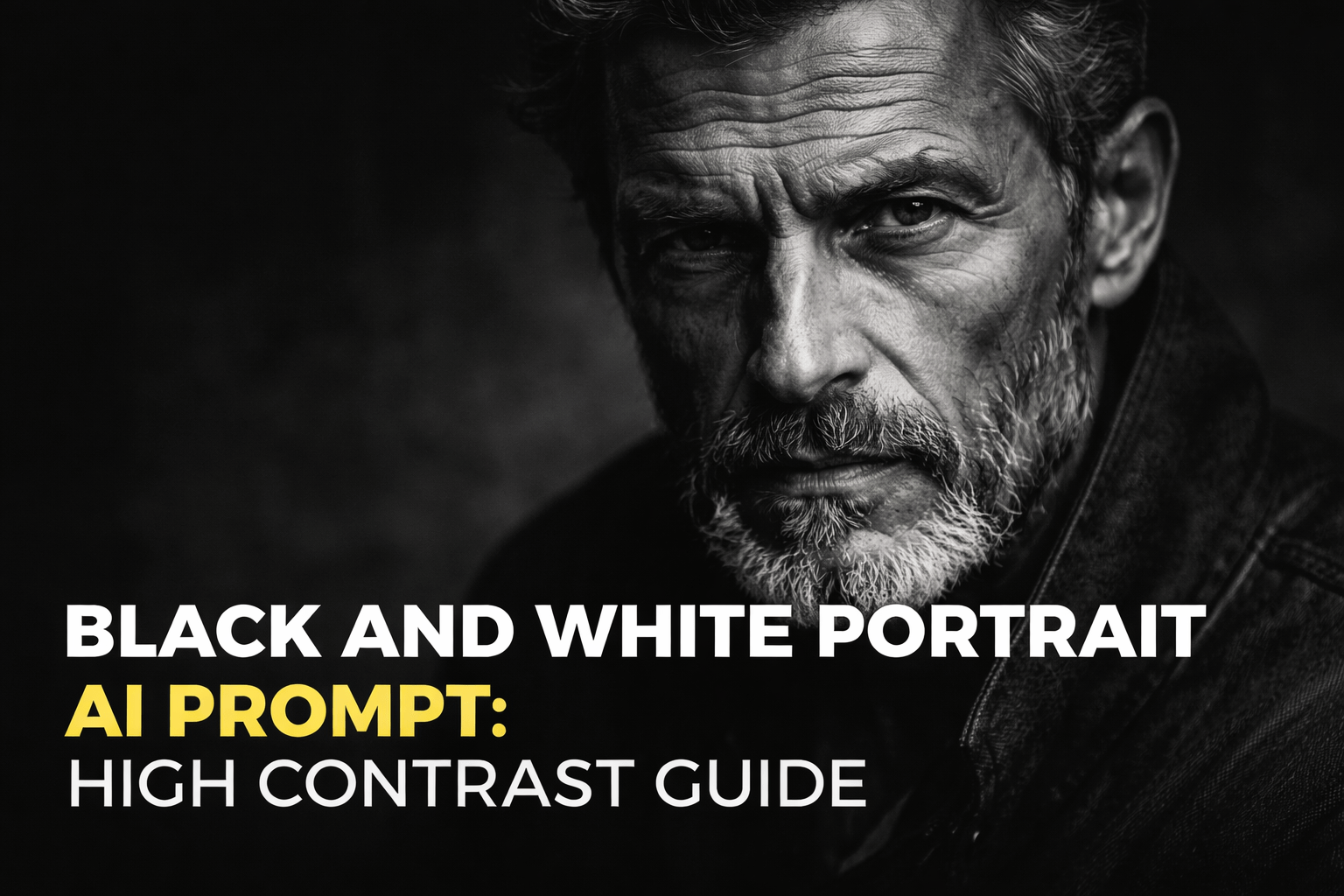
How to Create High-Contrast Portraits That Truly Stand Out
Black and White Portrait AI Prompt: How to Create High-Contrast Portraits That Truly Stand Out
Black and white portraits have a unique way of speaking directly to you. Without color to distract the eye, every shadow, highlight, and expression becomes more intense. When you combine this timeless style with AI image generation, the result can be striking—if you know how to guide the model correctly. That’s where a black and white portrait prompt high contrast approach makes all the difference.
In this article, you’ll learn how to write powerful prompts that help AI generate dramatic, high-contrast black and white portraits. You’ll discover what actually matters in a prompt, what to avoid, and how to fine-tune details so your portraits feel emotional, realistic, and visually compelling.
Why High-Contrast Black and White Portraits Matter
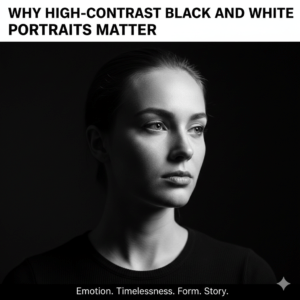
When you remove color, contrast becomes the main storytelling tool. High contrast pushes the difference between light and shadow, creating portraits that feel bold, raw, and expressive. As a viewer, you instinctively focus on:
- Facial structure and bone definition
- Eye highlights and gaze direction
- Skin texture and fine details
- Emotional depth without visual noise
For you as a creator, using a black and white portrait AI prompt with high contrast gives you more control over mood and impact. Instead of hoping for a good result, you deliberately shape the outcome.
Understanding the Core of a Black and White Portrait AI Prompt
Before jumping into examples, it’s important to understand how AI reads your prompt. AI doesn’t “see” images—it interprets language. The clearer and more intentional your words are, the stronger the result.
A well-written black and white portrait prompt usually includes:
- A clear subject description
- Lighting direction and intensity
- Contrast level
- Texture and detail preferences
- A photography or cinematic style reference
High contrast is not just a single word you add at the end. It’s a concept you reinforce throughout the prompt.
What “High Contrast” Really Means in AI Portraits
High contrast in black and white portraits is about tonal separation. You are asking the AI to create a strong difference between:
- Deep blacks and bright whites
- Lit areas and shadowed areas
- Foreground subject and background
When you do this correctly, the portrait gains depth and drama. When you do it poorly, you risk crushed shadows or blown highlights. Your goal is controlled intensity, not visual chaos.
The Anatomy of a Strong High-Contrast Portrait Prompt
To get consistent results, structure your prompt with intention. Think of it like a recipe: each ingredient matters.
1. Define the Subject Clearly
Be specific about who is in the portrait. Vague subjects lead to generic images.
Examples:
- “elderly man with deep wrinkles and intense gaze”
- “young woman with sharp cheekbones and serious expression”
2. Specify Black and White, Not Grayscale
Always make it explicit that you want black and white photography.
Use phrases like:
- “black and white portrait photography”
- “monochrome portrait with deep blacks”
3. Control the Lighting
Lighting is the single most important factor for contrast.
Effective lighting descriptions include:
- side lighting
- split lighting
- Rembrandt lighting
- single light source
- low-key studio lighting
4. Reinforce High Contrast Naturally
Instead of repeating the same phrase, use related language.
Examples:
- dramatic shadows
- strong highlights
- deep contrast
- high tonal range
5. Add Texture and Detail
High-contrast portraits shine when texture is visible.
Keywords to consider:
- detailed skin texture
- visible pores
- realistic wrinkles
- film grain
Example of a High-Contrast Black and White Portrait AI Prompt
Here’s a practical example you can adapt:
Black and white portrait photography of an elderly man, intense expression, deep wrinkles and textured skin, dramatic side lighting, high contrast with deep blacks and bright highlights, low-key studio setup, sharp focus on the eyes, cinematic mood, ultra-detailed facial features, professional portrait photography.
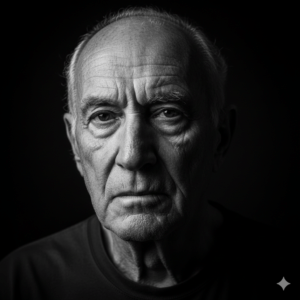
Notice how contrast is supported by lighting, texture, and mood—not just one keyword.
Lighting Styles That Work Best for High Contrast
Not all lighting creates strong contrast. If you want consistent results, focus on these styles:
Rembrandt Lighting
- Creates a triangle of light on one cheek
- Adds depth and classic portrait appeal
Split Lighting
- One side of the face fully lit, the other in shadow
- Perfect for dramatic, emotional portraits
Side Lighting
- Enhances facial structure and texture
- Works well for both male and female portraits
Low-Key Lighting
- Dark background with minimal light
- Keeps attention fully on the face
Including one of these in your black and white portrait AI prompt significantly improves results.
Common Mistakes You Should Avoid
Even a good idea can fail with the wrong wording. Watch out for these issues:
- No lighting instructions: The portrait will look flat
- Overusing “high contrast” without context: Results may be harsh
- Ignoring texture: The image can feel plastic or unrealistic
- Too many conflicting styles: Confuses the AI
When in doubt, simplify your prompt and focus on lighting and contrast first.
When High Contrast Works Best (and When It Doesn’t)
High contrast is powerful, but it’s not universal.
Best Use Cases
- Artistic portraits
- Character studies
- Editorial-style images
- Emotional or dramatic themes
Situations to Use Less Contrast
- Beauty portraits requiring soft skin
- Fashion images with fabric detail
- Friendly or lighthearted moods
Knowing when to push contrast—and when to hold back—helps you create more intentional images.
How to Refine Your Results Over Time
If your first result isn’t perfect, don’t start from scratch. Adjust one element at a time:
- Change lighting direction
- Reduce or increase shadow depth
- Add or remove texture details
- Refine the emotional description
This step-by-step approach teaches you how the AI responds, making future prompts easier and more accurate.
Final Thoughts: Turn Prompts Into Powerful Portraits
A great black and white portrait prompt high contrast strategy is not about tricks or secret keywords. It’s about clarity, intention, and understanding how light and shadow shape emotion. When you guide the AI with purpose, your portraits stop looking generic and start feeling human.
Now it’s your turn.
Call to Action
Take one portrait idea you already have and rewrite it using the techniques from this guide. Experiment with lighting, contrast, and texture—and compare the results. If you want deeper guides, ready-made prompt templates, or advanced techniques, save this article and start practicing today. The difference will show in your next image.