Master the Perfect AI Product Photo Prompt for White Background Ecommerce
Master the Perfect AI Product Photo Prompt for White Background Ecommerce
Have you ever spent hours setting up a makeshift photo studio in your living room, only to realize the “white” background looks more like a dingy grey sheet? We’ve all been there. You have a product you’re proud of, but your photos don’t reflect that quality. In the digital marketplace, your image is your handshake; if it’s blurry or cluttered, you’re losing sales before the customer even reads your description.
The good news? The days of struggling with expensive lighting kits and finicky backdrops are over. With a precise ai product photo prompt for white background ecommerce, you can transform a basic smartphone snap into a high-end, studio-grade asset. You don’t need a degree in photography—you just need the right words to talk to the machine.
Why a Pure White Background is Your Secret Sales Weapon
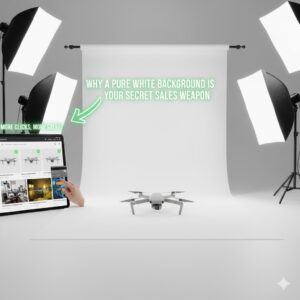
When you browse Amazon or Shopify, you’ll notice the most successful brands prioritize a clean, stark white backdrop. This isn’t just an aesthetic choice; it’s a psychological one. A pure white background (often referred to as RGB 255, 255, 255) removes all distractions, forcing the eye to focus entirely on the contours, colors, and textures of your item.
For you as a seller, this means:
Platform Compliance: Most major marketplaces require white backgrounds for main images.
Brand Trust: Clean images signal professionalism and attention to detail.
Versatility: These images are easier to use in newsletters, social media ads, and catalogs.
Anatomy of a Perfect AI Product Photo Prompt

Generating a photorealistic image requires more than just typing “shoes on white.” To get the best results from tools like Midjourney, DALL-E 3, or Adobe Firefly, you need to provide a roadmap. Your ai product photo prompt for white background ecommerce should be a mix of technical specs and descriptive flair.
Key Elements of Your Prompt
The Subject: Be hyper-specific. Instead of “bottle,” try “frosted glass skincare serum bottle with gold dropper.”
Lighting Style: Mention “soft studio lighting” or “rim lighting” to avoid a flat, “fake” look.
Angle & Perspective: Do you want a “front view,” a “30-degree isometric angle,” or a “low-angle shot”?
Surface Details: Mentioning a “subtle contact shadow” prevents the product from looking like it’s floating in space.
Universal Base Prompt (Highly Recommended)
Use this as your foundation:
Ultra-realistic studio product photography of [PRODUCT NAME],
placed on a pure white seamless background,
soft diffused studio lighting with subtle natural shadow beneath the product,
sharp focus, clean edges, accurate proportions,
commercial ecommerce style,
85mm lens look, professional product shoot,
high resolution, minimalistic composition,
no text, no watermark, no people, no hands Professional AI Product Photo Prompts (Ready to Use)
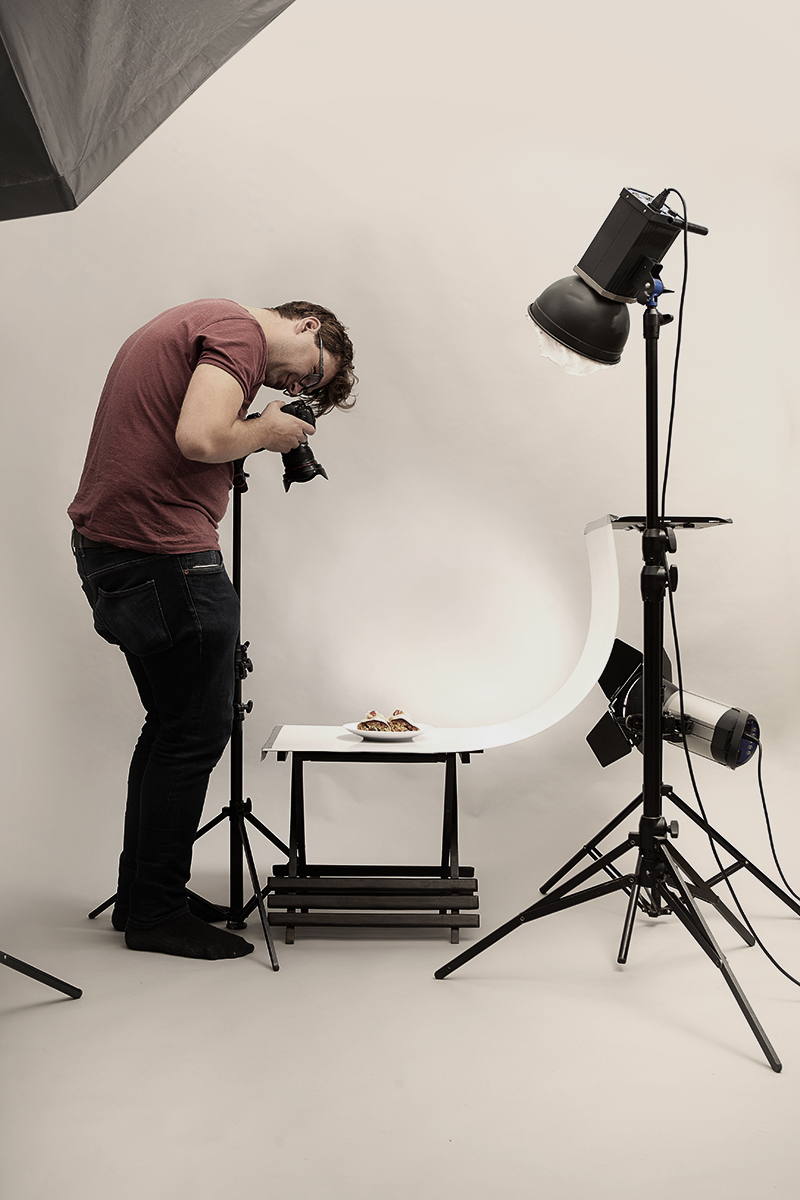
1️⃣ Minimal Ecommerce Hero Shot
High-end ecommerce product photo of a [PRODUCT],
 isolated on a pure white background,
 softbox studio lighting from both sides,
 clean soft shadow directly under the product,
 ultra-sharp focus, realistic textures,
 luxury commercial photography,
 no reflections, no props, no text

Proven Prompt Recipes for Different Product Categories
To make your life easier, use the following “recipes” for your next generation. You can swap out the [Product Name] with whatever you’re selling today.

1. Electronics and Tech (The Sleek Look)
Tech items need to look sharp and futuristic. You want to highlight the materials—whether it’s brushed metal or matte plastic.
Prompt: “[Product Name] centered on a seamless pure white background, high-end ecommerce photography, sharp focus, soft diffused lighting, subtle contact shadows, 8k resolution, minimalist aesthetic, macro lens detail.”
2. Beauty and Cosmetics (The Glow Effect)
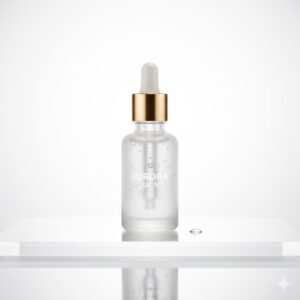
Skincare and makeup thrive on “light.” You want the product to look fresh and premium.

remium Cosmetic / Beauty Product
Professional cosmetic product photography of a [COSMETIC PRODUCT],
 glass reflections controlled,
 pure white background with soft gradient falloff,
 high-key lighting, subtle natural shadow,
 editorial ecommerce style,
 ultra-realistic, clean, elegant,
 no logos added, no text, no human elements
| Ingredient | Recommendation |
| Surface | Reflective white acrylic |
| Lighting | Bright, airy, soft-box lighting |
| Focus | Sharp detail on the label/logo |
| Vibe | Luxury, clean, clinical |
3. Fashion and Apparel (The Texture Shot)
The biggest challenge with clothing is making the fabric look “touchable” through a screen.
Prompt: “Professional flat lay of [Clothing Item], crisp white background, even lighting, no harsh shadows, high-resolution texture, showing fabric weave, commercial photography style, clean edges.”
Step-by-Step: How to Use AI to Refresh Your Catalog
If you already have photos of your products but the backgrounds are messy, you can still use AI to fix them. Here is a simple workflow:
Remove the Original Background: Use a tool like Photoroom or Remove.bg to isolate your product.
Input into an AI Generator: Upload your “cutout” into an AI tool that supports “Image-to-Image” or “Generative Fill.”
Apply Your Prompt: Use your ai product photo prompt for white background ecommerce to describe the new environment.
Upscale: Use an AI upscaler to ensure the final result is 300 DPI or higher for a crisp look.
Common Pitfalls to Avoid in AI Prompting
Even with the best tools, it’s easy to get results that look “off.” Watch out for these common mistakes:
Floating Products: If you don’t mention “grounding” or “contact shadows,” the AI might make your product look like it’s hovering.
Over-Lighting: “High-key” is good, but “blown out” is bad. Ensure you mention “retaining detail in highlights.”
Inconsistent Angles: If you’re generating a whole line of products, make sure you use the exact same angle description (e.g., “30-degree side view”) for every prompt.
FAQ: Mastering AI Product Photo Prompts
What is the most important part of an ai product photo prompt for white background ecommerce?
The most critical part is the balance between the Subject and the Lighting. Without specific lighting instructions, the AI might give you a flat image that lacks the professional depth required for high-converting ecommerce sites.
Can I use these prompts for Amazon listings?
Yes! Amazon specifically looks for “Pure White” backgrounds (RGB 255). By including “seamless pure white background” in your prompt, you ensure your images meet their strict technical requirements.
Do I need to mention the camera type?
While not strictly necessary, adding “85mm lens” or “macro photography” helps the AI understand the depth of field you want. This often results in a more “expensive-looking” photo with a sharp focus on the product and a clean fall-off.
How do I handle reflections on glass or metal?
For reflective products, add “soft reflections” or “controlled highlights” to your ai product photo prompt for white background ecommerce. This prevents the AI from creating messy, distracting glares that can obscure your branding.
Elevate Your Brand Today
You no longer have to settle for “good enough.” By mastering the art of the AI prompt, you’re taking back control of your brand’s visual identity. You’re saving thousands on studio fees and hours on manual editing. Most importantly, you’re giving your customers a clear, beautiful view of what you have to offer.
Are you ready to see your products in a whole new light? Start by taking one of the prompt templates above and testing it with your star product. If you’re not sure which AI tool is best for your specific niche, I can help you compare the top platforms or even draft a custom prompt for your most difficult-to-shoot items! Just let me know what you’re working on.