How to Create a Viral Hyper-Realistic Instagram Portrait Using One Powerful AI Prompt
hyper-realistic Instagram portrait Scrolling through Instagram, you’ve probably noticed a new kind of visual that instantly stops your thumb: a hyper-realistic portrait where the subject appears to step out of an Instagram post frame in a stunning 3D illusion. This style isn’t just eye-catching—it’s designed to feel cinematic, bold, and impossible to ignore.
In this guide, you’ll learn how to use one advanced AI prompt to create that exact effect, why it works so well for engagement, and how you can optimize the final image for visibility, branding, and reach. Whether you’re a creator, designer, or brand builder, this approach can transform how your visuals perform on social media.
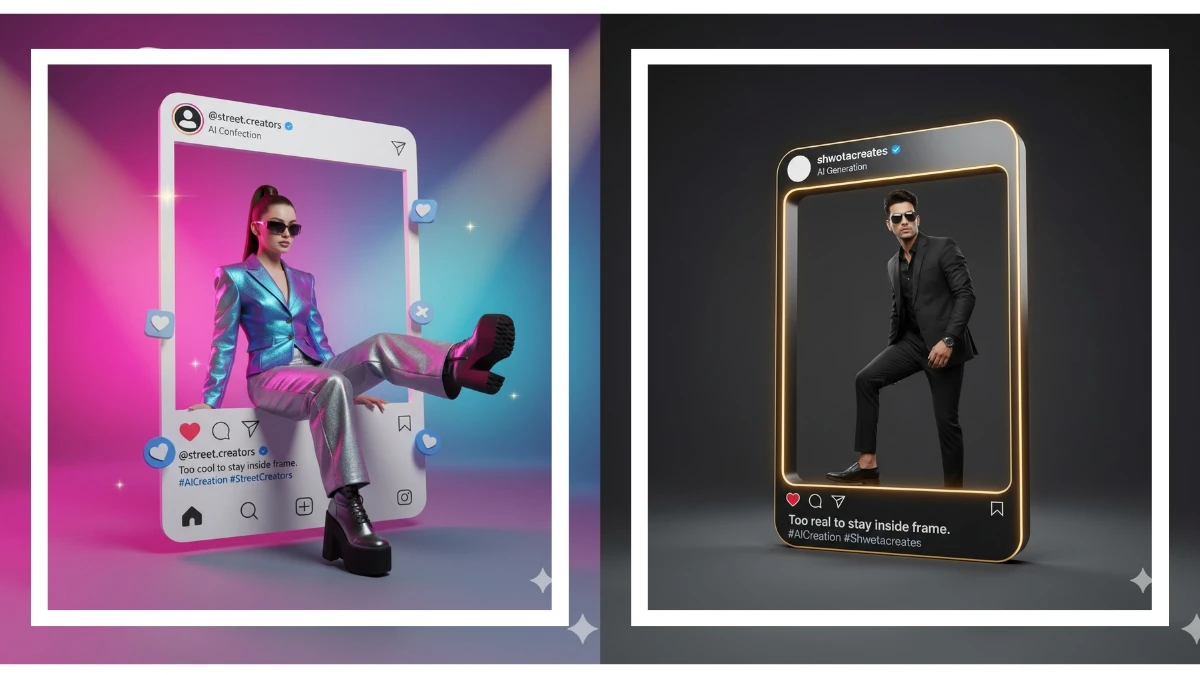
Why This Instagram Frame Portrait Style Works So Well
Before jumping into the technical side, it’s important to understand why this visual concept performs.
This prompt combines several high-impact elements that social platforms reward:
- Hyper-realism that feels almost photographic
- A familiar UI element (the Instagram post frame)
- A 3D illusion that breaks visual expectations
- Strong personal branding with username, caption, and verified badge
When these elements work together, your image feels native to Instagram but elevated beyond standard posts. That balance is what drives saves, shares, and profile visits.
How to Create a Viral Hyper-Realistic Instagram Portrait Using One Powerful AI Prompt
Creating a viral hyper-realistic Instagram portrait is no longer about expensive cameras, studios, or professional photographers. Today, one well-crafted AI prompt can generate an image that looks like it came straight from a luxury fashion editorial or a Netflix poster.
In this guide, you’ll learn exactly how to do it, why it works, and how to replicate the results consistently—even if you’re a total beginner.

Why Hyper-Realistic AI Portraits Go Viral on Instagram
Hyper-realistic portraits perform insanely well on Instagram because they:
Stop the scroll instantly
Feel cinematic and premium
Trigger curiosity (“Is this real?”)
Match Instagram’s visual-first algorithm
When realism meets storytelling, engagement explodes.

The One Powerful AI Prompt Formula
Before jumping into examples, you need to understand the core structure behind every viral AI portrait.
You May Lik This :
👉 AI portrait photography is changing how creators produce professional visuals
👉 Learn the basics of cinematic portrait lighting for dramatic images
👉 Browse editorial portrait inspiration from professional photographers
👉 Official Instagram visual content tips for creators
The Winning Prompt Structure
You should always include:
Subject description (person, pose, expression)
Clothing & style (fashion, colors, textures)
Lighting (cinematic, soft studio, natural window light)
Camera details (lens, depth of field)
Mood & atmosphere (editorial, dramatic, luxury)
Quality modifiers (hyper-realistic, ultra-detailed, photorealistic)
This structure is what separates average AI images from viral-level portraits.
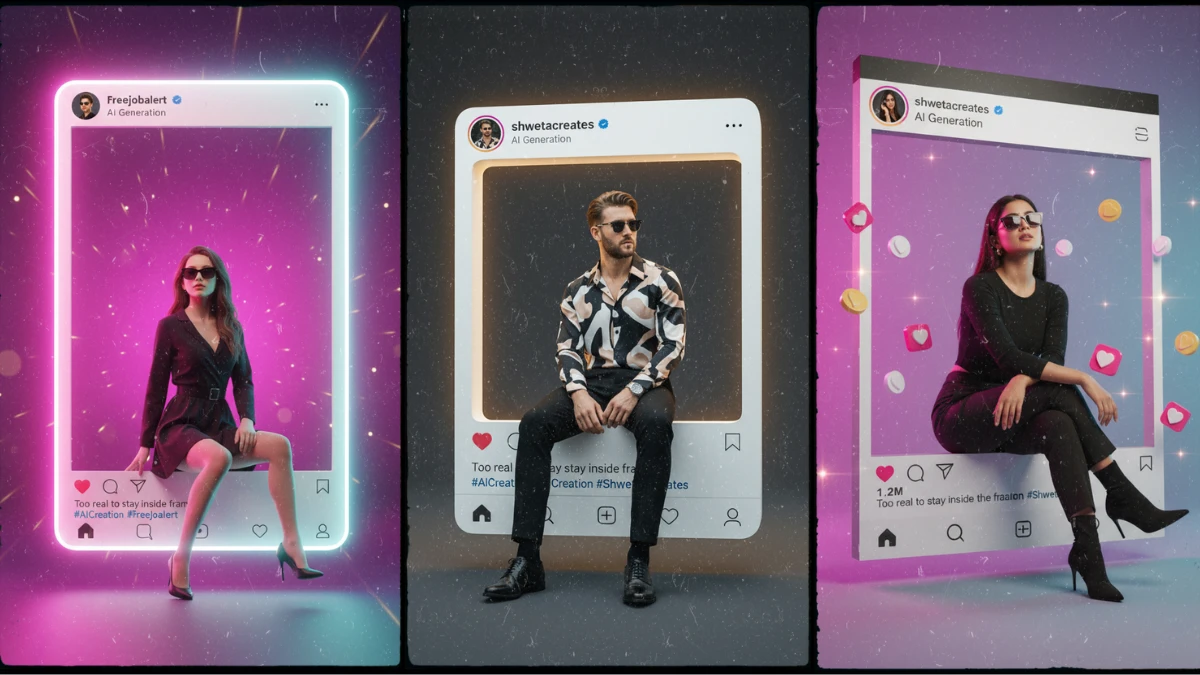
10 Powerful Hyper-Realistic Instagram Portrait Prompts (With How to Use Them)
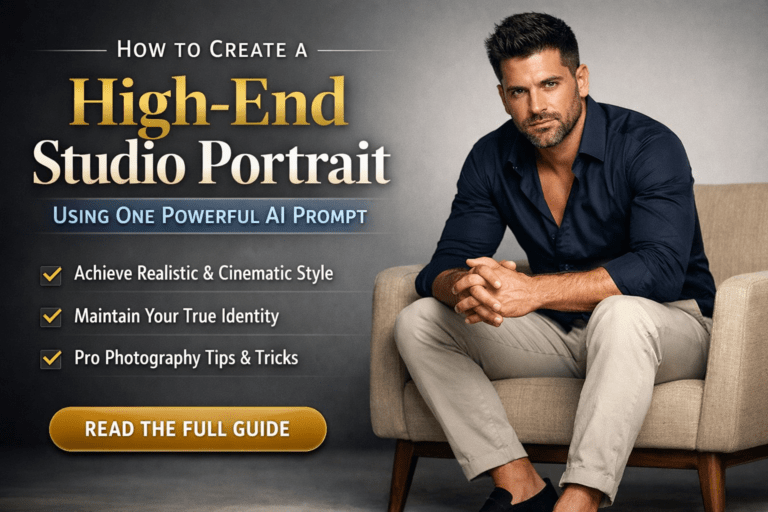
1. Luxury Studio Editorial Portrait
Prompt:
Hyper-realistic studio portrait of a confident man sitting on a modern beige chair, wearing a tailored black blazer and white shirt, soft cinematic lighting, shallow depth of field, ultra-detailed skin texture, luxury fashion editorial style, shot on 85mm lens, photorealistic, Instagram-ready.

How to use it:
Perfect for personal branding, coaches, and creators who want a premium look.
2. Cinematic Window Light Portrait
Prompt:
Hyper-realistic portrait of a stylish woman standing near a large window, soft natural daylight illuminating one side of her face, subtle shadows, calm cinematic mood, realistic skin details, fashion editorial photography, shallow depth of field.

How to use it:
Ideal for lifestyle, fashion, or minimalist Instagram feeds.
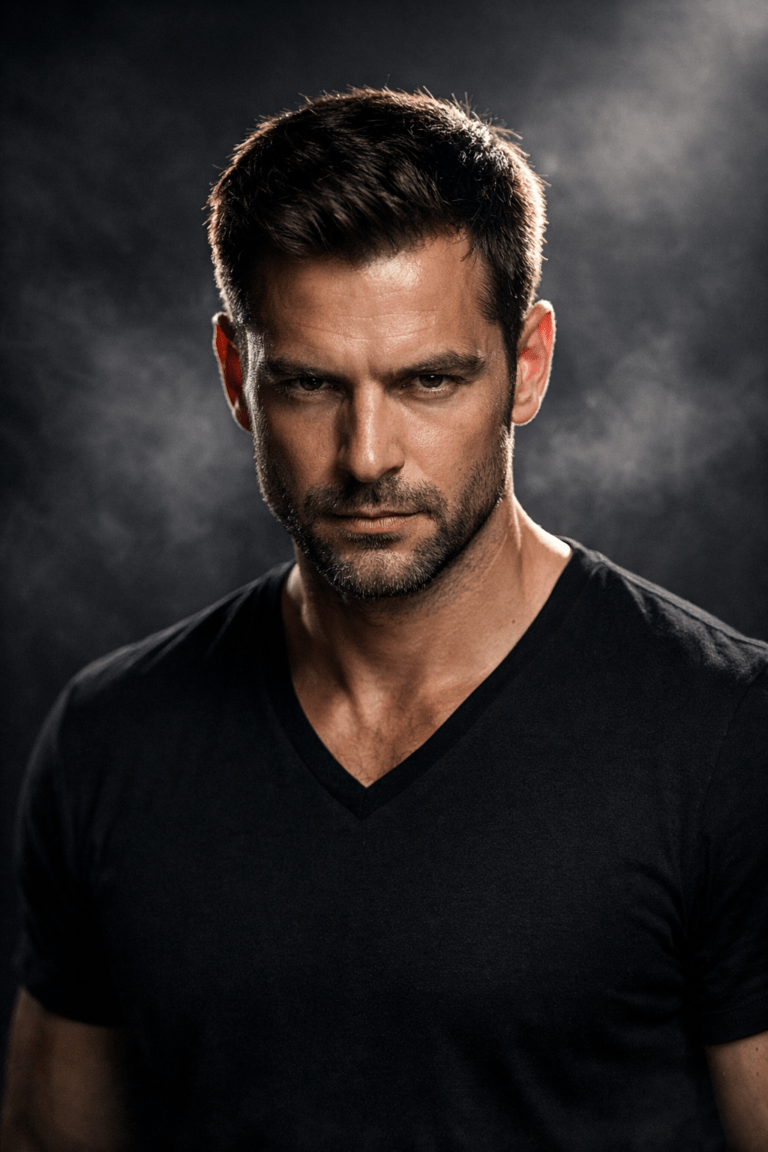
3. Dark Moody Instagram Portrait
Prompt:
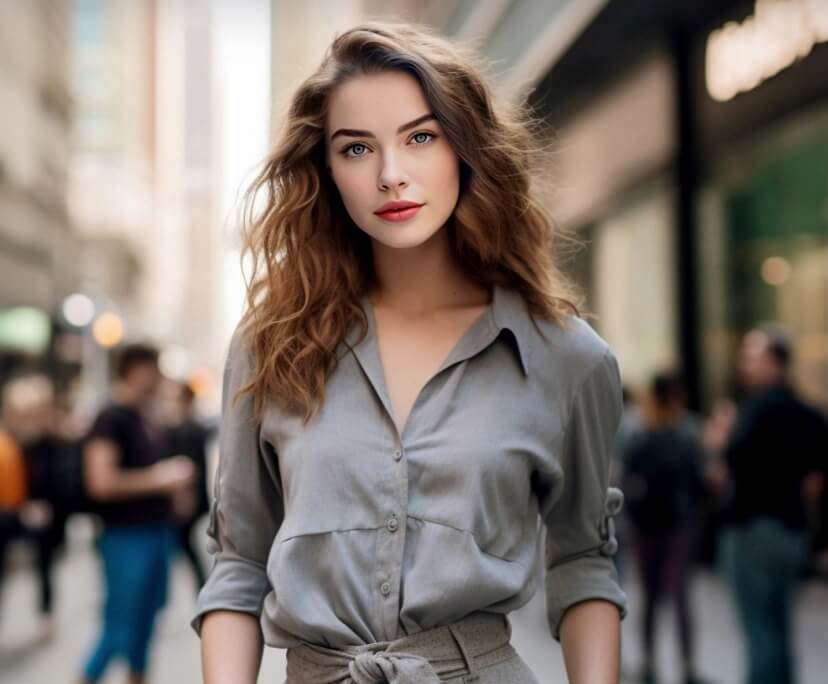
Ultra-realistic close-up portrait with dramatic low-key lighting, deep shadows, intense gaze, cinematic color grading, high contrast, realistic pores and textures, professional photography look.
How to use it:
Works extremely well for bold, mysterious, and masculine or artistic profiles.
4. Clean Fashion Editorial Look
Prompt:
Hyper-realistic fashion portrait of a model against a light gray studio background, minimal styling, soft even lighting, editorial magazine aesthetic, ultra-detailed textures, professional camera quality.
How to use it:
Great for fashion brands and clean Instagram aesthetics.
5. Urban Cinematic Street Portrait
Prompt:
Hyper-realistic portrait of a young man in an urban setting at sunset, cinematic lighting, shallow depth of field, warm tones, realistic reflections, editorial street photography style.

How to use it:
Perfect for streetwear and lifestyle creators.
6. Soft Beauty Instagram Portrait
Prompt:
Ultra-detailed beauty portrait with soft diffused lighting, natural makeup, realistic skin texture, subtle highlights, high-end beauty photography style.

How to use it:
Ideal for beauty, skincare, and influencer accounts.
7. Luxury Black Outfit Editorial
Prompt:
Hyper-realistic portrait of a woman wearing an all-black elegant outfit, studio lighting, editorial fashion pose, high contrast, photorealistic textures, cinematic mood.
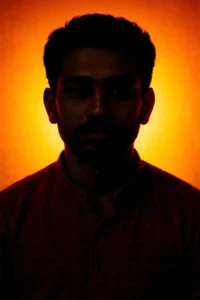
How to use it:
Perfect for luxury fashion reels and posts.
8. Casual Viral Instagram Look
Prompt:
Hyper-realistic casual portrait, relaxed pose, soft natural lighting, modern Instagram aesthetic, realistic facial details, cinematic depth of field.

How to use it:
Best for daily posts that still look professional.
9. High-End Profile Picture Prompt
Prompt:
Ultra-realistic headshot portrait, clean background, soft studio lighting, sharp focus, professional LinkedIn and Instagram-ready look.

How to use it:
Great for profile pictures and bios.
10. Storytelling Cinematic Portrait
Prompt:
Hyper-realistic cinematic portrait capturing emotion and storytelling, dramatic lighting, subtle color grading, shallow depth of field, movie-like realism.

How to use it:
Perfect for viral storytelling posts and reels.
Pro Tips to Make Your AI Portrait Go Viral
Use vertical 4:5 or 1:1 ratio
Add subtle film grain for realism
Keep backgrounds simple
Pair with short emotional captions
Post during peak engagement hours
Breaking Down the Prompt: What Each Element Does for You
The power of this prompt comes from its structure. Every phrase serves a clear purpose.
1. Hyper-Realistic Portrait Foundation
The opening line focuses on realism and identity:
- The face remains sharp, untouched, and authentic
- Accessories like dark sunglasses and sleek shoes reinforce confidence
- Clean lighting emphasizes textures and depth
This ensures the subject looks real, not overly stylized or artificial. For audiences, realism builds trust and credibility.
2. The Instagram Frame as a Visual Anchor
Placing the subject inside a giant Instagram post frame does something clever:
- It instantly signals platform relevance
- It makes the image feel “made for Instagram”
- It creates contrast between flat UI and real-world depth
The inclusion of a username, verified checkmark, caption, and icons adds familiarity. Viewers understand the scene in seconds, which is critical for short attention spans.
3. The 3D Illusion That Drives Engagement
The moment that really hooks attention is the pose:
- One leg stepping out of the Instagram frame
- Relaxed posture that feels natural, not forced
- Subtle perspective that sells the illusion
This visual trick creates a “wait—how?” reaction. That pause is often enough to trigger likes, comments, or shares.
4. Masculine, Cinematic Background Design
The background isn’t random—it’s strategic.
- Deep cobalt blue blending into cyan projects confidence
- Subtle light streaks add movement without distraction
- Cinematic lighting highlights clothing textures and depth
This color and lighting combination works especially well for bold, modern branding and personal authority visuals.
How You Can Adapt This Prompt for Your Own Brand
You don’t have to copy the prompt word-for-word. The real value is in how you customize it to match your goals.
Change the Mood Without Losing Impact
You can keep the structure and adjust the tone:
- Swap masculine colors for warmer or neutral tones
- Replace sunglasses with expressive eye contact
- Adjust posture to match your personality or niche
The framework stays powerful even with small creative changes.
Align the Caption With Your Message
The caption inside the Instagram frame is a branding opportunity. Instead of a generic line, you can:
- Highlight your creative philosophy
- Tease a product or service
- Reinforce your niche authority
Short, confident captions tend to perform best visually.
SEO and Visibility: Why This Style Helps You Rank
If you’re using this image on a website, portfolio, or blog, it’s not just about aesthetics. This visual format supports SEO in several ways:
- High dwell time when users stop to explore the image
- Strong relevance for keywords around AI portraits and social media visuals
- Increased sharing, which can lead to natural backlinks
Search engines increasingly reward content that keeps users engaged. A striking visual like this does exactly that.
Best Practices for Publishing and Sharing
To get the most from this AI-generated portrait, think beyond creation.
Optimize for Social Platforms
- Use square or slightly vertical ratios for Instagram
- Pair the image with a concise, curiosity-driven caption
- Pin the post to your profile if it represents your brand
Use It Across Multiple Channels
One image can serve many purposes:
- Website hero section
- Portfolio showcase
- Blog feature image
- Promotional thumbnail
Consistency across platforms strengthens recognition.
Common Mistakes to Avoid
Even a strong prompt can fall flat if misused. Watch out for these issues:
- Overloading the background with too many effects
- Using unreadable text inside the frame
- Making the pose look stiff or unnatural
- Ignoring lighting consistency
Clean, intentional design always beats excess.
Why This Prompt Is a Long-Term Asset
Trends come and go, but this concept taps into something deeper: the blending of digital identity with real presence. As AI visuals become more common, images that feel grounded, cinematic, and platform-aware will stand out even more.
By mastering prompts like this, you’re not just creating content—you’re building a visual language that audiences recognize and remember.
Final Thoughts: Turn Attention Into Action
You now have a clear understanding of how and why this hyper-realistic Instagram frame prompt works. The next step is simple but important: use it intentionally.
Experiment with variations, align it with your message, and publish it where it supports your goals. When done right, this kind of image doesn’t just look good—it drives engagement, builds authority, and keeps people coming back.
👉 Your move: adapt the prompt, generate your own version, and test how your audience reacts. The difference between average content and viral content often starts with one bold creative decision.
Can AI portraits really go viral on Instagram?
Yes. Hyper-realistic AI portraits often outperform real photos because they look cinematic and unique.
Which AI tools work best for this?
Any AI image generator that supports detailed prompts and photorealism works well.
Do I need editing after generating the image?
Usually no. A strong prompt produces Instagram-ready results.
Are AI portraits allowed on Instagram?
Yes, as long as they follow Instagram’s content guidelines.
Example External Links (For Reference & Authority)
Adobe – AI in Photography
Unsplash – Editorial Portrait Inspiration
PetaPixel – AI Photography Trends
Instagram Creators – Visual Content Tips