AI Professional Headshot Prompts for Stunning, Job-Ready Photos
AI Professional Headshot Prompts: Best Prompts for Professional Headshots AI
Your professional headshot is often the first impression you make—on LinkedIn, on a resume, on a portfolio, or even in a client proposal. Before anyone reads your experience or skills, they see your face. If that image feels outdated, low quality, or unprofessional, it silently works against you.
This is exactly why AI professional headshot prompts have become so powerful. You no longer need a studio, a photographer, or expensive equipment. What you need is the right prompt—clear, intentional, and written with purpose. In this guide, you’ll learn how to create the best prompts for professional headshots AI, so your images look polished, credible, and ready for real-world use.

Why AI Professional Headshot Prompts Matter
AI image generators don’t “guess” what you want. They follow instructions. If your prompt is vague, the result will be generic. If your prompt is precise, the output can look surprisingly close to a real studio photo.
When you use strong AI professional headshot prompts, you control:
- Facial expression and confidence
- Lighting quality
- Camera angle and realism
- Background professionalism
- Clothing and style consistency
In short, the prompt is the photographer.
What Makes a Professional AI Headshot Look Real
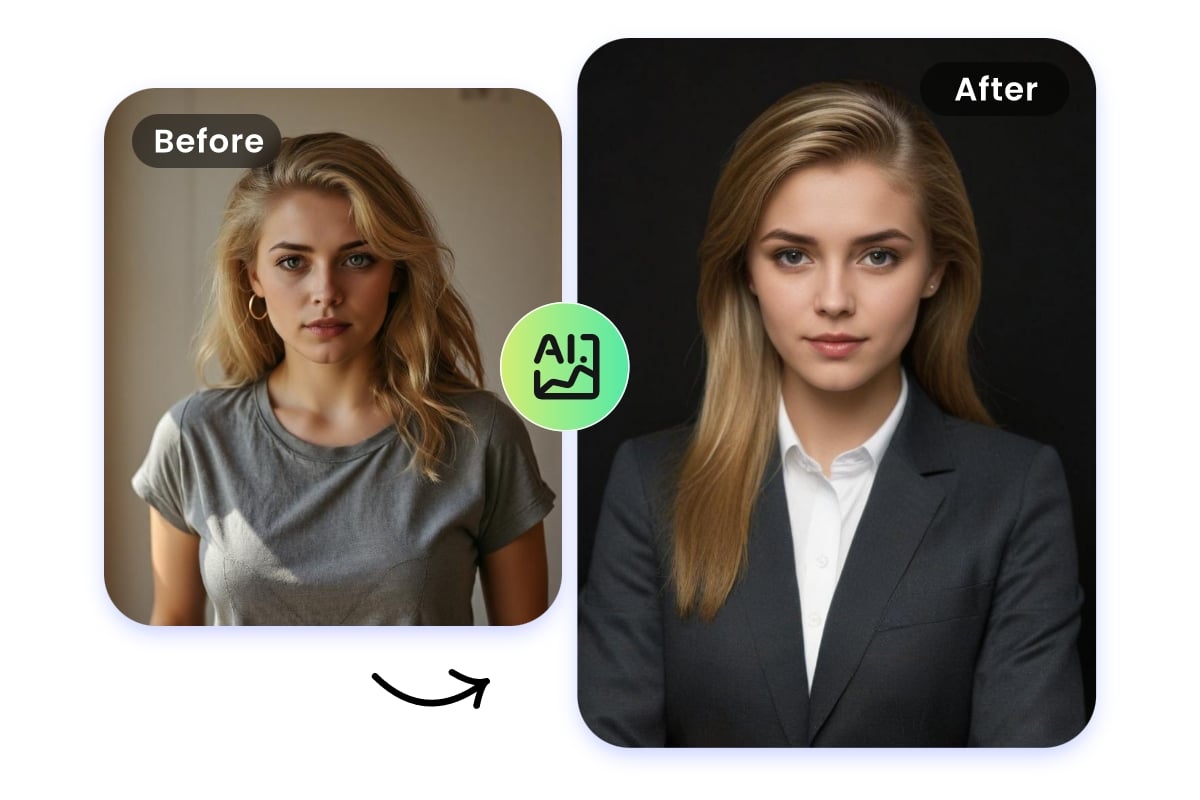
Before jumping into examples, it helps to understand what separates a professional headshot from a casual portrait.
A strong AI-generated professional headshot usually includes:
- Neutral or clean background
- Balanced, soft lighting
- Natural skin tones
- Sharp focus on the face
- Business-appropriate clothing
- Calm, confident expression
Your prompt must clearly describe all of these elements. Leaving one out often leads to unrealistic or overly artistic results.
The Core Structure of the Best AI Professional Headshot Prompts

When writing prompts for professional headshots AI, think in building blocks. Each block adds clarity and improves consistency.
1. Subject Description
Describe who the person is without overdoing it:
- Age range (not exact age)
- Gender or neutral description
- Natural facial expression
Example concept:
“A professional adult with a confident, approachable expression”
2. Camera and Angle
This is critical for realism.
- Eye-level angle
- Head and shoulders framing
- Avoid extreme close-ups or wide shots
Keywords to use naturally:
- eye-level
- head-and-shoulders portrait
- professional framing
3. Lighting Style
Lighting can make or break a headshot.
Best options for professional use:
- Soft studio lighting
- Natural window light
- Balanced shadows
Avoid:
- Dramatic lighting
- Neon or cinematic effects
- Hard shadows on the face
4. Background Choice
For professional headshots, less is more.
Recommended backgrounds:
- Solid gray
- White
- Soft gradient
- Blurred office environment
Your background should support the subject, not compete with it.
5. Clothing and Appearance
Clothing signals professionalism instantly.
Safe prompt choices:
- Business suit
- Blazer with neutral shirt
- Minimal accessories
- Clean grooming
Avoid describing fashion trends unless you’re in a creative industry.
Best Prompts for Professional Headshots AI (By Use Case)

Below are practical prompt styles you can adapt depending on your goal.
AI Professional Headshot Prompts for LinkedIn
LinkedIn favors clean, trustworthy images.
Key prompt elements:
- Neutral background
- Soft lighting
- Relaxed but confident smile
- Business casual or formal attire
This style works best for:
- Job seekers
- Corporate professionals
- Career transitions
AI Professional Headshot Prompts for Corporate Roles

If you work in finance, law, consulting, or enterprise roles, structure matters.
Focus on:
- Studio lighting
- Formal clothing
- Minimal emotion
- High realism keywords
This creates a serious, reliable visual identity.
AI Professional Headshot Prompts for Freelancers and Creators
Here you have slightly more flexibility.
Include:
- Natural lighting
- Softer expression
- Clean but friendly background
- Modern professional clothing
This approach balances trust with personality.
AI Professional Headshot Prompts for Actors and Models
These prompts should still be professional, but more expressive.
Emphasize:
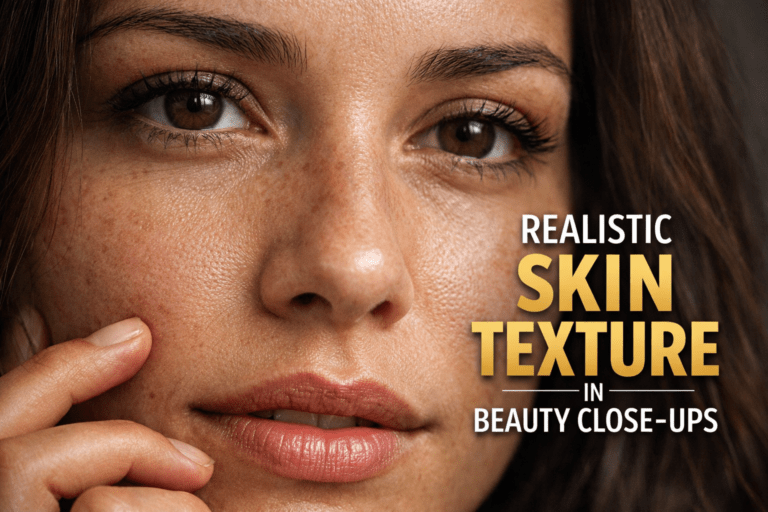
- Facial detail
- Skin texture realism
- Sharp focus
- Neutral pose
Avoid over-stylization unless specifically required.
Prompt Recipe Table for AI Professional Headshots
Using a structured “recipe” makes prompt writing easier and repeatable.
| Prompt Element | What to Describe | Why It Matters |
|---|---|---|
| Subject | Professional adult portrait | Sets identity |
| Expression | Calm, confident, natural | Builds trust |
| Lighting | Soft studio or window light | Enhances realism |
| Camera | Eye-level, head-and-shoulders | Professional framing |
| Background | Neutral or blurred | Reduces distractions |
| Quality | High-resolution, realistic | Improves output |
Use this table as a checklist every time you write a prompt.
Common Mistakes to Avoid with AI Professional Headshot Prompts
Even good tools fail with poor instructions. Watch out for these issues:
- Being too vague (“professional photo” only)
- Adding artistic styles meant for illustrations
- Forgetting lighting instructions
- Overloading the prompt with unnecessary adjectives
- Using casual clothing descriptions for formal contexts
Clean prompts consistently outperform complex ones.
How to Improve Results with Small Prompt Tweaks
You don’t need to rewrite everything to get better results. Try adjusting:
- Facial expression: calm vs confident smile
- Lighting: soft studio vs natural daylight
- Background: solid color vs subtle blur
- Clothing tone: dark vs light neutrals
Prompt refinement is iterative. Each small change improves realism.
Ethical and Professional Considerations
AI professional headshots should represent you honestly.
Best practices:
- Keep facial features realistic
- Avoid creating a completely different appearance
- Use AI to enhance professionalism, not mislead
A headshot should support your credibility, not risk it.
Frequently Asked Questions About AI Professional Headshot Prompts
What are the best AI professional headshot prompts for LinkedIn?
Prompts that include neutral backgrounds, soft lighting, eye-level framing, and business attire perform best.
Can AI professional headshot prompts replace real photography?
For many online uses, yes. High-quality prompts can produce results suitable for LinkedIn, resumes, and websites.
How long should an AI professional headshot prompt be?
Long enough to describe subject, lighting, background, and camera—but not cluttered. Clarity beats length.
Do AI professional headshot prompts work for resumes and CVs?
Yes, as long as the result looks realistic and professional.
Conclusion: Your Image Is Your Silent Introduction
A strong headshot speaks before you do. With the right AI professional headshot prompts, you control that message—how confident you look, how professional you feel, and how seriously others take you.
You don’t need a studio anymore. You need clarity.
Your next step:
Start testing one prompt today. Refine it. Adjust the lighting. Tweak the expression. Within a few tries, you’ll have a professional headshot that truly represents you.
If you found this guide helpful, save it, share it, or bookmark it—and start building a professional image that works for you, not against you.