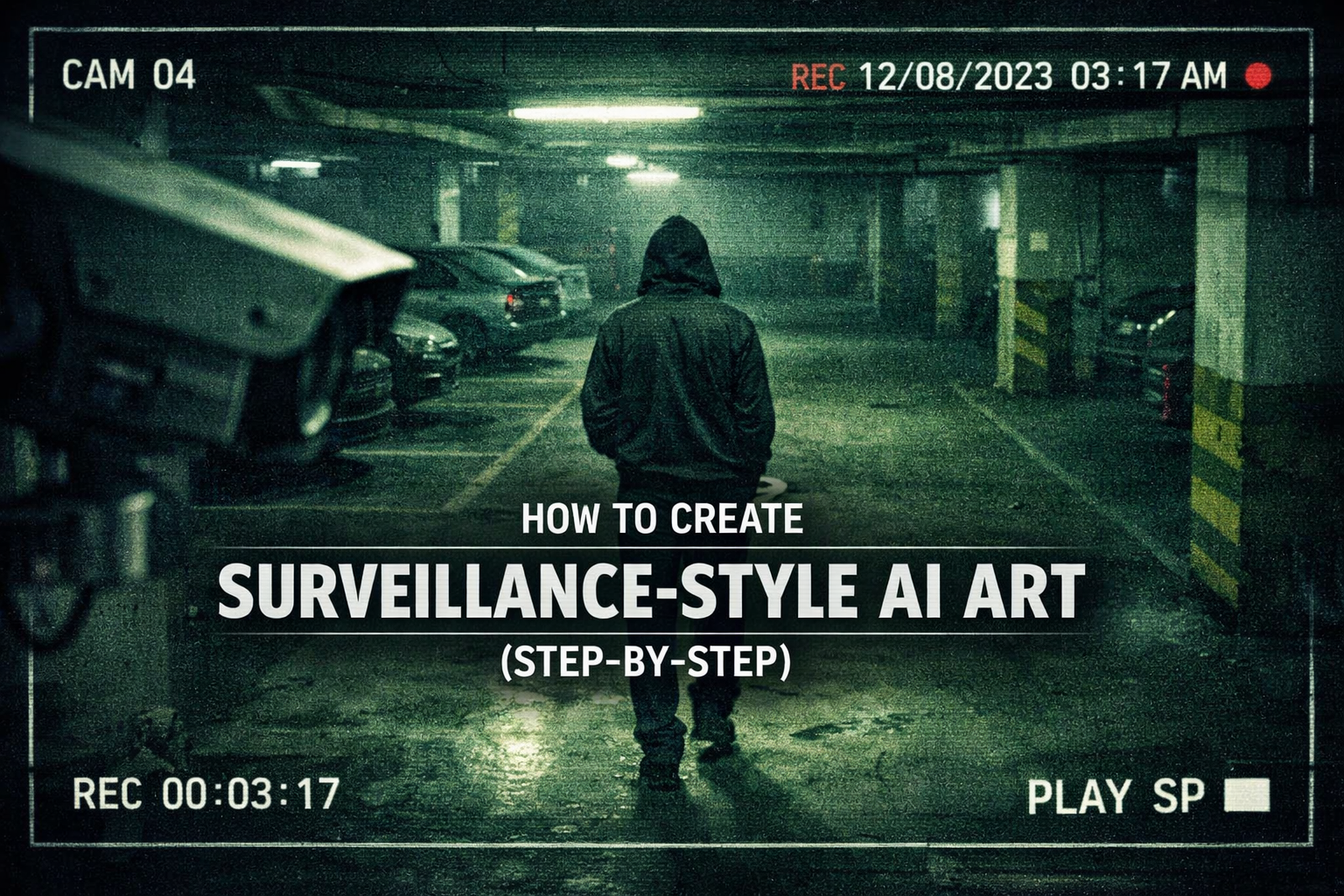
How to Create Surveillance-Style AI Art (Step-by-Step)
How to Create Surveillance-Style AI Art (Step-by-Step)
Surveillance-style AI art doesn’t try to impress you with beauty. Instead, it unsettles you. It feels accidental, intrusive, and strangely honest—like a moment you were never meant to see. If you’ve ever paused while watching grainy CCTV footage and felt a quiet tension, you already understand why this style resonates so deeply.
In this guide, you’ll learn how to create surveillance-style AI art step-by-step, using practical techniques that focus on realism, imperfection, and atmosphere. You don’t need to be an expert artist or a technical wizard. You only need the right mindset, the right prompts, and an understanding of how surveillance cameras actually see the world.
Why Surveillance-Style AI Art Feels So Real
When you create traditional AI art, the goal is often clarity and polish. Surveillance-style AI art flips that logic completely. You are intentionally removing beauty to gain authenticity.
This style works because it mirrors how you experience modern life:
- You are constantly recorded, but rarely seen clearly
- Moments feel fragmented, incomplete, and anonymous
- Emotion comes from context, not facial perfection
Surveillance-style AI art captures those feelings by embracing flaws instead of hiding them.
What Defines Surveillance-Style AI Art?
Before you start creating, you need to understand what separates surveillance-style visuals from cinematic or documentary AI art.
Key Visual Characteristics
- Fixed camera angles (corners, ceilings, high walls)
- Wide lenses with distortion
- Low resolution and compression artifacts
- Motion blur and digital noise
- Harsh or artificial lighting
- Empty or indifferent environments
Your goal is not to make the image “look cool.” Your goal is to make it look unintentional.
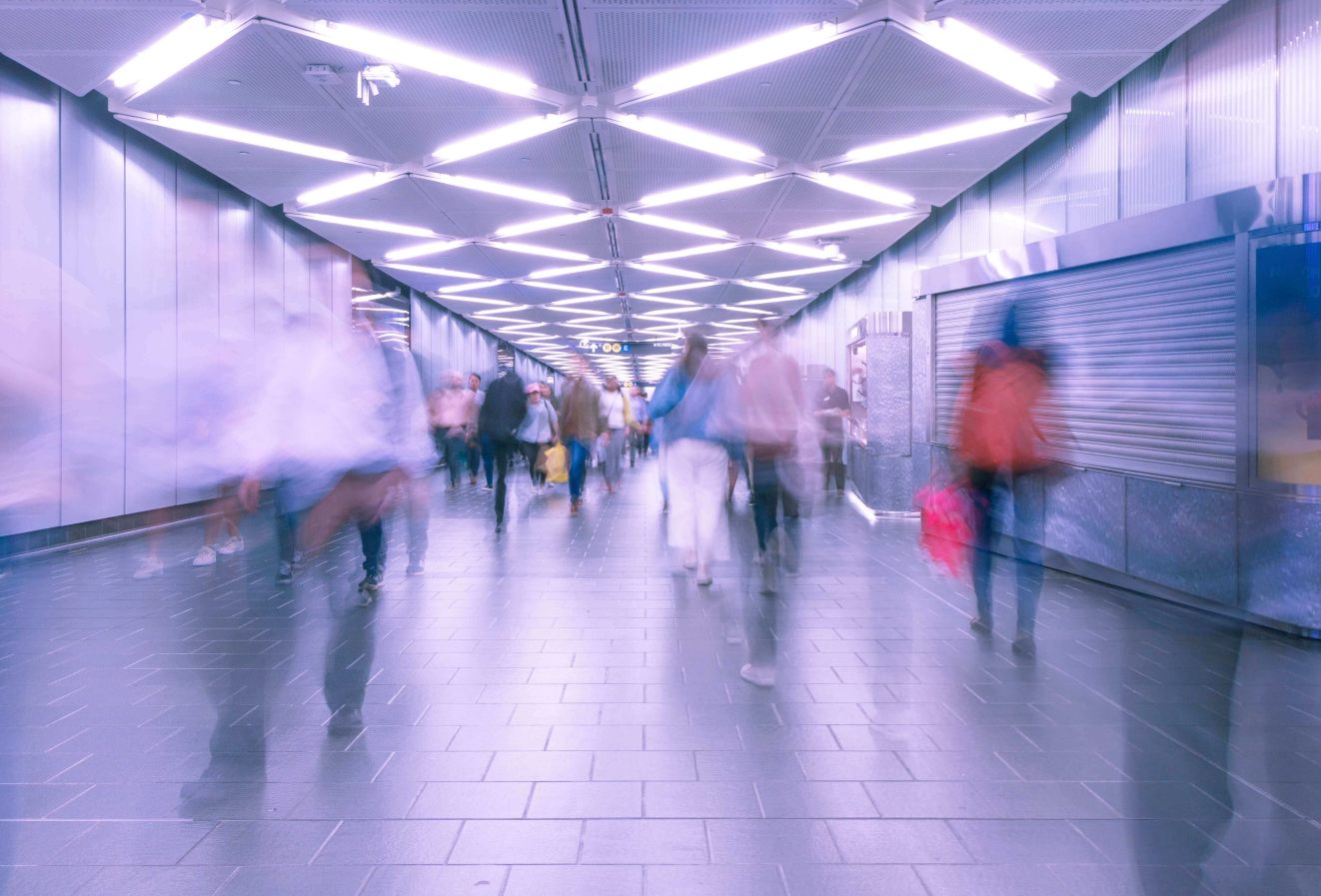
Tools You Can Use to Create Surveillance-Style AI Art
You can achieve this style with most modern AI image generators, as long as you control the prompts correctly.
Recommended AI Generators
- Text-to-image models that allow realism control
- Platforms that support aspect ratios like 16:9 or 4:3
- Tools that respond well to technical camera language
You may also want basic image-editing software for final touches, but heavy editing is not required if your prompt is strong.

How to Create Surveillance-Style AI Art (Step-by-Step)
This is the core of the process. Follow these steps in order, and you’ll avoid the most common mistakes.
Step 1: Choose the Right Environment
Surveillance cameras exist in specific places. Choose locations where surveillance makes sense:
- Parking garages
- Apartment hallways
- Elevators
- Street intersections
- Store entrances
Avoid dramatic landscapes or artistic interiors. Mundane spaces work best.
Step 2: Lock the Camera Perspective
You are not “photographing” the scene. You are observing it from a machine’s position.
Use prompt language such as:
- Fixed CCTV camera
- Ceiling-mounted security camera
- High-angle wide lens
- Static viewpoint
Never describe handheld cameras, shallow depth of field, or artistic framing.
Step 3: Reduce Visual Quality on Purpose
This is where many people fail. Surveillance-style AI art looks convincing because it lacks detail.
In your prompts, include:
- Low resolution
- Compression artifacts
- Digital noise
- Slight blur
- Poor focus
If the image looks too clean, it will break the illusion instantly.
Step 4: Add Surveillance-Specific Details
Small details are what sell the image.
Consider adding:
- Timestamp overlays
- Camera ID numbers
- Date and time text
- Night vision tint
- Infrared lighting
These elements should feel functional, not decorative.
Step 5: Control Lighting and Mood
Surveillance cameras don’t wait for perfect light. They record whatever exists.
Describe lighting as:
- Harsh fluorescent
- Dim streetlights
- Overhead artificial light
- Uneven illumination
Avoid words like “cinematic,” “dramatic,” or “soft lighting.”
A Simple Prompt Formula You Can Reuse
Use this structure as a foundation and adjust it based on your scene.
Prompt Structure
- Location and environment
- Camera type and position
- Lighting conditions
- Visual imperfections
- Surveillance overlays
Example Prompt Breakdown (Conceptual)
| Element | Purpose |
|---|---|
| Fixed CCTV angle | Removes artistic framing |
| Wide lens | Adds distortion |
| Low resolution | Increases realism |
| Timestamp overlay | Signals surveillance |
| Neutral scene | Avoids dramatization |
This formula helps you stay consistent and avoid over-stylization.
Common Mistakes That Ruin Surveillance-Style AI Art
Even strong prompts can fail if you fall into these traps.
Making the Image Too Artistic
If your image looks like a movie still, it’s no longer surveillance-style.
Showing Perfect Faces
Surveillance cameras rarely capture clean facial detail. Partial visibility feels more authentic.
Overusing Effects
One timestamp is enough. Too many overlays make the image feel artificial again.
Advanced Techniques for More Realistic Results
Once you understand the basics, you can push the realism further.
Use Empty Space Strategically
Large unused areas in the frame increase tension and realism.
Let the Story Stay Incomplete
Surveillance-style AI art works best when nothing is fully explained. A person half-entering the frame is more powerful than a clear subject.
Embrace Awkward Composition
Crooked framing and cut-off objects add credibility.
Ethical Considerations You Should Not Ignore
Because this style mimics real surveillance, responsibility matters.
You should:
- Avoid real individuals or recognizable likenesses
- Use fictional or generic settings
- Frame the art as commentary, not imitation
Ethical awareness also builds trust with your audience and platforms.
Frequently Asked Questions About How to Create Surveillance-Style AI Art (Step-by-Step)
How do you create surveillance-style AI art step-by-step as a beginner?
You focus on fixed camera angles, low image quality, realistic locations, and minimal artistic styling. Start simple and refine slowly.
Which AI generator works best for surveillance-style AI art?
Any tool that respects realism prompts and technical camera descriptions can work. The prompt matters more than the platform.
Can surveillance-style AI art look realistic without editing?
Yes. Strong prompts often produce convincing results without post-processing.
Is surveillance-style AI art legal to create?
Yes, as long as you avoid real people and misleading representations.
Conclusion: Why This Style Keeps Growing
Learning how to create surveillance-style AI art step-by-step is not about mastering technology. It’s about understanding perspective—specifically, how machines observe humans without emotion. That tension is what makes this style powerful.
When you stop trying to impress and start trying to observe, your AI art changes completely. It becomes quieter, more unsettling, and far more memorable.
Strong Call-to-Action
Now it’s your turn. Take one ordinary location you pass every day and recreate it through a surveillance lens using AI. Share your result, refine your prompts, and experiment with imperfection. If you want more advanced prompt formulas, breakdowns, and creative inspiration, explore more AI art resources and keep pushing your style beyond what feels comfortable.