20 Best Prompts for Debugging Code
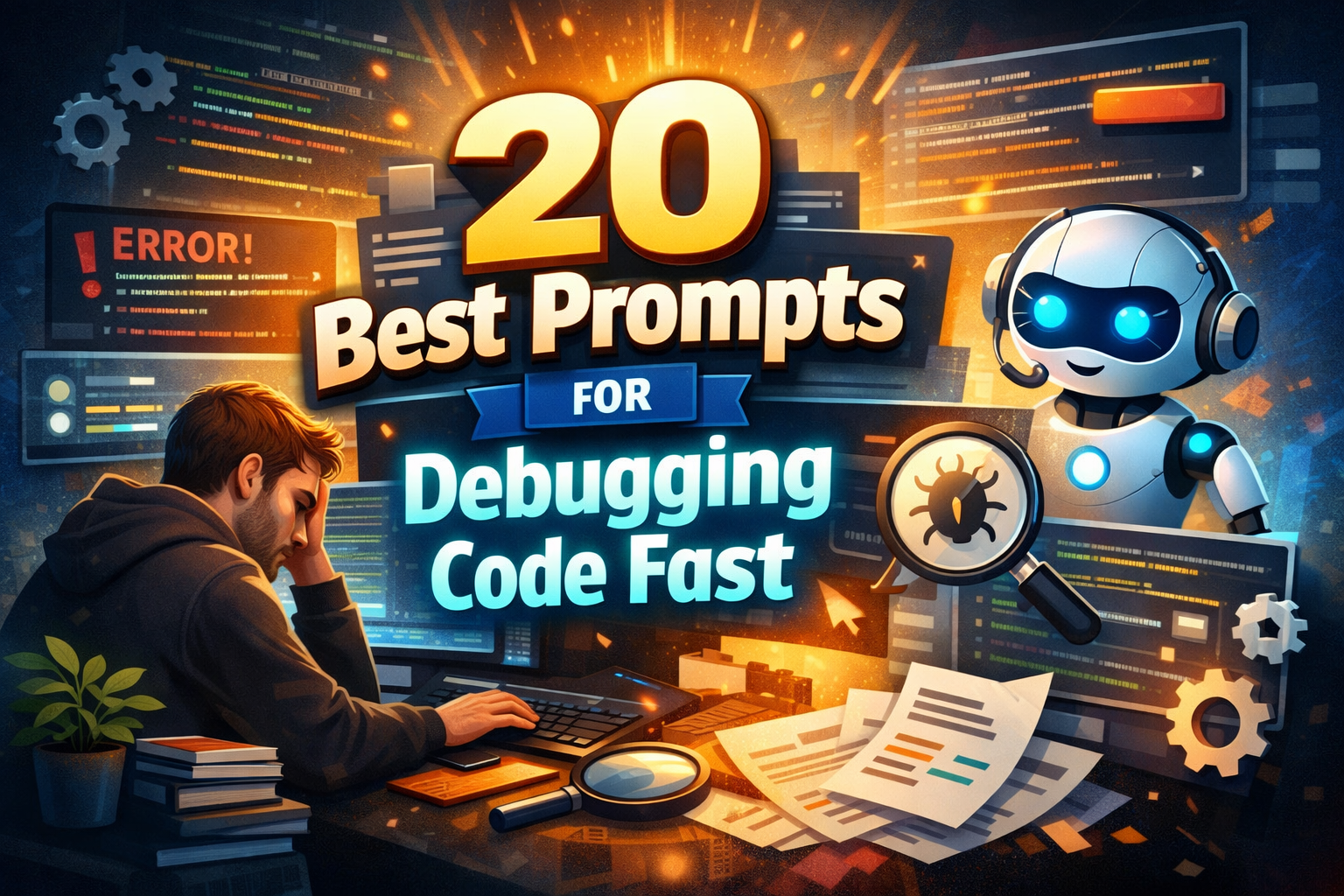
20 Best Prompts for Debugging Code Fast Debugging can feel like mental quicksand. You sit in front of your screen knowing the bug is small, yet every minute stretches into an hour. You read the same error message again and again, hoping it will suddenly make sense. If you’ve ever felt stuck like this, you’re not alone. Debugging isn’t just about logic—it’s about clarity, focus, and asking the right questions.
That’s where smart debugging prompts come in. When used correctly, they help you break problems down, spot patterns faster, and reach solutions without endless trial and error. In this guide, you’ll discover the 20 best prompts for debugging code fast, along with practical advice on how to use them effectively.
Why Debugging Takes Longer Than It Should
Before jumping into prompts, it helps to understand why debugging often slows you down.
Common reasons debugging feels painful
- Error messages are vague or misleading
- The codebase is large or unfamiliar
- Multiple things fail at once
- You fix symptoms instead of the root cause
When you debug without structure, your brain jumps between guesses. Prompts solve this by forcing a clear, step-by-step way of thinking.
How Debugging Prompts Speed Up Your Workflow
Debugging prompts work because they guide your attention. Instead of asking “Why doesn’t this work?”, you ask focused questions that narrow the problem space.
When you use strong prompts, you:
- Isolate the real cause faster
- Avoid repeating the same mistakes
- Reduce cognitive overload
- Learn why a fix works, not just what to change
This is especially useful when you’re under time pressure or working on complex systems.
How to Use Debugging Prompts Correctly
A prompt is only as good as the information you give it.
Best practices before using any prompt
- Include the exact error message
- Share only the relevant code snippet
- Explain expected vs actual behavior
- Mention language, framework, and environment
Avoid dumping entire files. Precision always beats volume.
20 Best Prompts for Debugging Code Fast
Below are the most effective debugging prompts, grouped by problem type. You can reuse these whenever you feel stuck.
Syntax and Compilation Errors
- “Explain this error message in plain English and point to the exact line causing it.”
- “Check this code for syntax mistakes or missing brackets and explain the fix.”
- “Why does this code fail to compile, and what rule is being violated?”
These prompts help when the compiler complains but doesn’t clearly explain why.
Runtime Errors and Crashes
- “Analyze this runtime error and explain what triggers it step by step.”
- “What conditions could cause this null or undefined error?”
- “Review this stack trace and identify the original source of the crash.”
Use these when your code runs but suddenly breaks during execution.
Logic and Incorrect Output
- “Compare expected output vs actual output and explain where the logic diverges.”
- “Trace the execution flow of this function and highlight logical flaws.”
- “What edge cases could cause this function to behave incorrectly?”
Logic bugs are often silent. These prompts force visibility.
Loop and Condition Issues
- “Check this loop for infinite conditions or incorrect exit logic.”
- “Explain why this condition never evaluates to true.”
Perfect for bugs that don’t crash—but never finish either.
Performance and Efficiency Problems
- “Identify performance bottlenecks in this code and suggest optimizations.”
- “Which parts of this function cause unnecessary repeated computations?”
These prompts help when your code works but feels painfully slow.
Framework and Environment Bugs
- “Explain why this behaves differently in development vs production.”
- “Check this framework-specific code for common configuration mistakes.”
Environment mismatches cause many hidden bugs, especially in web and mobile apps.
Concurrency and Advanced Issues
- “Analyze this code for race conditions or timing issues.”
- “What thread-safety problems could exist here?”
Concurrency bugs are subtle. Structured prompts make them visible.
Code Quality and Prevention
- “Refactor this code to reduce future bugs while keeping behavior the same.”
- “Suggest unit tests that would have caught this bug earlier.”
- “Explain this bug as if teaching a junior developer.”
These prompts don’t just fix bugs—they make you better at avoiding them.
Debugging Prompt Recipe (Reusable Table)
Think of debugging like cooking. You need the right ingredients before expecting a good result.
| Ingredient | What You Should Include |
|---|---|
| Language | Python, JavaScript, Java, etc. |
| Error Message | Exact text, no paraphrasing |
| Code Snippet | Minimal reproducible example |
| Expected Result | What you want to happen |
| Actual Result | What happens instead |
| Environment | OS, framework, version |
| Goal | Fix, explain, or optimize |
Using this structure dramatically improves debugging speed.
Common Mistakes That Slow Debugging Down
Even great prompts fail when used poorly.
Mistakes to avoid
- Asking overly broad questions
- Ignoring error messages
- Fixing surface issues only
- Changing multiple things at once
Smarter approach
- Debug one issue at a time
- Validate assumptions
- Test after every change
This keeps your debugging process controlled and predictable.
FAQs: 20 Best Prompts for Debugging Code Fast
What are the 20 best prompts for debugging code fast?
They are structured questions designed to isolate errors, explain causes, and guide you toward faster solutions without guessing.
Can debugging prompts replace manual debugging?
No. They enhance your thinking but don’t replace understanding your codebase.
Do these prompts work for all languages?
Yes. The logic applies across frontend, backend, mobile, and systems programming.
Are debugging prompts safe for sensitive code?
Only if you avoid sharing secrets, keys, or private data.
Conclusion: Debug Smarter, Not Longer
Debugging doesn’t have to drain your energy or confidence. When you use the 20 best prompts for debugging code fast, you shift from frustration to clarity. You stop guessing and start reasoning. Over time, this habit doesn’t just fix bugs—it sharpens how you think as a developer.
Your next step
Save this list. Use one prompt the next time you’re stuck. Share it with your team. The faster you debug, the more time you’ll spend building things that actually matter.